37
5.6 Monitor
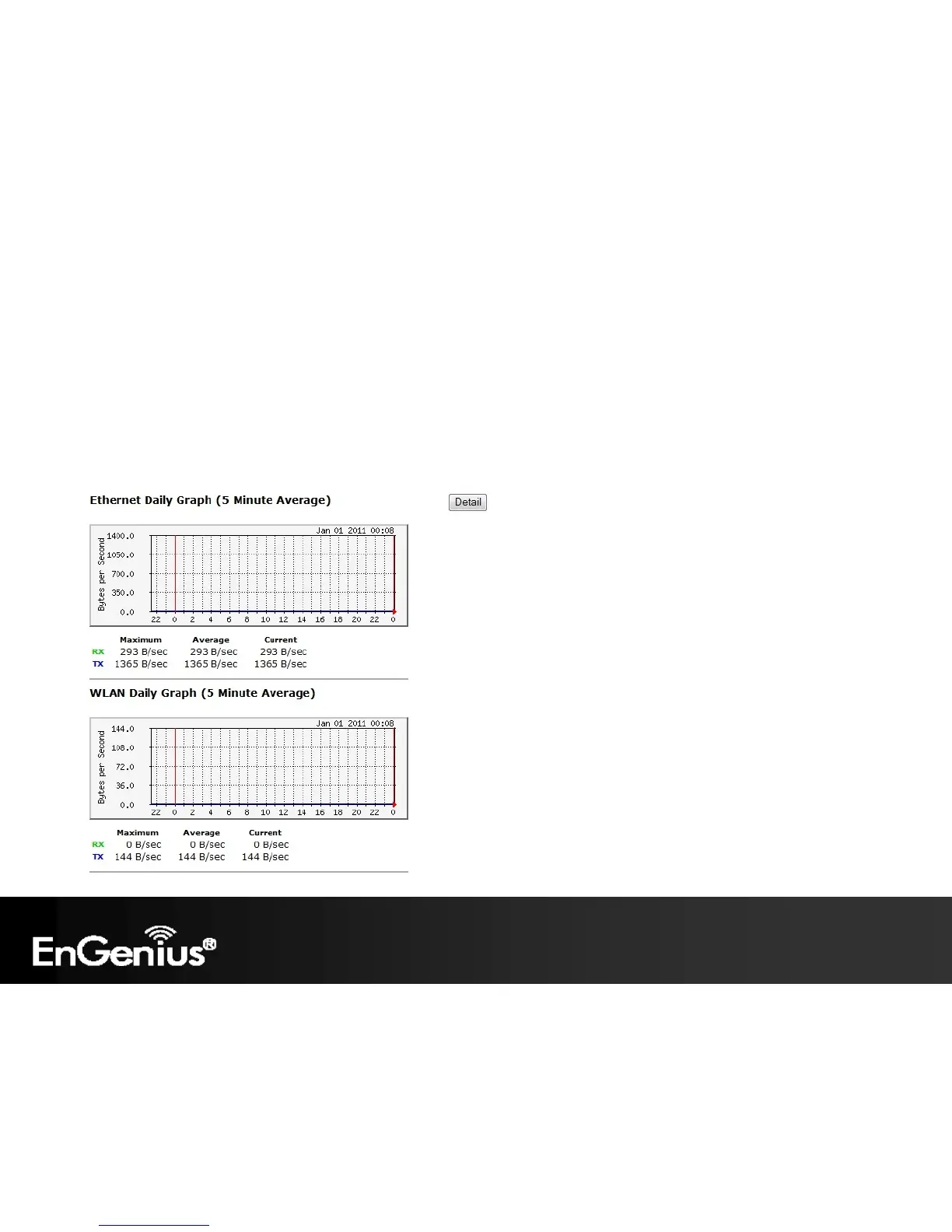
The Monitor option of the System menu displays 2 histogram graphs. The histograms represent the bandwidth usage of
both the daily use of the Ethernet and the daily use of the WLAN. If you click on Detail, a new browser window will open
with 4 additional histograms (6 total). In the new browser window, you will be able to view the weekly and monthly
bandwidth usage for both the Ethernet and WLAN.















 To Next Page