64
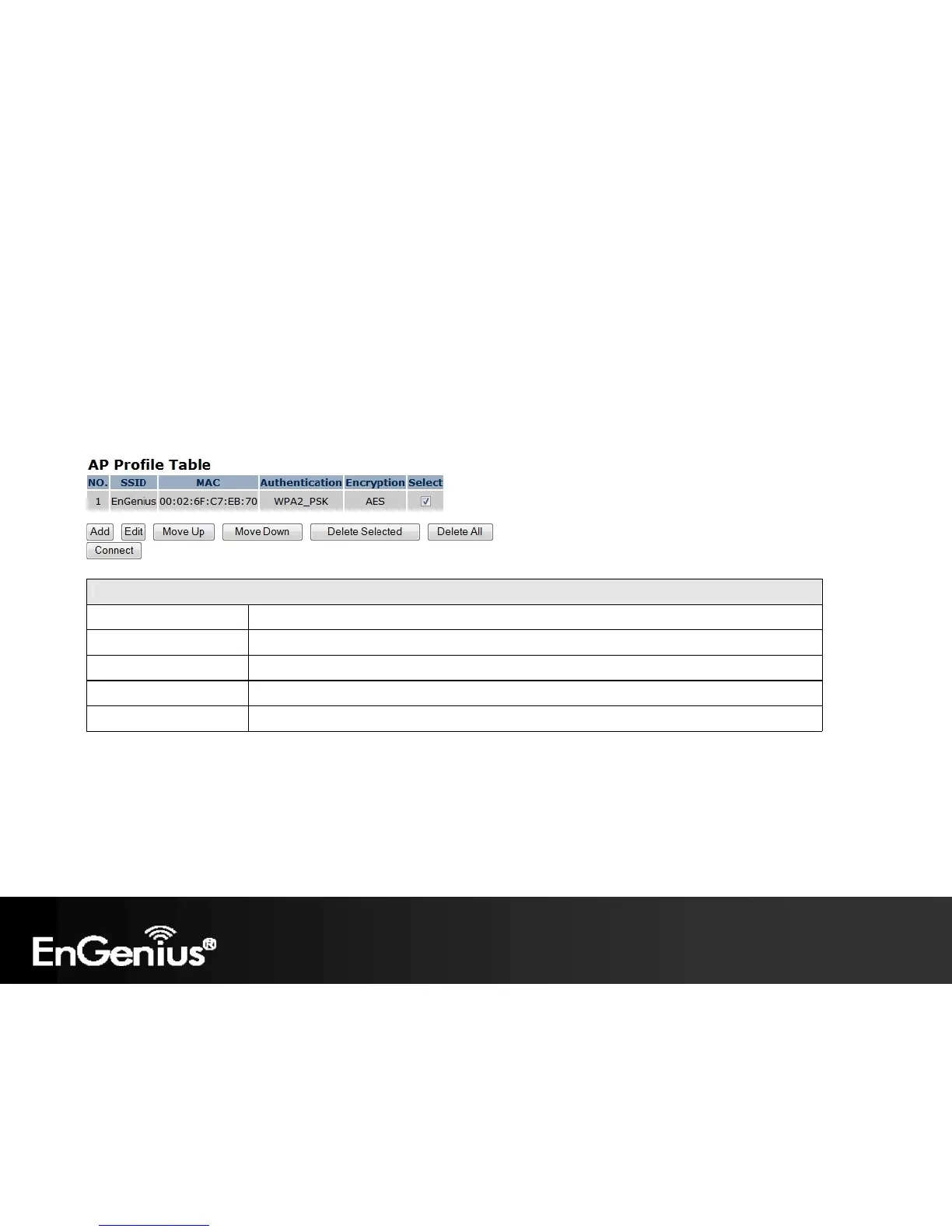
6.10 AP Profile
This page allows you to configure the profile of the Client Bridge including Security Setting exactly the same as the Access
Point. You can save three AP profiles at most.
Note: Only in Client Bridge mode.
AP Profile Table (Client Bridge mode)
Add / Edit Select a profile to add or edit.
Move Up / Move Down Select a profile to move up or move down.
Delete Selected Delete the selected entries.
Delete All Delete all entries
Connect Select a profile to connect.















 To Next Page