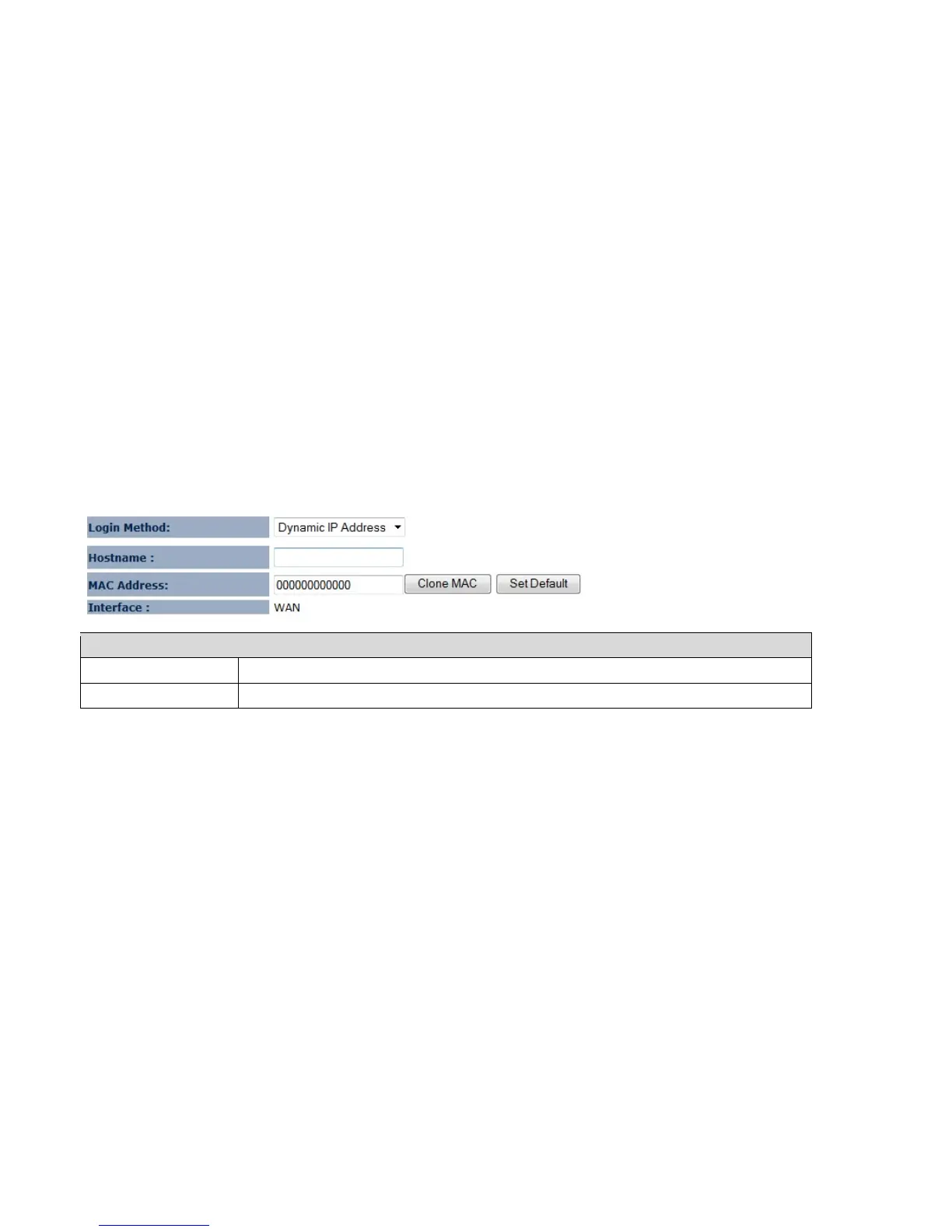
7.4.2 Dynamic IP Address
The IP Address is allocated automatically. However some ISP’s will also recognize the MAC address and will reject
connections if the MAC address does not match.
If your ISP has recorded the MAC address of your computer’s Ethernet LAN card, please connect only the computer with
the authorized MAC address, and click the Clone MAC button.
Note: This will replace the WAN MAC address to the computer MAC address. The correct MAC address is used to initiate the connection to the ISP.
Dynamic IP Address
Hostname This is optional. Only required if specified by ISP
MAC Address The MAC Address that is used to connect to the ISP.















 To Next Page