26
5 System
5.1 Operation Mode
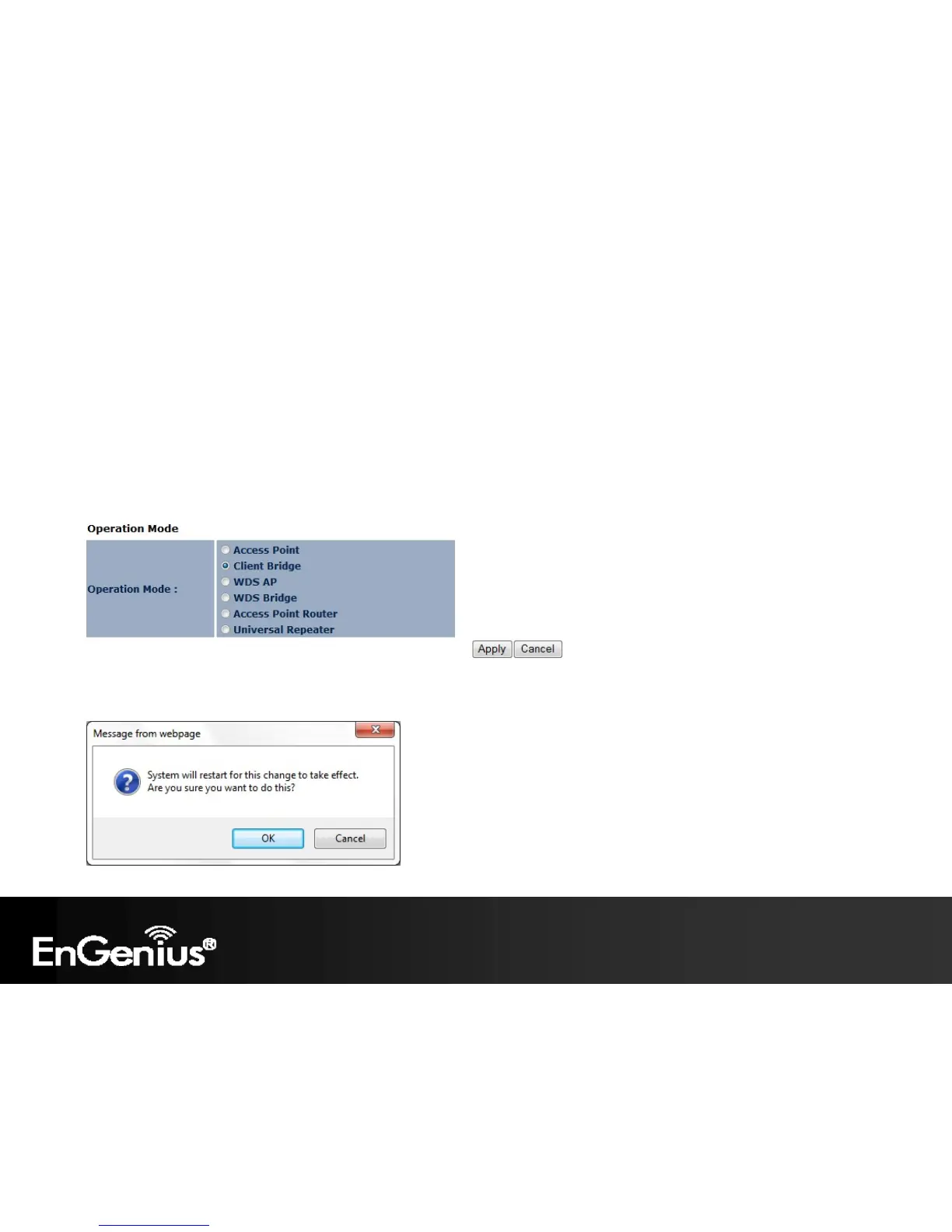
Each operating mode offers different features. In order to switch the operating mode, select it from the Operation Mode
from the System Menu. There are six operation modes: Access Point, Client Bridge, WDS AP, WDS Bridge, Access
Point Router and Universal Repeater.
A dialog box will appear to notify you that the system will restart in order for the changes to take effect. Click on the OK
button to continue.















 To Next Page