29
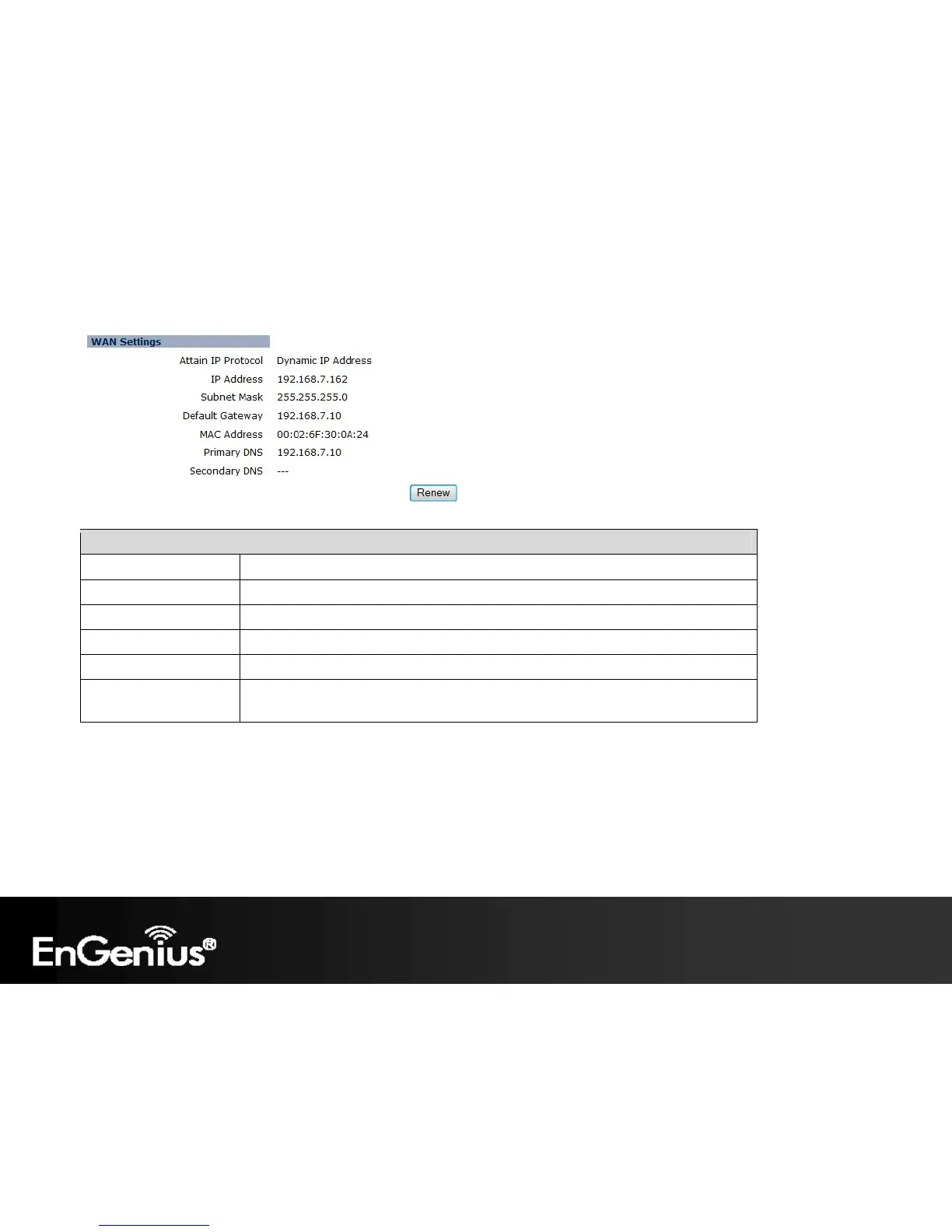
WAN Settings (Router mode)
Attain IP Protocol Method used to connect to the Internet. This is your WAN connection type.
IP Address The WAN IP address of the Router.
Subnet Mask The WAN subnet mask of the Router.
Default Gateway The default gateway of the Router.
MAC Address The WAN MAC address of the Router.
Primary and Secondary
DNS
The IP addresses of the Primary and Secondary DNS servers assigned to the WAN
connection.















 To Next Page