4.3ConfiguringMicrosoftWindowsXP
UsethefollowingproceduretoconfigureacomputerrunningMicrosoftWindowsXPwiththedefault
interface.IfyouusetheClassicinterface,wheretheiconsandmenusresemblepreviousWindows
versions,performtheprocedureinsection4.4.
1. OntheWindowstaskbar,clickStart,clickControlPanel,andthenclickNetworkand
InternetConnections.
2. ClicktheNetworkConnectionsicon.
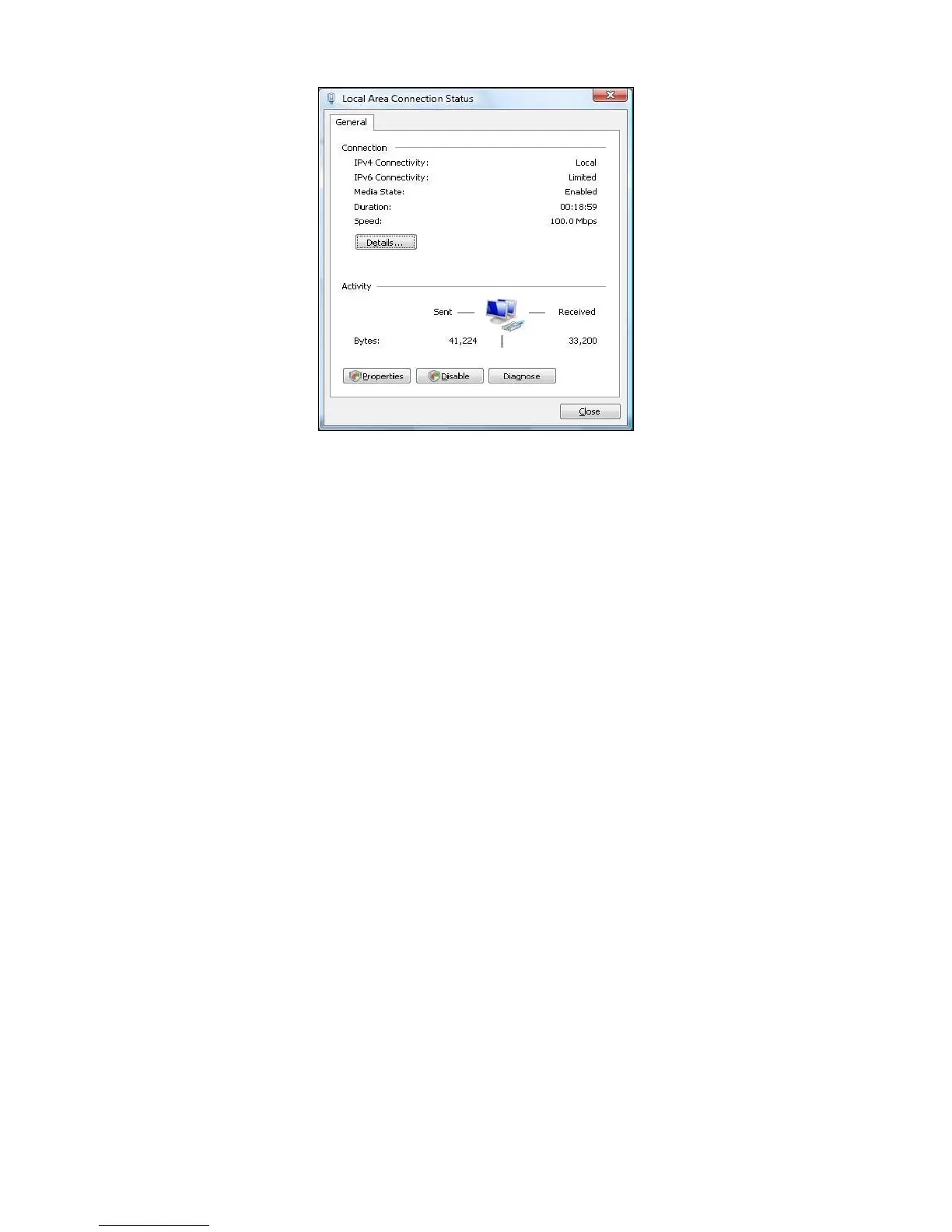
3. ClickLocalAreaConnectionfortheEthernetadapterconnectedtotheENH200.The
LocalAreaConnectionStatusdialogboxappears.
4. IntheLocalAreaConnectionStatusdialogbox,clickthePropertiesbutton.TheLocal
AreaConnectionPropertiesdialogboxappears.













 To Next Page