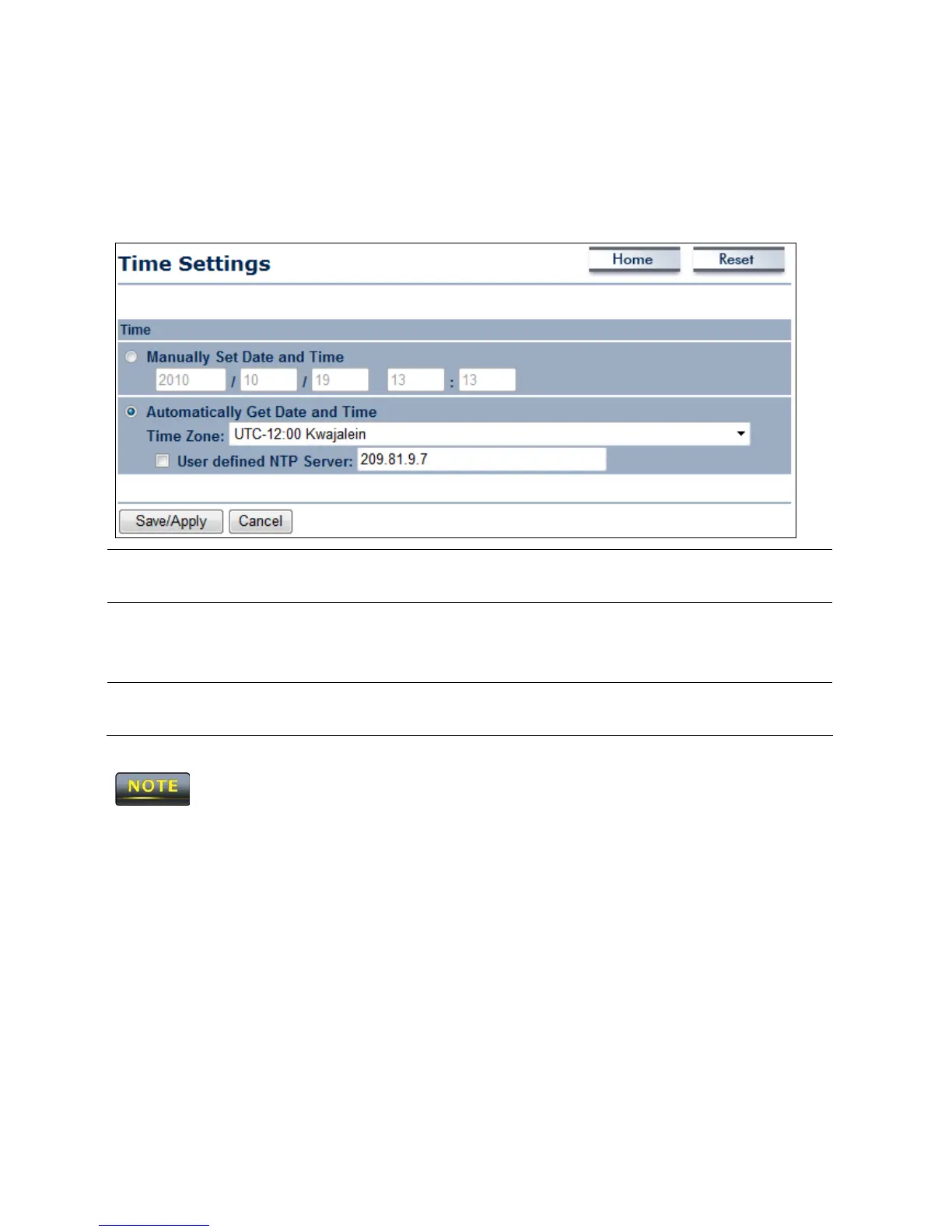
11.6 Time Settings
Click the Time Settings link under the Management menu to configure the ENH200 system
time. You can enter the time manually or, to ensure accuracy, synchronize the ENH200 with
Network Time Protocol (NTP) server.
Manually Set Date and
Time
Manually specify the date and time.
Automatically Get
Date and Time
Select a time zone from the drop-down list and check whether
you want to enter the IP address of an NTP server or use the
default NTP server.
Save/Apply / Cancel
Click Save/Apply to apply the changes or Cancel to return
previous settings.
Clicking Save/Apply changes the setting immediately. You cannot undo the action.













 To Next Page