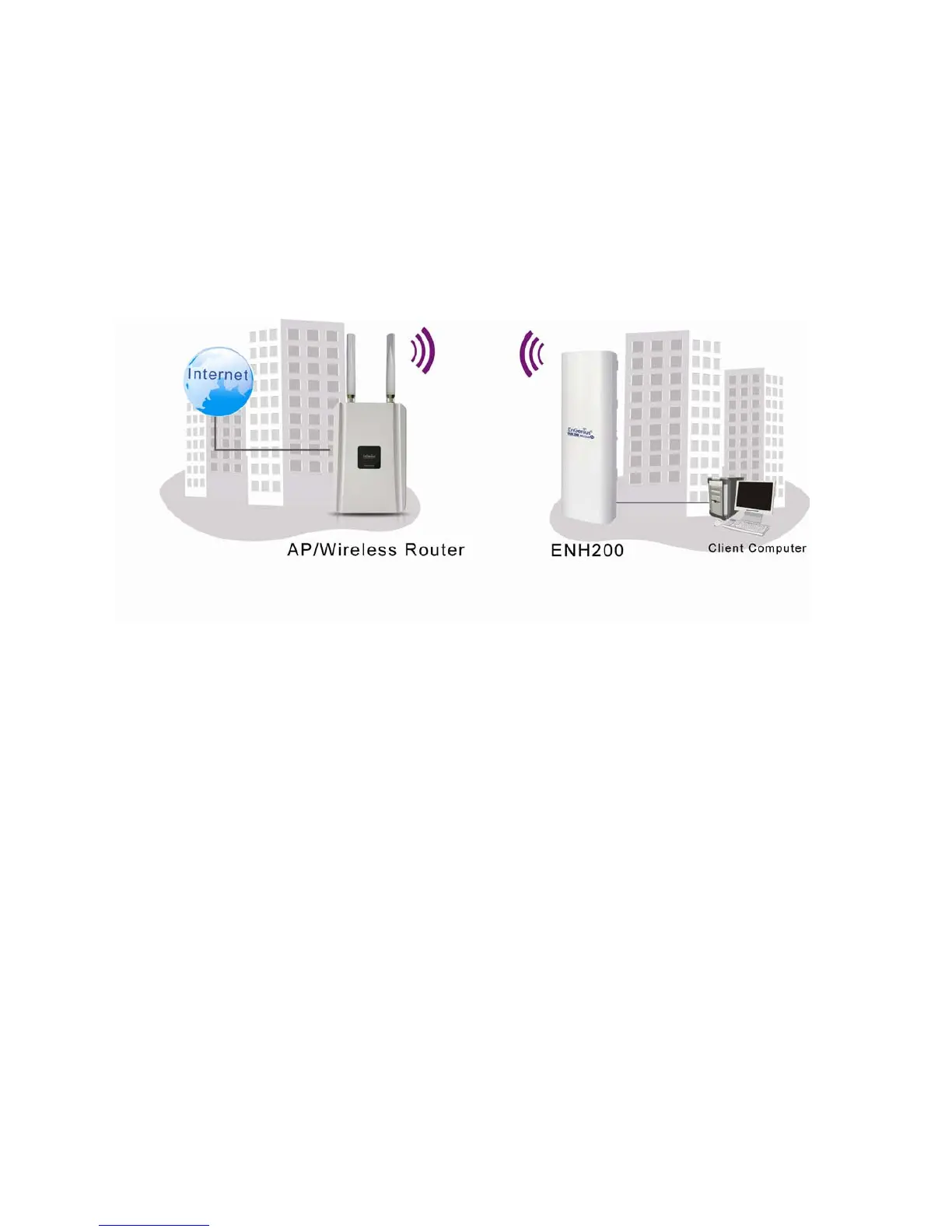
13.3 Client Bridge Mode
In Client Bridge Mode, the ENH200 behaves like a wireless client that connects to an Access
Point wirelessly and allows users to surf the Internet whenever they want. In this mode, use
the ENH200 Site Survey to scan for Access Points within range. Then configure the ENH200
SSID and security password accordingly to associate with the Access Point. In this
configuration, the station has a wired Ethernet connection to the ENH200 LAN port.













 To Next Page