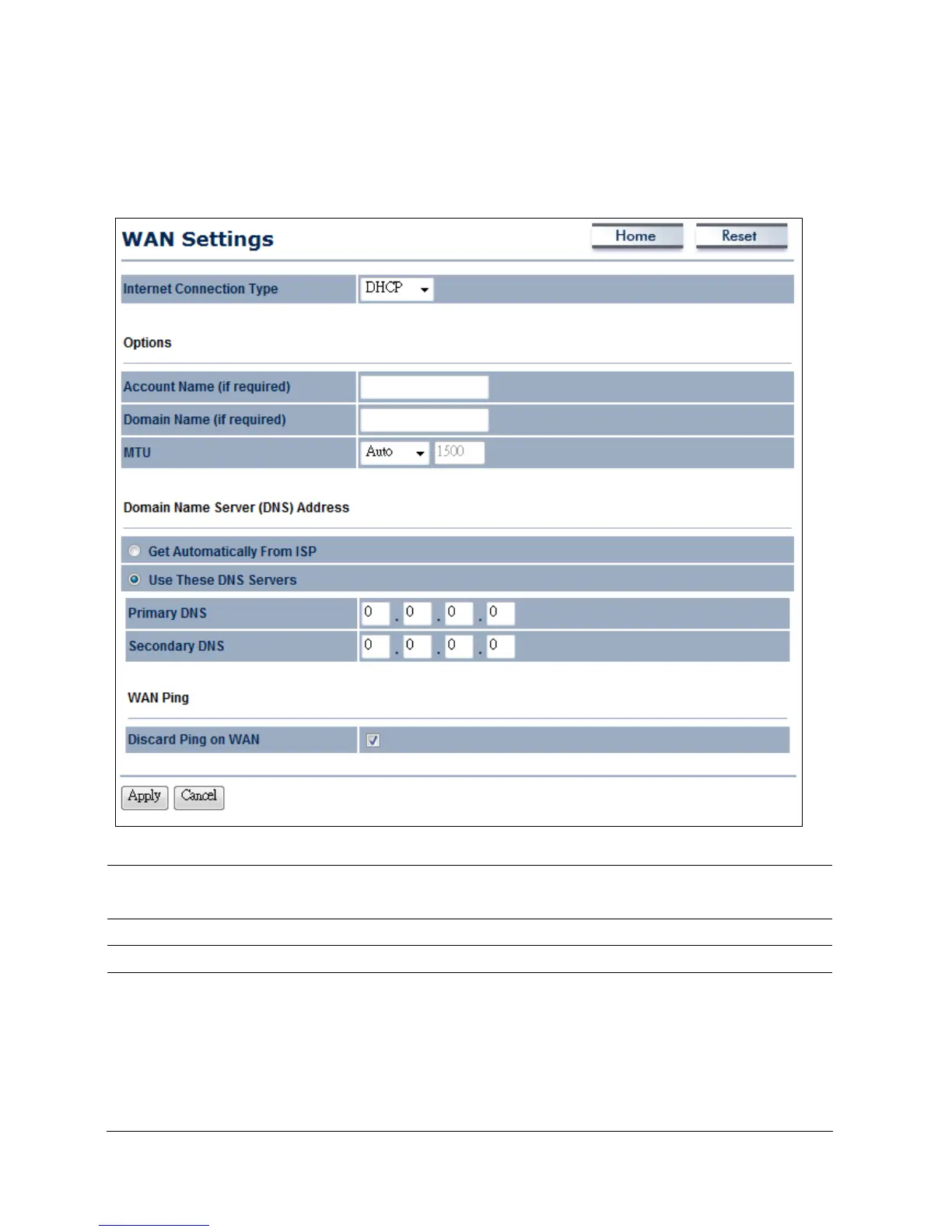
10.1.2 DHCP (Dynamic IP)
Select DHCP as your WAN connection type to obtain an IP address automatically. You will
need to enter account name as your hostname and, optionally, DNS information.
Internet Connection
Type
Select DHCP to begin configuration of the DHCP connection.
Account Name
Enter the account name provided by your ISP.
Domain Name
Enter the domain name provided by your ISP.
MTU
Specify the Maximum Transmit Unit size. It is recommended you
accept the default setting of Auto. Otherwise, packets will be
fragmented downstream if the MTU is set too high or too low,
which impacts network performance. In extreme cases, an MTU
setting that is too low can prevent the ENH200 from establishing
some connections.













 To Next Page