Chapter 13 Building a Wireless Network
With its ability to operate in various operating modes, your ENH200 is the ideal device around
which you can build your WLAN. This appendix describes how to build a WLAN around your
ENH200 using he device’s operating modes.
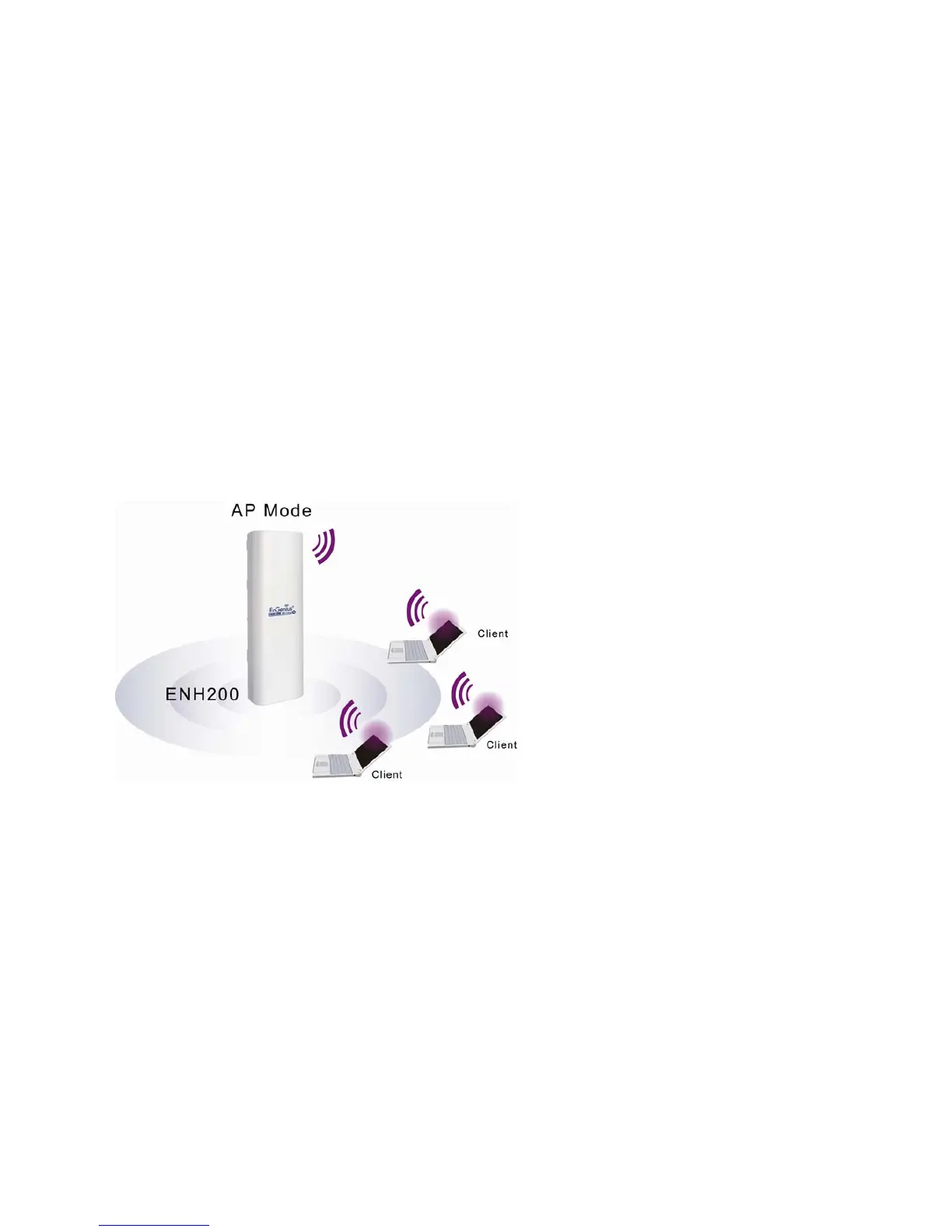
13.1 Access Point Mode
In Access Point Mode, ENH200 behaves likes a central connection for stations or clients that
support IEEE 802.11b/g/n networks. Stations and client must be configured to use the same
SSID and security password to associate with the ENH200. The ENH200 supports four
SSIDs at the same time for secure guest access.













 To Next Page