8.1.3 WDS Bridge Mode
Unlike traditional bridging. WDS Bridge Mode allows you to create large wireless networks by
linking several wireless access points with WDS links. WDS is normally used in large, open
areas, where pulling wires is cost prohibitive, restricted or physically impossible.
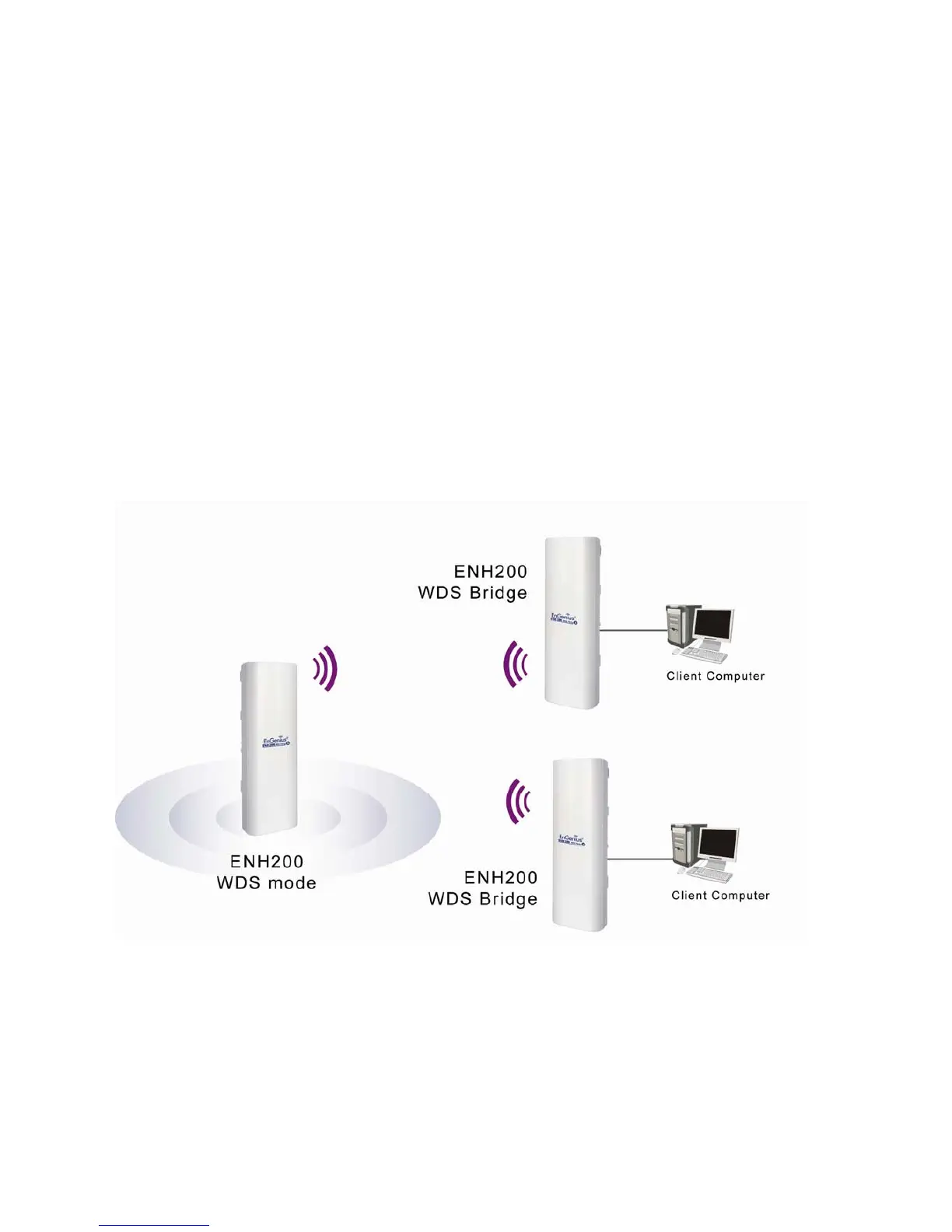
The following figure shows an example of three ENH200 configured for WDS Bridge Mode
communicating with each other. In this configuration, the ENH200 device on the left side of
the figure behaves as a standard bridge that forwards traffic between the WDS links (links
that connect to other ENH200 WDS bridges).
The sections that follow the figure below describe how to configure your ENH200 for WDS
Bridge Mode.













 To Next Page