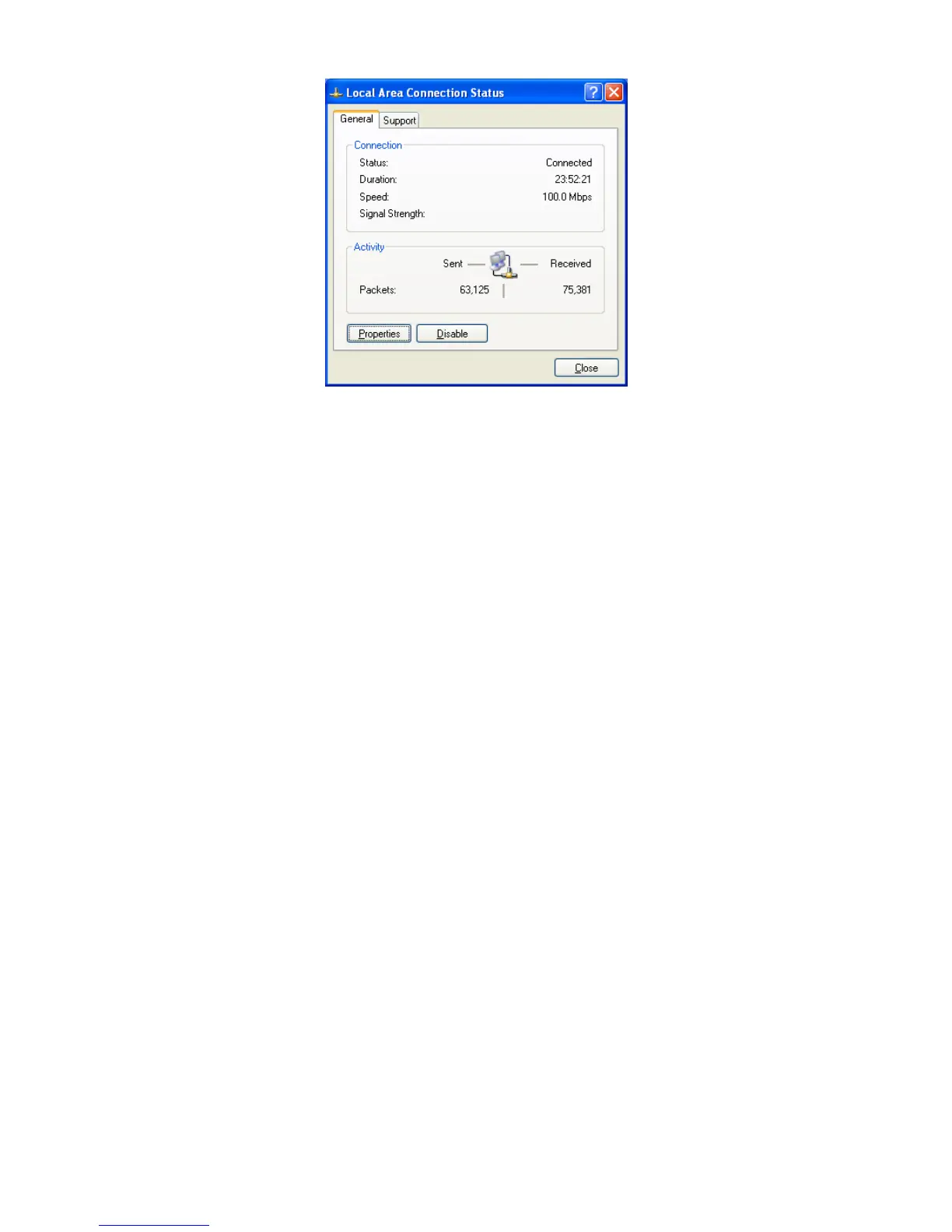
5. IntheLocalAreaConnectionPropertiesdialogbox,verifythatInternetProtocol(TCP/IP)
ischecked.ThenselectInternetProtocol(TCP/IP)andclickthePropertiesbutton.The
InternetProtocol(TCP/IP)Propertiesdialogboxappears.
6. IntheInternetProtocol(TCP/IP)Propertiesdialogbox,clickObtainanIPaddress
automaticallytoconfigureyourcomputerforDHCP.ClicktheOKbuttontosavethis
changeandclosetheInternetProtocol(TCP/IP)Propertiesdialogbox.
7. ClicktheOKbuttonagaintosaveyourchanges.
8. Restartyourcomputer.
4.4ConfiguringMicrosoftWindows2000
UsethefollowingproceduretoconfigureyourcomputerifyourcomputerhasMicrosoftWindows
2000installed.
1. OntheWindowstaskbar,clickStart,pointtoSettings,andthenclickControlPanel.
2. IntheControlPanelwindow,double‐clicktheNetworkandDial‐upConnectionsicon.If
theEthernetadapterinyourcomputerisinstalledcorrectly,theLocalAreaConnection
iconappears.
3. Double‐clicktheLocalAreaConnectioniconfortheEthernetadapterconnectedtothe
ENH200.TheLocalAreaConnectionStatusdialogboxappears.













 To Next Page