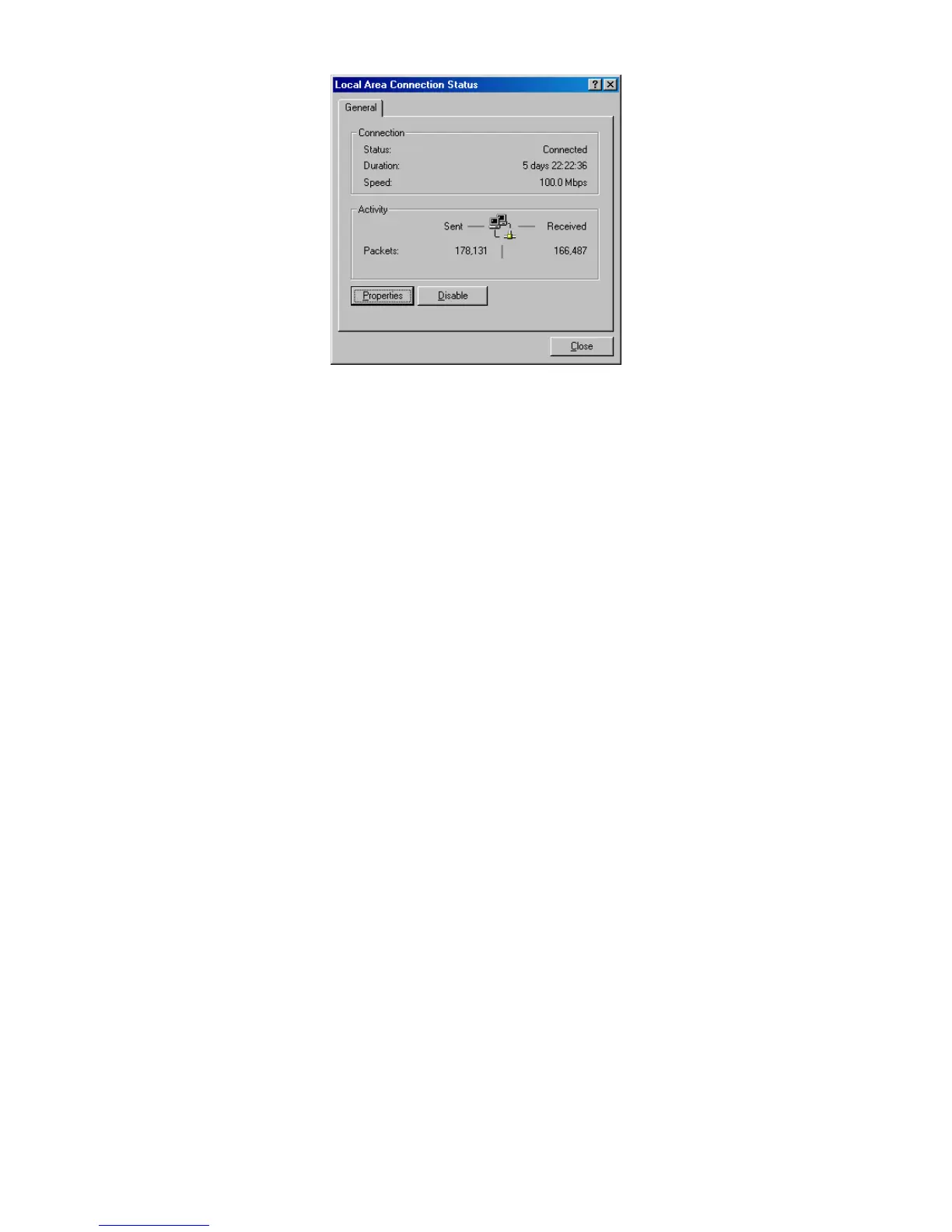
4. IntheLocalAreaConnectionStatusdialogbox,clickthePropertiesbutton.TheLocal
AreaConnectionPropertiesdialogboxappears.
5. IntheLocalAreaConnectionPropertiesdialogbox,verifythatInternetProtocol(TCP/IP)
ischecked.ThenselectInternetProtocol(TCP/IP)andclickthePropertiesbutton.
6. ClickObtainanIPaddressautomaticallytoconfigureyourcomputerforDHCP.
7. ClicktheOKbuttontosavethischangeandclosetheLocalAreaConnectionProperties
dialogbox.
8. ClickOKbuttonagaintosavethesenewchanges.
9. Restartyourcomputer.














 To Next Page