Profile
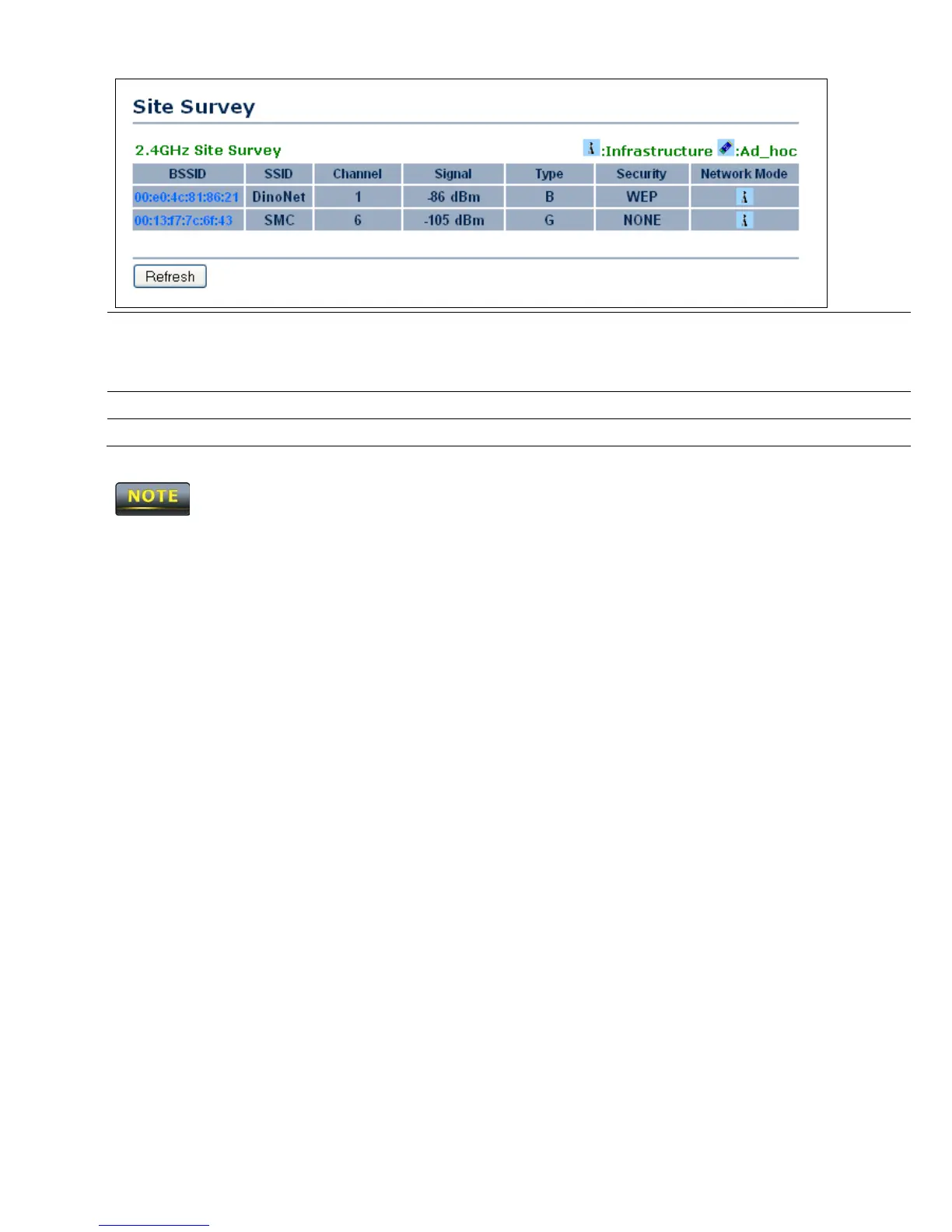
If you used the Site Survey, the Web Configurator shows nearby
Access Points. To connect to an Access Point, click the Access
Point’s BSSID.
Wireless Security
See the Wireless Security section.
Refresh
Click Refresh to scan again.
If the Access Point has been configured to suppress its SSID, the SSID section must be
completed manually.













 To Next Page