23
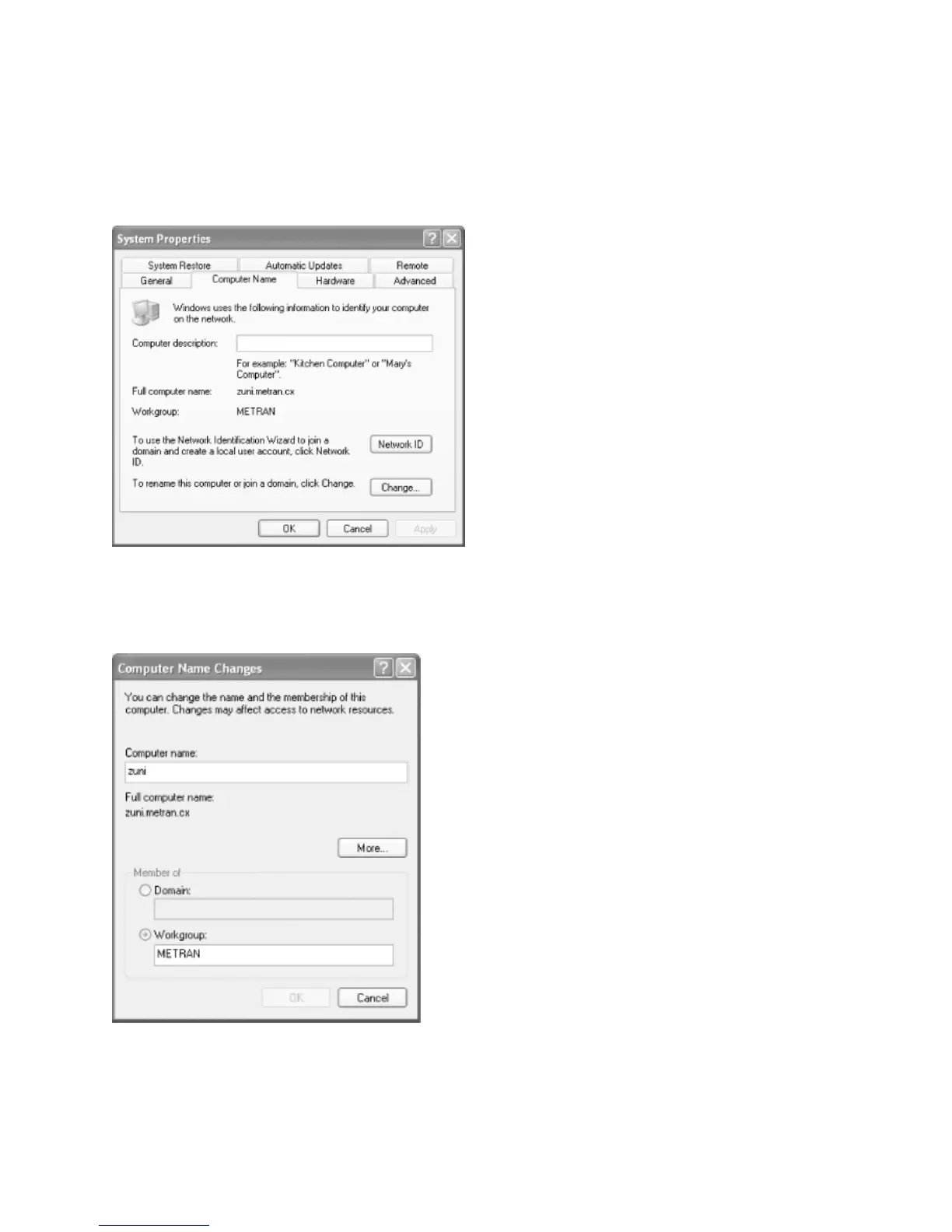
Step 3 – From the Control Panel, double-click the System icon to open the System
Properties dialog box. Click the Computer Name tab and the System Properties dialog box
will open.
To change your computer name and workgroup, click Change, which will bring up the
Computer Name Changes dialog box.
You need to identify your computer with a name and change the workgroup to the one you
specified in the web page of your Samba server. Don't worry that Windows forces the



 To Next Page