48
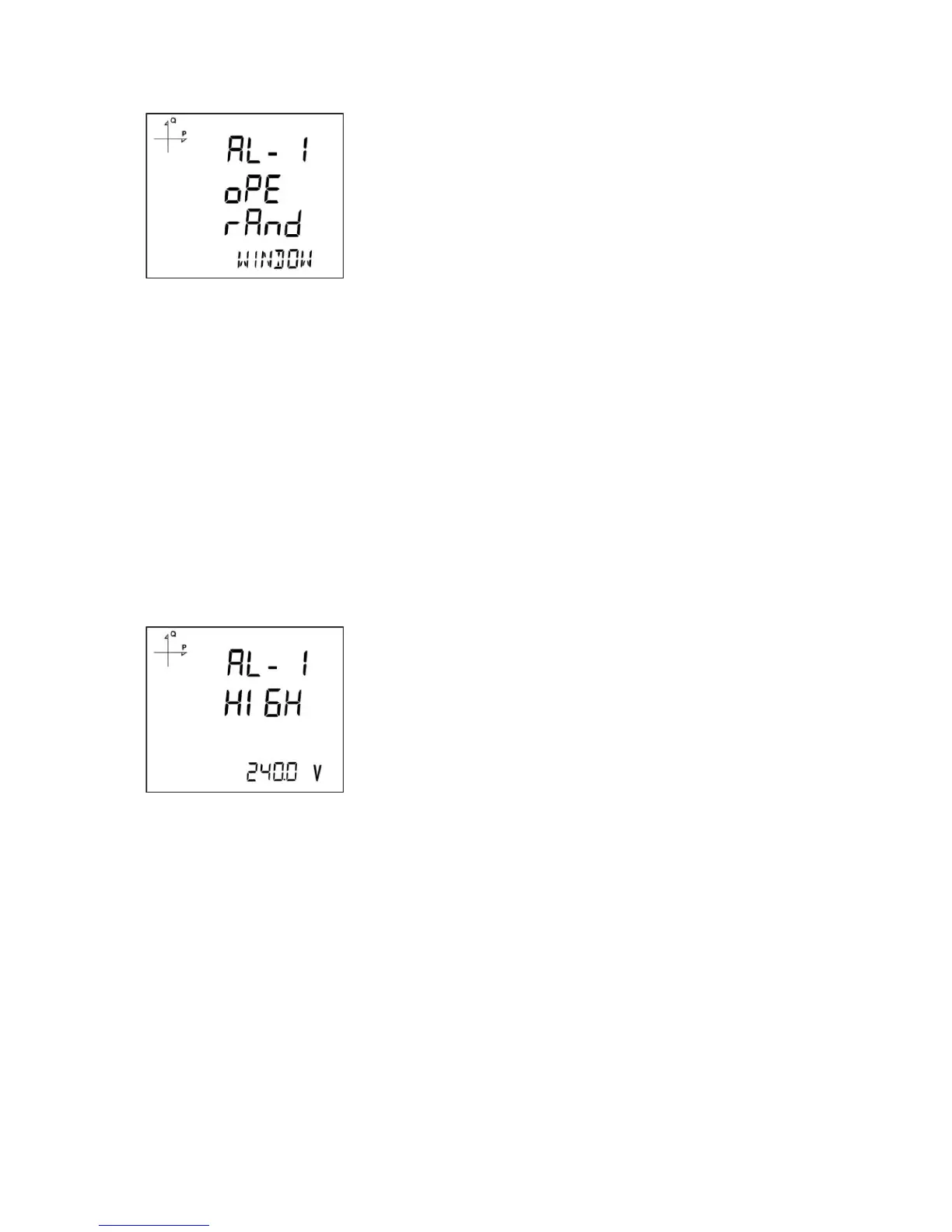
Alarm Operation Type Selection
1. While AL-1 OPE RAND is displayed, press the SET button to select the alarm operation type.
2. Select one of the following options by using UP/DOWN buttons:
a. In window
b. Out window
c. Lower than
d. Higher than
3. When “In window” or “Out window” options are selected, high and low limit values are entered.
4. When “Higher than” option is selected, a high limit value is entered. When “Lower than” option is
selected, a low limit value is entered.
5. Press SET button to approve your selection.
6. When exiting from the menu with the BACK or ESC button, don’t forget to save the changes.
High Alarm Limit Setting
A high limit for the alarm is entered in this menu.
1. While Alarm Enable is selected, find Alarm High menu with UP/DOWN buttons.
2. Press the SET button. Enter the high alarm limit with UP/DOWN buttons.
3. Press the SET button after completing your selection.
4. Alarm parameters can be saved for 4 different alarms separately.
5. When exiting from the menu with the BACK or ESC button, don’t forget to save the changes.



 To Next Page