40
Channel Blocking Edit
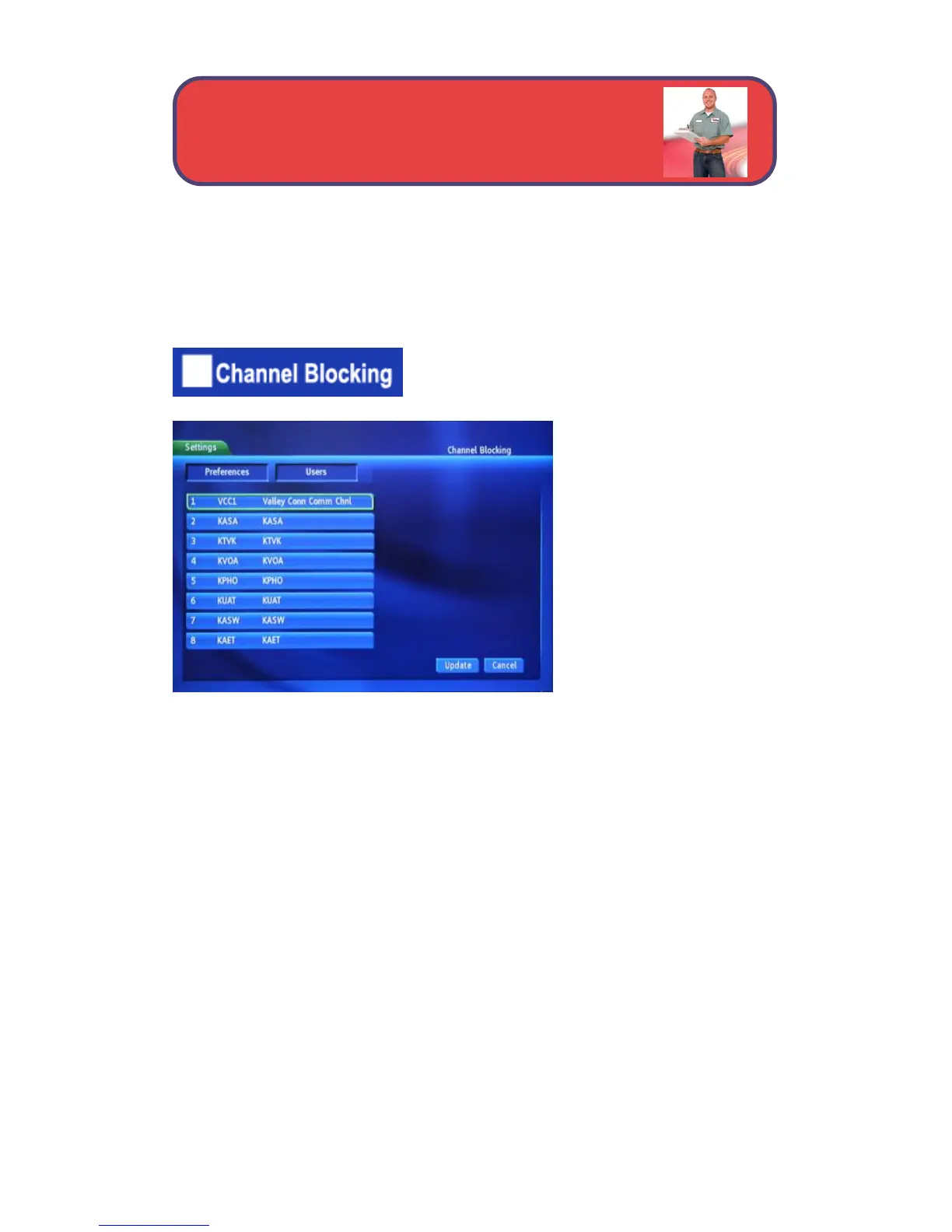
Channel Blocking Edit displays a list of all channels available. You can then
block or unlock any channel.
To block channels, highlight the Channel
Blocking Edit button and press OK.
The Channel Blocking list
will appear.
To block/unblock a
channel, highlight the
channel entry and press
OK.
To go to the next screen of
channels, press the up or
down arrow button.
To save your changes and return to the Preferences screen, highlight
Update and press OK.
Settings - Channel Blocking



 To Next Page