41
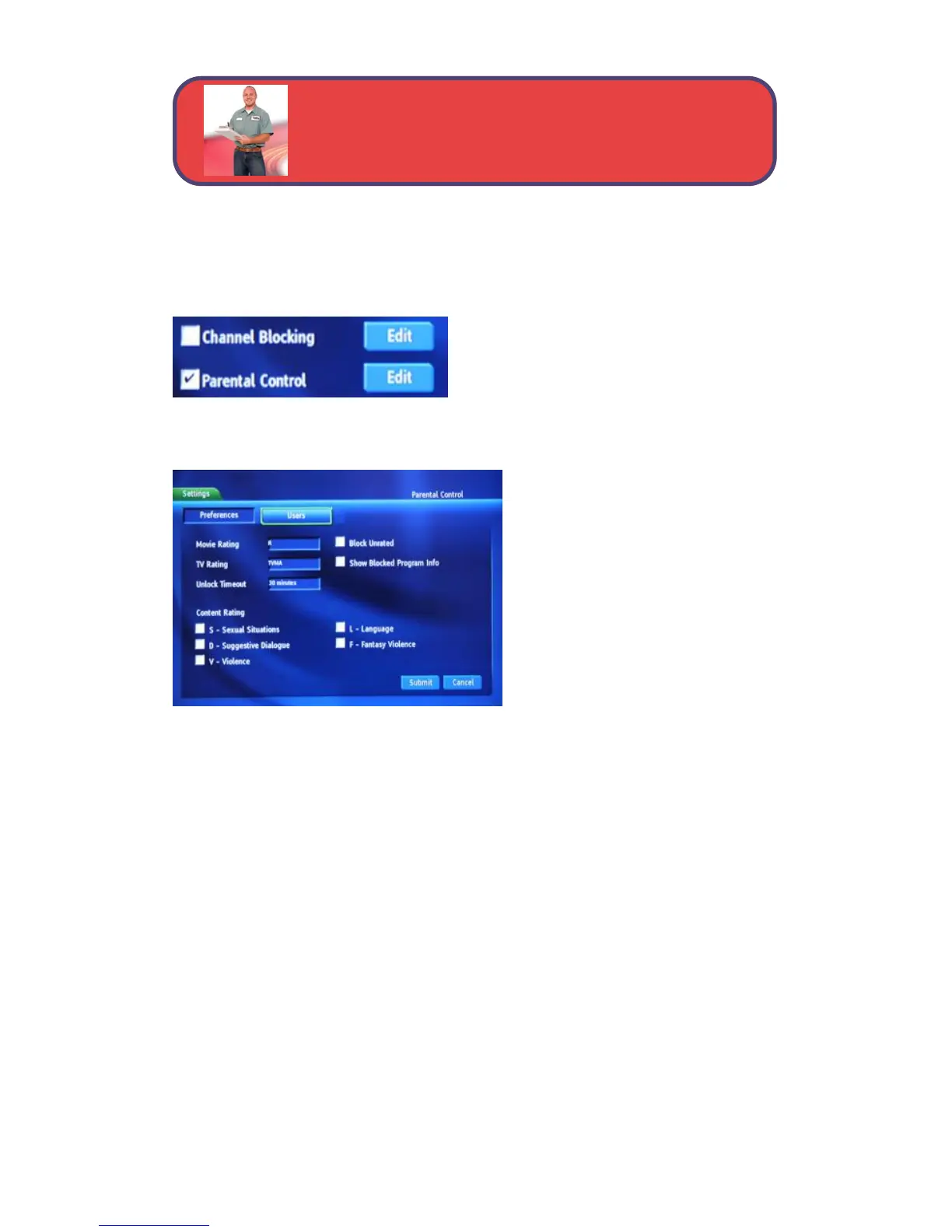
Parental Control Edit
Parental Control Edit allows you to set overall parental controls that affect
all users.
To edit parental controls for all users,
highlight the Parental Control Edit
button and press OK.
Movie Rating
Movie Rating determines the
highest rating for movies that
will not be blocked.
To set Movie Rating, highlight
the option box next to Movie
Rating and press OK.
Use the arrow buttons to display
G, PG-13, R, NC-17 or AO, then
press OK.
TV Rating
TV Rating determines the highest rating for television that will not be
blocked. Some TV shows do not have ratings.
To set TV Rating, highlight the option box next to TV Rating and press OK.
Use the arrow buttons to display TV-Y, TV-Y7, TV-G, TV-PG, TV-14, or
TV-MA, then press OK.
Block Unrated
Block Unrated allows or blocks any program that does not have a rating. To
turn Block Unrated on or off, highlight the check box and press OK.
Show Blocked Program Info
Show Blocked Program Info allows or blocks any information being listed
in the InfoBar or Guide for any program that has been blocked.
To turn Show Info For Blocked Programs on or off, highlight the check box
and press OK.
Parental Controls - Settings



 To Next Page