44
IP2288EN
EN
Type of
alarm
Display Description Operation
Service
alarm
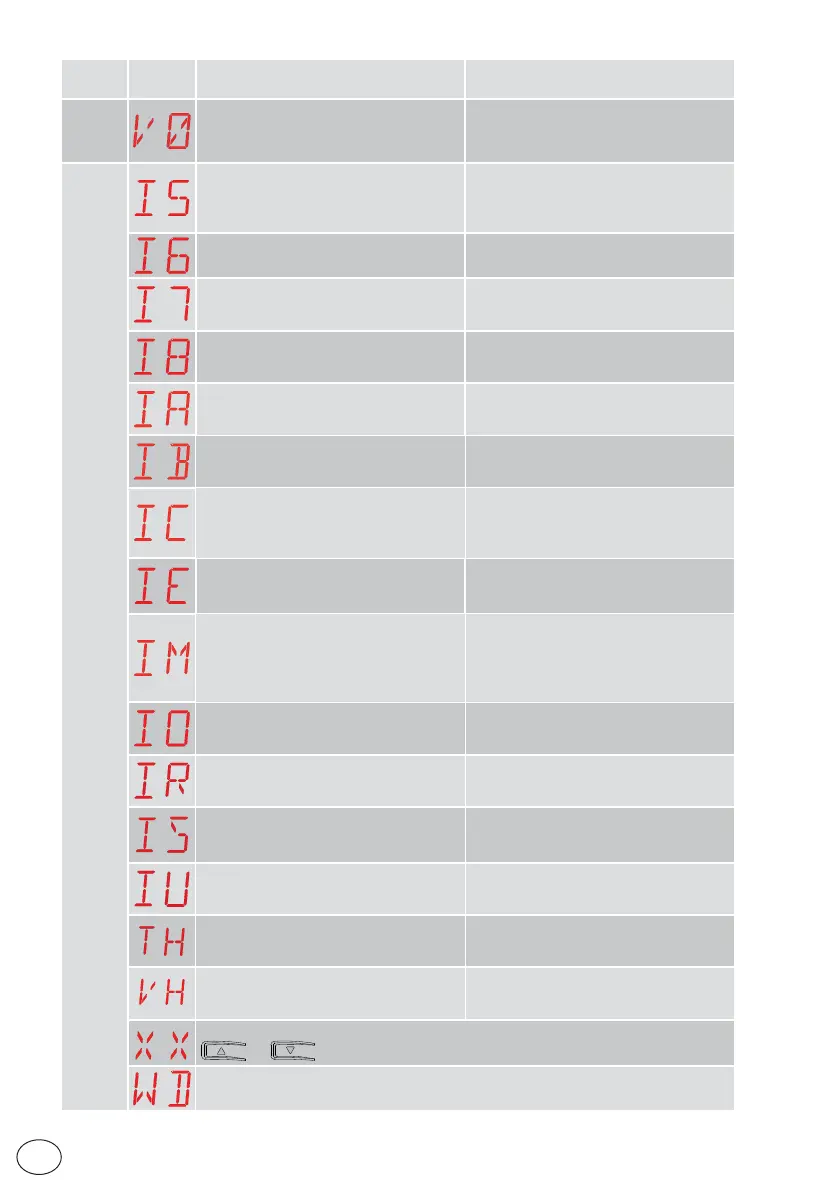
V0 - Request for maintenance intervention
Proceed with the scheduled maintenance
intervention.
Internal control panel alarm
I5 - No voltage 0-1 (faulty voltage regulator
or short-circuit on accessories)
Check there is no short circuit in connec-
tion 0-1.
If the problem persists, replace the control
panel.
I6 - Excessive voltage 0-1 (faulty voltage
regulator)
Replace the control panel.
I7 - Internal parameter error - value out-
side limits
Reset.
If the problem persists, replace the con-
trol panel.
I8 - Program sequence error
Reset.
If the problem persists, replace the con-
trol panel.
IA - Internal parameter error (EEPROM/
FLASH)
Reset.
If the problem persists, replace the con-
trol panel.
IB - Internal parameter error (RAM)
Reset.
If the problem persists, replace the con-
trol panel.
IC - Operation time-out error (>5 min or
>7 min in learning mode)
Manually check that the gate moves free-
ly.
If the problem persists, replace the con-
trol panel.
IE - Power supply circuit fault
Reset.
If the problem persists, replace the control
panel.
IM - MOSFET alarm - motor in short cir-
cuit or always ON
Reset.
If the problem persists, replace the con-
trol panel.
Check the settings / operating of any limit
switches.
IO - Interrupted motor power circuit (mo-
tor MOSFET open or always OFF)
Reset.
If the problem persists, replace the con-
trol panel.
IR - Motor relay error
Reset.
If the problem persists, replace the con-
trol panel.
IS - Error on motor current read circuit test
Reset.
If the problem persists, replace the control
panel.
IU - Error on motor voltage read circuit
test
Reset.
If the problem persists, replace the control
panel.
TH - Intervention of high temperature
safety device
Do not carry out any operations.
If the problem persists, contact Technical
Service.
VH - Automation blocked due to high
temperature
Do not carry out any operations.
If the problem persists, contact Technical
Service.
XX - Firmware reset commanded by the simultaneous pressing of the
+ keys.
WD - Firmware reset not commanded



 To Next Page