3.2 Firewall settings
Remote Administration Cards cannot be used until their serial numbers have been added to the
Authorized Card List. See the
User Guide
for further details.
3.2 Firewall settings
When setting up your firewall, you should ensure that the port settings are compatible with the HSMs
and allow access to the system components you are using.
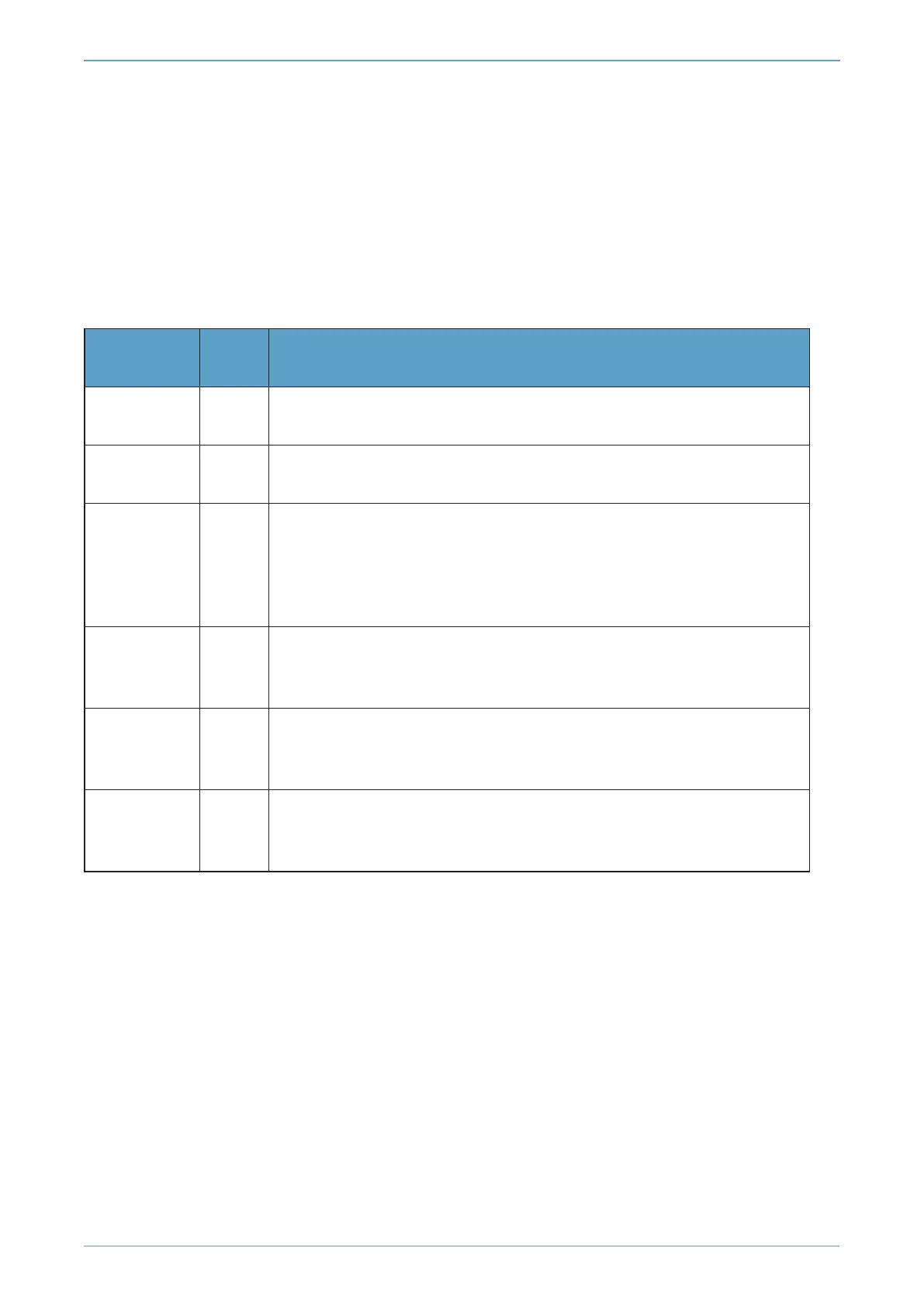
The following table identifies the ports used by the nShield system components. All listed ports are the
default setting. Other ports may be defined during system configuration, according to the
requirements of your organization.
Component
Default
Port
Use
Hardserver 9000
Internal non-privileged connections from Java applications including
KeySafe
Hardserver 9001
Internal privileged connections from Java applications including
KeySafe
Hardserver 9004
Incoming impath connections from other hardservers, eg:
l From a nShield Connect to the Remote File System (RFS)
l From a non-attended nShield Connect to an attended host machine
when using Remote Operator
Hardserver in
nShield
Connect
9004 Incoming impath connections from client machines
Remote
Administration
Service
9005 Incoming connections from Remote Administration Clients
Audit Logging
syslog
514
If you plan to use the Audit Logging facility with remote syslog or SIEM
applications, you need to allow outgoing connections to the configured
UDP port
If you are setting up an RFS or exporting a slot for Remote Operator functionality, you need to open
port 9004. You may restrict the IP addresses to those you expect to use this port. You can also restrict
the IP addresses accepted by the hardserver in the configuration file. See the
User Guide
for your
module and operating system for more about configuration files. Similarly if you are setting up the
Remote Administration Service you need to open port 9005.
nShield® Connect - Installation Guide
Page 23



 To Next Page