10.1.3 Audible warning
10.1.3 Audible warning
An audible warning sounds for some critical errors relating to the PSUs on the module. The orange
warning LED (see
Orange warning LED
on page 65) accompanies the audible warning.
The warning sounds when only one of the two PSUs is powered and turned on. Check that:
l The rocker switch on both PSUs is in the on position
l Both PSUs are connected to the mains supply
If the audible warning continues, there might be a fault with one or both PSUs. Before investigating
further, switch off the audible alarm by navigating to the 1-2-5-3 Critical Errors screen. The orange
warning LED remains on until you resolve the issue.
For more information about identifying and replacing a failed PSU, see the
nShield Connect Power
Supply Unit Installation Sheet
.
10.1.4 Orange warning LED
If the orange warning LED (see
Orange warning LED
on page 65) is on, the module has encountered
a critical error (for example, overheating or PSU failure) that may require immediate action. To find the
cause of a critical error, navigate to System information > View h/w diagnostics > Critical Errors.
10.1.5 Checking the physical security of the module
The physical security measures implemented on the module include tamper detection. This warns you
of tampering in an operational environment. For more information about tamper detection, including
the tamper warning messages, see the
nShield Connect Physical Security Checklist
or the
nShield
Connect User Guide
.
10.1.6 Display screen
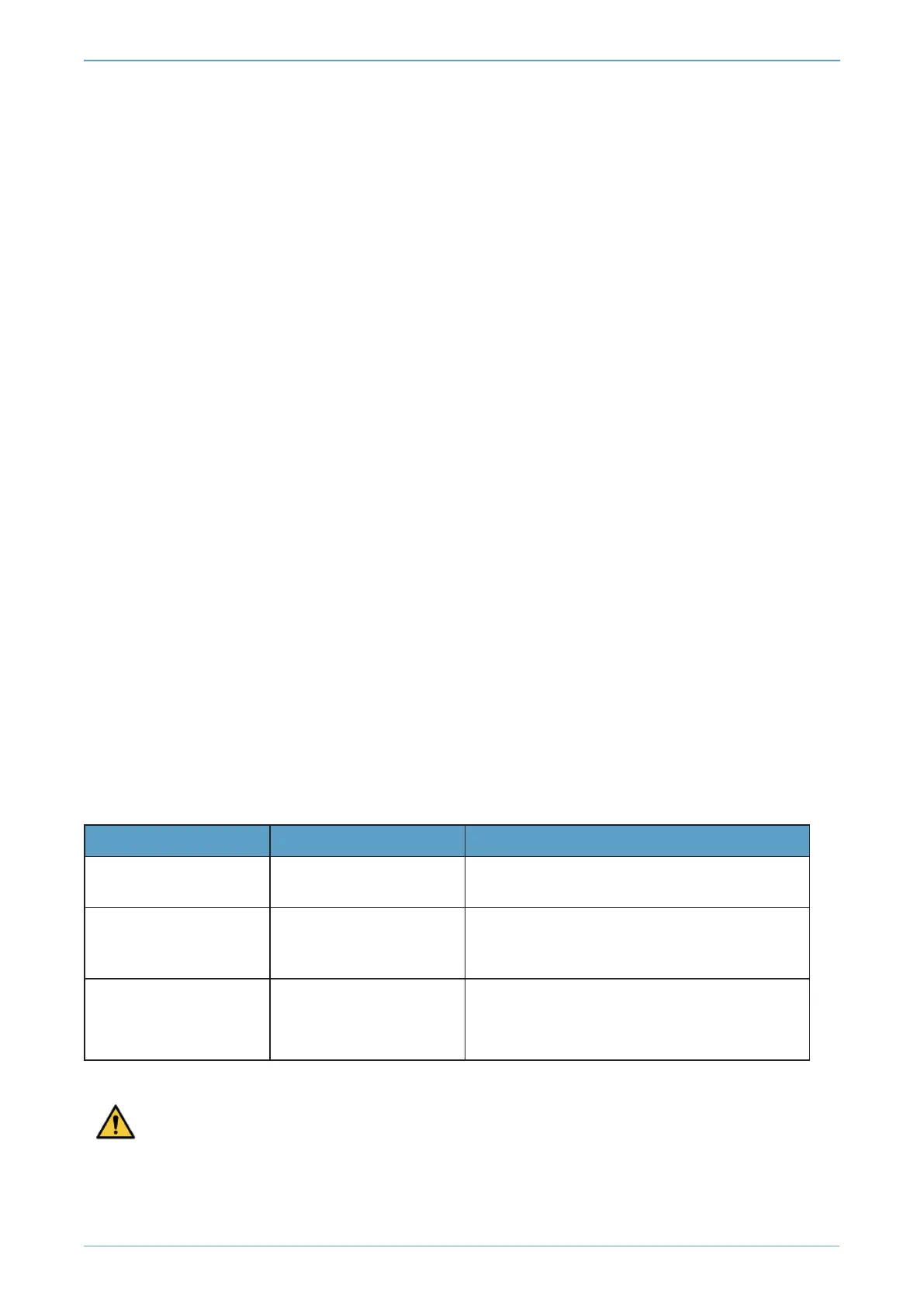
When the module is in Maintenance or Initialization mode, there is a color-coded footer at the bottom
of the display screen. There is no footer when the module is in Operational mode.
Footer color Text in footer Meaning
Yellow Initialization
The system is rebooting or waiting for an
Administrator Card to be inserted.
Blue
Maintenance
An administrative task is being performed.
This mode is only entered during firmware
upgrades.
Red
HSM Failed
The internal module has failed. See
Orange
warning LED
on page 65 for more
information.
Do not interrupt power to the module during a firmware upgrade.
nShield® Connect - Installation Guide
Page 65



 To Next Page