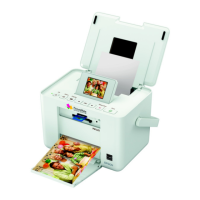
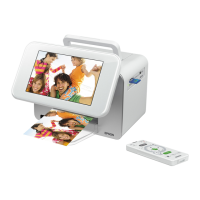
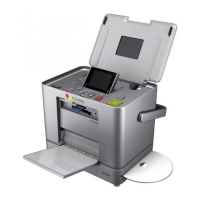
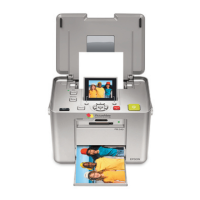
A
USB port Connects a USB cable to connect with a computer.
B
Battery cover Open when installing or removing the optional battery.
C
Maintenance box cover Open when replacing the maintenance box.
D
DC inlet Connects the AC adapter.
Removing the Handle
is printer can be used without the handle. To remove the handle, move the handle forward, grasp it with both
hands, and then spread it outwards.
Aer removing the handle, be sure to attach the handle hole caps that came with your printer; otherwise dust or
foreign substances may enter the printer.
c
Important:
Keep the handle hole caps out of the reach of children.
Note:
When you reattach the handle, check the shapes of the handle and handle holes. You cannot attach the handle in the wrong
direction.
User's Guide
Printer Basics
13


 To Next Page
 Loading...