84
Note: These settings can be locked by an administrator. If you cannot access these settings, contact
your administrator for assistance.
1. Press the home button, if necessary.
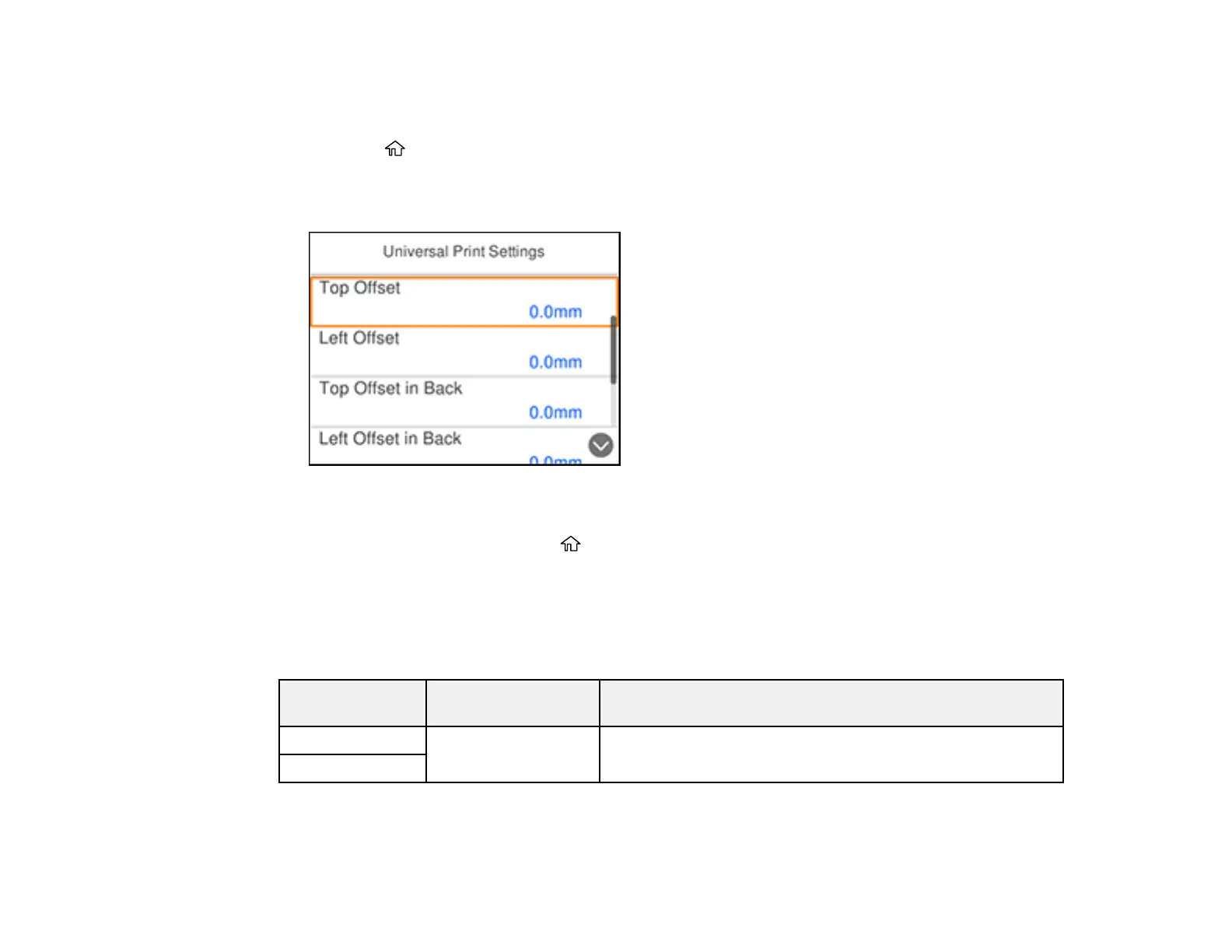
2. Select Settings > General Settings > Printer Settings > Universal Print Settings.
You see a screen like this:
3. Adjust the settings as necessary.
4. When you are finished, press the home button to exit.
Universal Print Settings Options
Parent topic: Selecting Default Paper Settings - Administrator
Universal Print Settings Options
Select the universal print setting options you want to use for your print jobs.
Universal Print
Settings option
Available settings Description
Top Offset — Adjust the top or left margin
Left Offset















 To Next Page