31 / 70
5 • Description of the Controls
80114-770_V23802
2021-01
Chapter 5
Description of the Controls
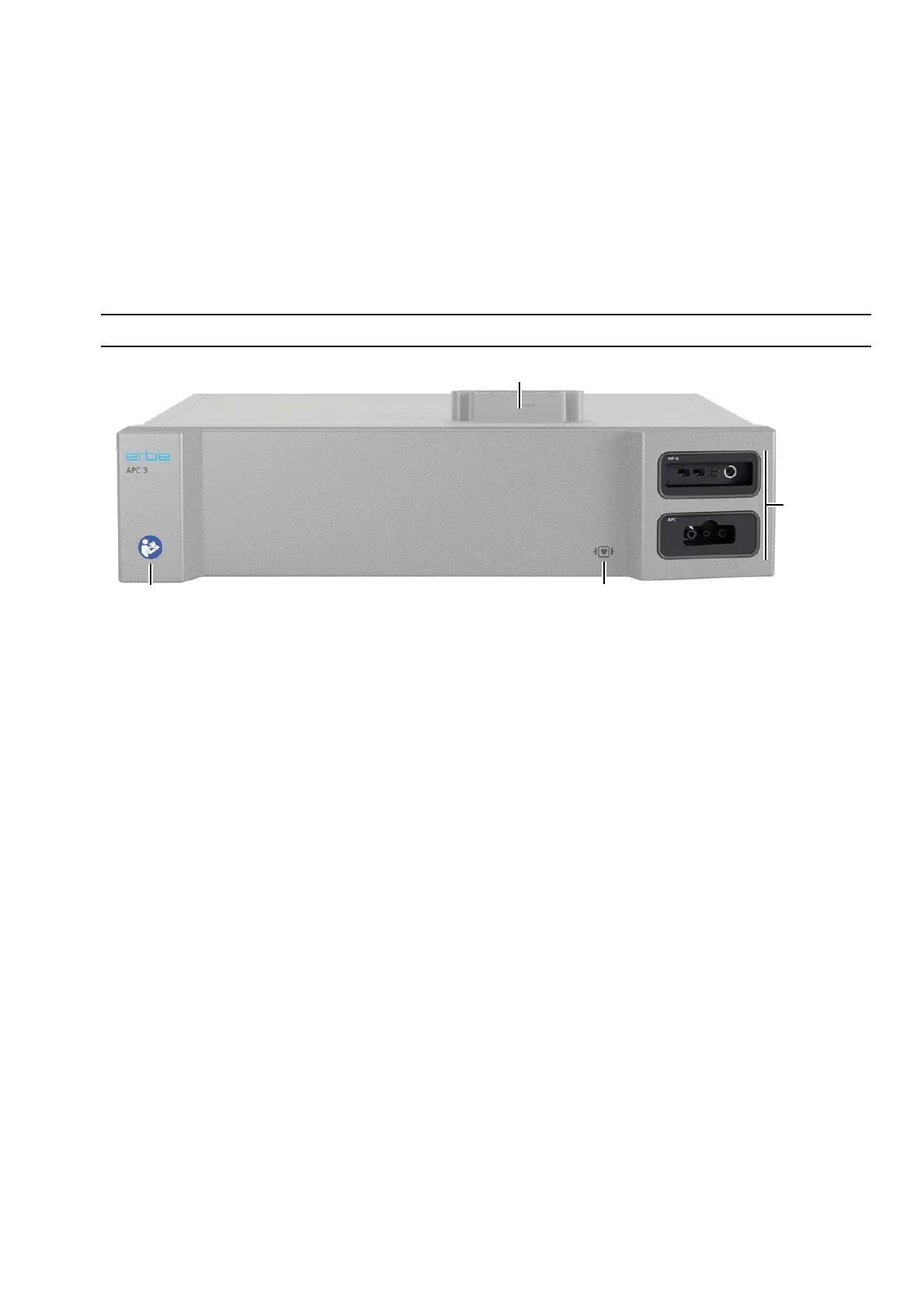
Controls on the front panel
Fig. 5-1
Icon: Read the User manual
Read the user manual before switching on and using the unit.
Icon: Defibrillation-proof type CF applied part
All HF sockets and the neutral electrode socket (applied parts) meet Type CF require-
ments and are protected against the effects of defibrillator discharge.
Instrument sockets
Connect HF instruments at these sockets. The APC 3 always has an APC socket for APC
instruments. The other socket cartridge slot can be configured with any socket from
the VIO 3 program.
Interconnections
The APC 3 is connected to the VIO 3 electrosurgical unit via the interconnections. See
chapter Installation.
Icon: Read the User Manual Icon:
Instrument
sockets
Interconnections
Defibrillation-proof type CF applied part



 To Next Page