4544
6 Issues
The EROAD ELD is fully compliant with the Federal Motor
Carrier Safety Administration (FMCSA) requirements. It
generates data diagnostic events and malfunctions, if there
is missing data or a fault that aects the completeness of the
logs or accuracy of the device.
6.1 MANAGING MALFUNCTIONS
A red banner appears across the Home screen under
the driver’s name if a malfunction occurs, and a red LED
illuminates at the top of the display. You must immediately
view malfunction details and work through the faults using the
malfunctions visor card.
Note: Refer to the EROAD ELD visor card that describes
malfunctions and recommended actions to remedy specific
fault(s).
Perform the following steps to view malfunctions.
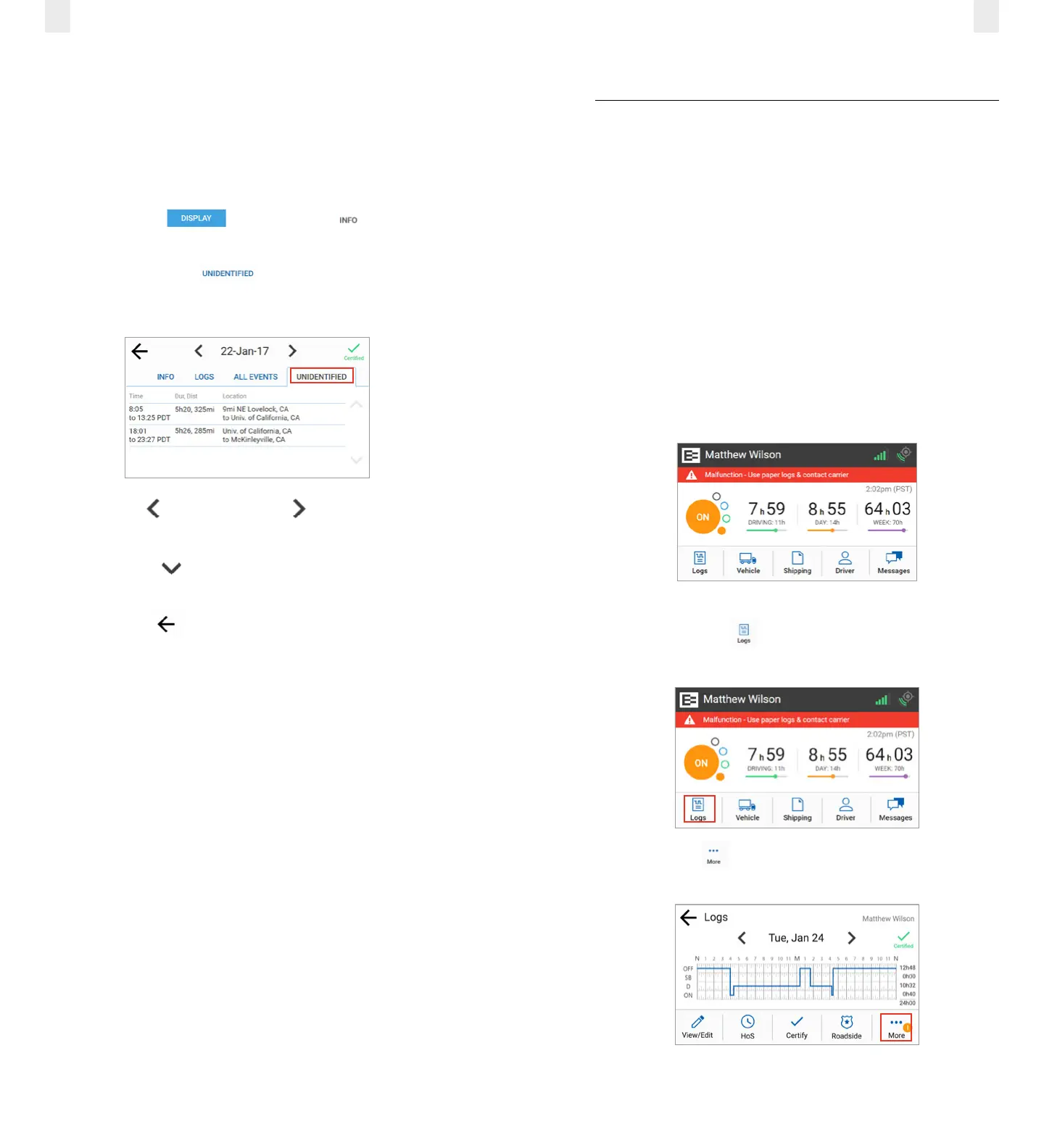
1. Tap the Logs icon on the Home screen. The Logs
screen appears.
2. Tap the More icon on the Logs screen. The Logs menu
expands to reveal additional menu.
5.2.4 Viewing Unidentified Driving Times
The Unidentified tab displays the times when the vehicle
was driven without the driver logging into the EROAD ELD.
Perform the following steps to view unidentified driving times.
1. Ensure that you have completed the steps described in
section 5, Roadside Inspection.
2. Tap the Display button. The Info tab displays
by default.
3. Tap the Unidentified tab. This tab displays time,
duration, distance, and location for the driving time that is
unidentified.
4. Tap the Left arrow or the Right arrow to change the
date.
5. Tap the Down arrow to scroll through scroll through
the list, if needed.
6. Tap the Back arrow in the upper left corner of the
screen to return to the previous screen.



 To Next Page