1
3.8 Certifying Your Logs 27
3.9 Finishing Your Day / Logging out 28
4 Advanced Log Edits 29
4.1 Reviewing Suggested Motor Carrier
Corrections
29
4.1.1 Reviewing Suggested Edits at Login 29
4.1.2 Reviewing Suggested Edits from the
Home Page
30
4.2 Swapping Driving Time 31
4.3 Claiming Unidentified Driving Time 33
4.4 Emailing Logs to Yourself 35
5 Roadside Inspection 37
5.1 Transferring Your Records 38
5.1.1 Transfer Via Email 38
5.1.2 Transfer Via Web Services 39
5.2 Displaying Your Records 40
5.2.1 Viewing Header Information 40
5.2.2 Viewing Graph Logs 42
5.2.3 Viewing All Events 43
5.2.4 Viewing Unidentified Driving Times 44
6 Issues 45
6.1 Managing Malfunctions 45
6.2 Resolving Data Diagnostics 46
7 Appendix 47
7.1 Contacting EROAD 47
7.2 Glossary 48
7.3 Error Messages and Malfunctions 50
1 Introduction
The EROAD™ Electronic Logging Device (ELD) is designed to
make your job easier. This manual might be used by drivers,
mechanics, fleet managers, dispatchers, or anyone accessing
the EROAD ELD.
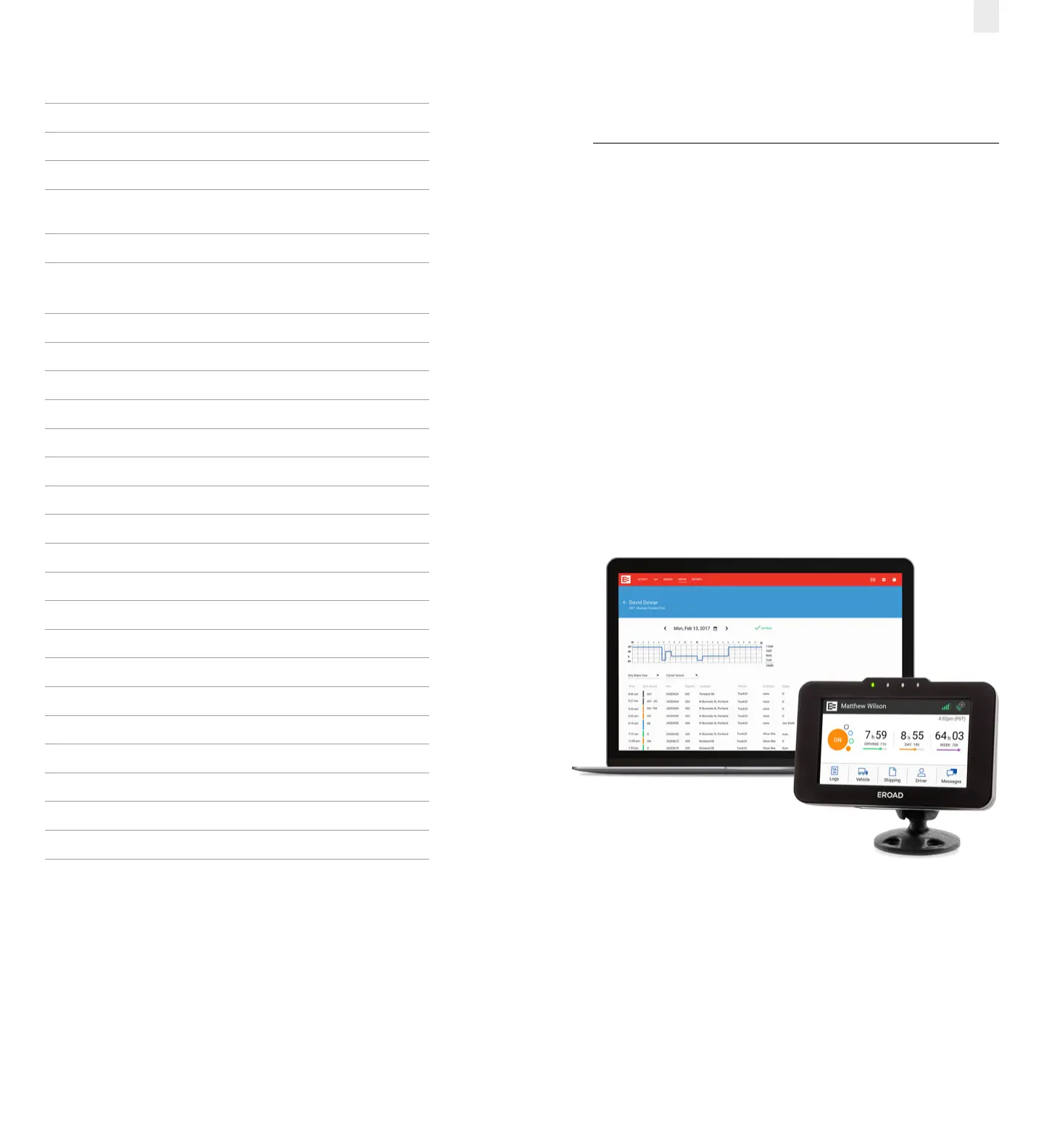
The EROAD ELD system includes the in-vehicle device and the
Depot application. It gives you control to change duty status
and manage your logs, among other features.
The EROAD ELD is installed in the cab of the truck. It measures
the distance you travel, and captures location [via a global
positional system (GPS)], route, and operational data from
the truck.



 To Next Page