49
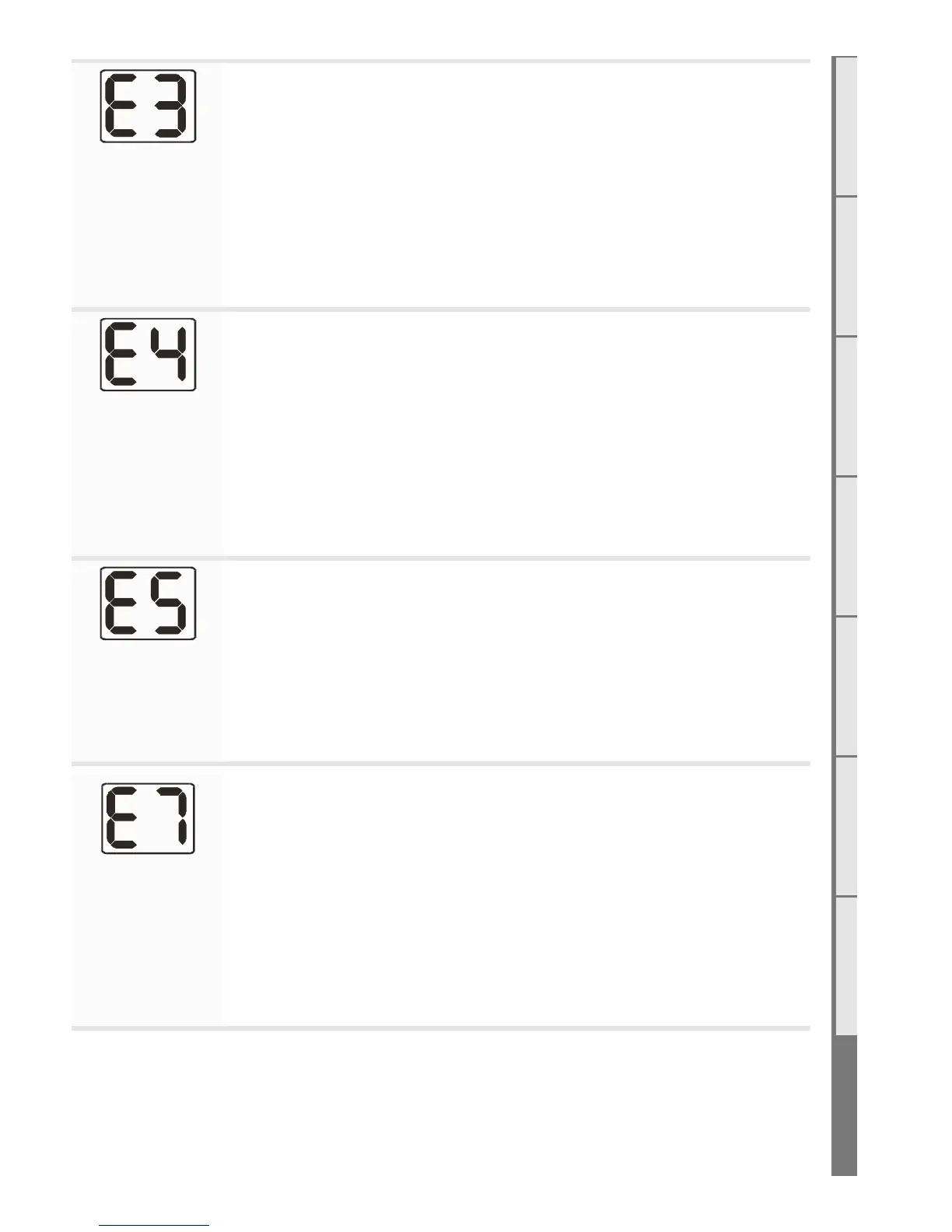
Appliance Over
Temperature
Sensor Trip
The bimetallic snap disk mounted on the back chassis panel has tripped. The
possible causes for this could include:
• Fascia may be installed incorrectly resulting in restricted air flow.
• The room air fan may be slowed or stalled. Remove firebox, check that
the fan is plugged in, cleaned, and free turning.
• The gas regulator being set too high resulting in excess heat build-up.
• The inlet flue not being connected and the appliance drawing warm air
from the cavity. Check flues are securely connected at both ends.
Valve Solenoid
Check Failure
The valve solenoids have failed the pre-ignition test. This is to detect a faulty
valve solenoid. However, it is possible a wire has dislodged.
• Check that the connections to each solenoid are secure and in place. It
may be that the connections on the ends of the wires need to be tight-
ened a little (e.g. with a pair of pliers) to ensure a robust connection to
the valve terminal.
• Disconnect and reconnect the firebox connectors ensuring they are
firmly pushed into place.
• It could also be that one of the solenoids on the valve inside the fire has
failed. If this is the case the valve will need to be replaced.
Internal Remote
Error
The remote cannot communicate with the fire. Reasons for this could include:
• The fire being turned o “at the wall” i.e. a loss of power to the fire or the
remote is outside of its eective radio frequency range (too far away from
the fire). Typical remote range is 1m to 5m.
• Ensure there is power to the fire by pressing the auxiliary on/o (red)
button on the fire, then press the on/o button on the remote to clear
the error.
Combustion Air
Flow Error
• Check whether the pressure switch is activating at startup (there is an
orange indicator LED in the control tray which should be lit). If not check
the pressure switch electrical connection is correct.
• Check that the hoses are connected at both ends. Ensure the hoses are
not kinked.
• Ensure the pressure switch is mounted vertically and the diaphragm is
operational. The grey hose should be connected to the low pressure port
and the translucent to the high pressure port
• Check that both flues are securely connected at both ends to the appli-
ance and the powerflue wall terminal and that the flue is not damaged
S2 Serial Number
The serial number for the fire can be found in two places. The first is in the battery compartment of
the remote under the batteries. The second is on the data sticker on the chassis under the firebox on
the left hand side.



 To Next Page