Function 4: Auto attendant programming IP Series Installation Manual
G.4
(In the example above, the branch IDs and branch titles shown are for programming purposes only. The caller needs only
to press 1, 2, etc., to move through the choices.)
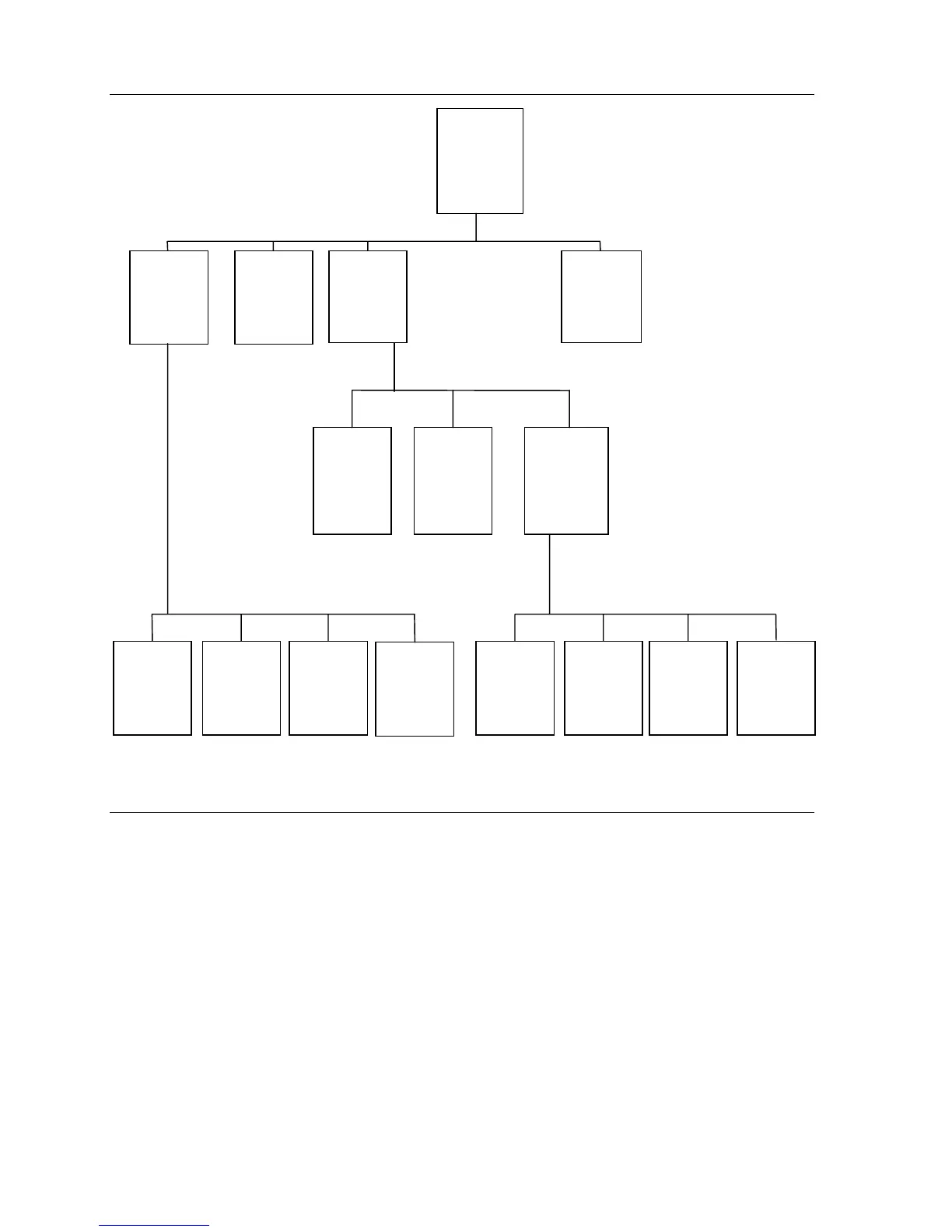
Here is the sequence for programming the IP Series system’s auto attendant:
1. Branch ID — A numeric designator which indicates its location and relationship to the other
branches. There can be up to 6 levels of branches, the first level being a single digit, the sec-
ond level being two digits, and so on.
The Main Greeting is ID1 (or additionally 2 through 8 if a different greetings for different
Lines is desired), then each of its sub-branches will have that number plus an additional digit
of its own (corresponding to choices given to the caller, shown here in bold): 11, 12, 13, etc.
Menu Branch 123 would have sub-branches 1231, 1232, etc.
2. Type — Select a Menu, GoTo, or Directory Branch.
3. Name — Enter the name to help identify the branch for later programming changes and is also
the source for LCD display information at user’s phones and reports.
“To speak to Human
Resources, press
1.
For hiring information,
press 2. To apply
for employment,
press 3.”
“Thank you for calling ABC Company.
Dial your party’s extension now, or select
from the following. To reach Sales press
1. For Service, press 2. For Human
Resources, press 3. Or for a directory,
press 4.”
“To reach an
employee, press the
first letter of the
persons last name.
Press the # key when
you hear the name
you wish to reach”
“You may apply with the
following departments by
answering 10 questions
about yourself and your work
experience. For Sales, press
1. For Service, press 2. For
Manufacturing, press 3. Or,
for Administration, press 4.
Thank you.”
ID11
Sales
Menu
ID1
Main
Greeting
Menu
ID12
Service
Goto
Dial
Ext. 104
ID111
Sprocket
Sales
Goto Dial
Dept. 290
ID113
Int'l
Sales
Goto Outdial
555-1234
ID132
Hiring Info
Goto
Mailbox Info
MB300
ID133
Application
Mailbox
Menu
ID112
Cog
Sales
Goto Dial
Dept. 291
ID1331
Sales Q&A
Mailbox
Goto
MB490
ID1332
Service
Q&A
Mailbox
Goto
MB491
ID1333
Mfg. Q&A
Mailbox
Goto
MB492
ID131
Human
Resources
Goto Dial
Ext.115
ID1334
Admin
Q&A
Mailbox
Goto
MB493
ID14
Directory
Directory
By Alpha
ID13
Human
Resources
Menu
ID114
Back to
Main
Greeting
Goto Branch
ID1
"To reach Sprocket
Sales, press
1.
For Cog Sales,
press 2. To be
transferred to our
International Sales
Office, press 3. Or to
return to the Main
Menu, press 4.”



 To Next Page