49
Manuel d’installation
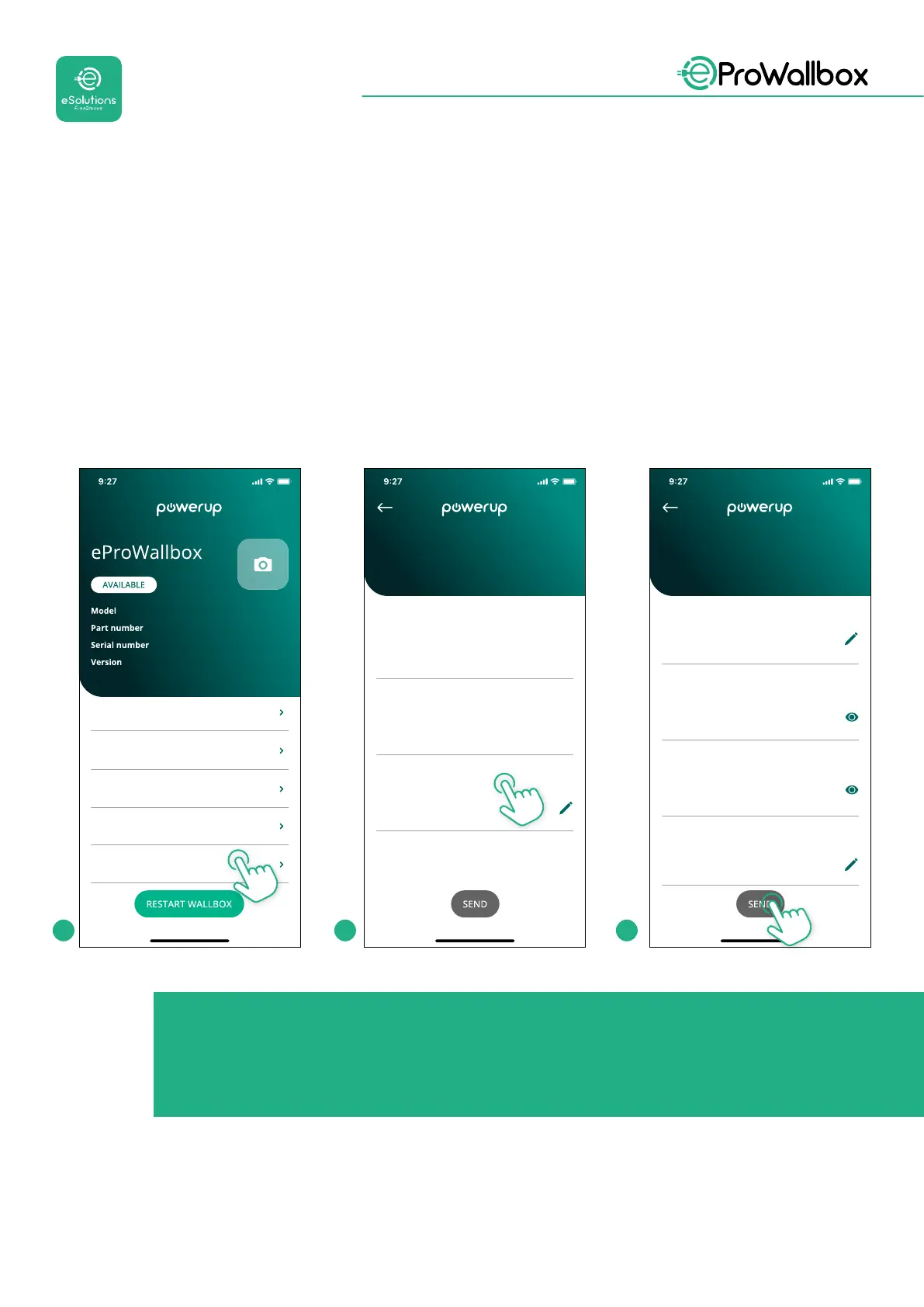
Raccordez à l’eProWallbox avec PowerUpetsuivezlesactionsci-dessous:
• Surlapaged’accueil,sélectionnez«Paramètrespourlaconnexionmobile»
• SélectionnezAPNetspéciezlepointnaletlesdonnéesd’identication,
si besoin
• SpéciezlePINdelacarteSIM,sibesoin
• Spéciezl’URLdubackendchoisi
• Cliquez sur Envoyer
eProWallbox
F2ME.EPROXXXXXXXX
0000AB0123456789
2.9.1
Country settings
Operating mode
Wi-Fi settings
Master / Slave
Internet mobile pameters
SIM ICCID
Internet mobile parameters
00000000000000000000
SIM status
Not connected
APN
cpms.esolutions.com
APN password
Internet mobile parameters
APN password
APN user
APN user
SIM PIN
SIM PIN
backend URL
backend URL
1 2 3
AVIS
Une fois la fonction activée, pour que les changements prennent
eet, redémarrez toujours le boîtier mural avec le bouton dédié sur
la page d’accueil.


 To Next Page
 Loading...
