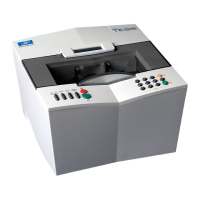
Essilor E-Tess Tracer
31 4- Using the e-Tess tracer
Make sure to align the horizontal of your pattern (or demonstration lens) and that of the pattern holder.
N.B. When tracing a demonstration lens or a recut lens, first centre and secure your lens with the sucker.
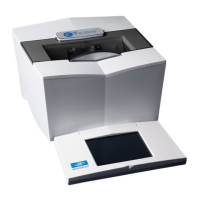
4.2. Fit the pattern holder in the tracing table. Press the lower right button of the holder to simplify
handling.
4.3. Irrespective of the tracing mode chosen, your tracer will detect the presence of the pattern holder,
4.4. Choose your tracing side,
4.5. Start the cycle
,
4.6. Your e-Tess tracer automatically detects that it is a pattern trace. If no tracing side has been selected,
it will prompt you to select the tracing eye,
4.7. After tracing, enter the nose value on the numeric keypad, then validate.
5. Shape alteration
Your e-Tess tracer has a shape alteration function.
When you choose this type of tracing, after tracing, you access the shape alteration directly. On this
screen, you can modify the A, B and D-dimensions of your job as required (for more details on this
function, refer to Chapter 4.5.).
In all other cases, irrespective of the tracing mode chosen, this function can be accessed from the
dimension screen.
Right eye
nose

 To Next Page
 Loading...