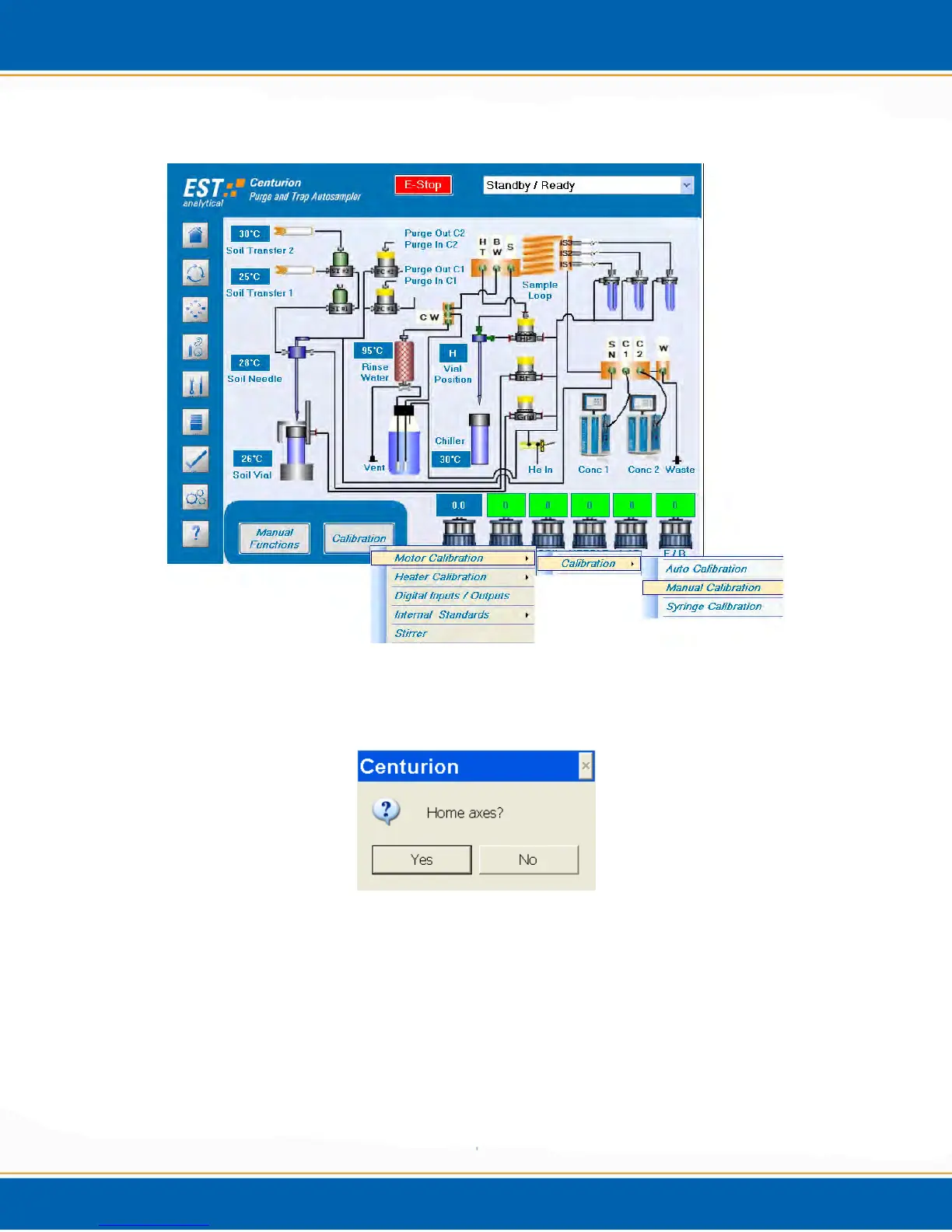
Figure A4: Motor Calibration Tabs
4. A pop-up screen will ask Home axes? Yes or No. See Figure A5. <click> Yes
Figure A5: Home axes? Pop-up Screen
5. Next the Manual Calibration Screen will display. <click> the position arrow at the top
of the calibration screen and set the position to Water Pos – Vial 1. See Figure A6.
6. <click> Calibrate Extraction Depths tab at the bottom right. See Figure A6.



 To Next Page