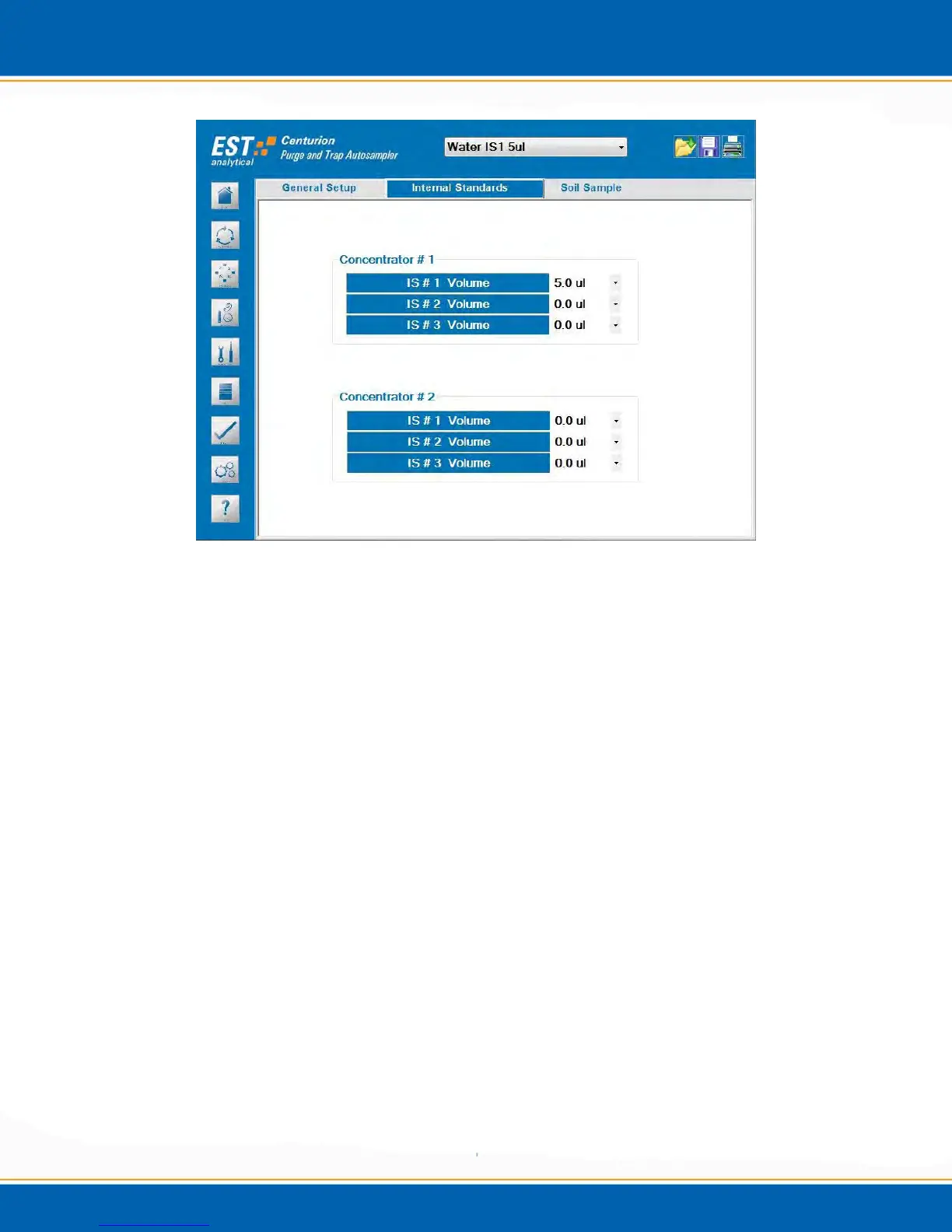
Figure 3w: Method Setup Internal Standards Screen
Concentrator # 1: <click> through the volume field to select the desired internal
standard vessel and addition volume in µl.
Concentrator # 2: <click> through the volume field to select the desired internal
standard vessel and addition volume in µl.
3.10.3 Soil Sample: <click> on the Soil Sample tab and the screen will appear as shown in
Figure 3x.



 To Next Page