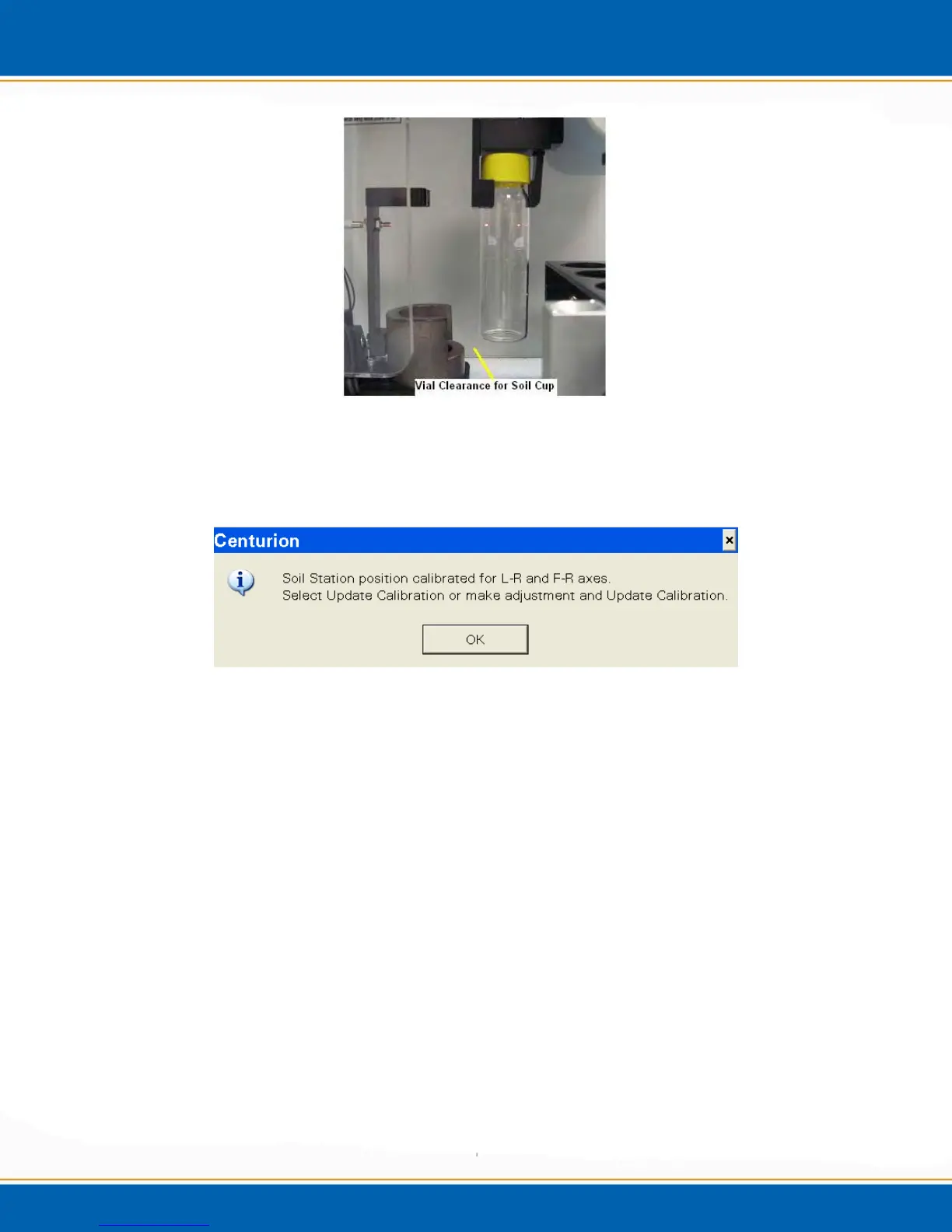
Figure 4xx: Image of Vial Clearance to Soil Cup
36. After the clearance position has been calibrated, the software will prompt you to
calibrate the soil station position. See Figure 4yy.
Figure 4yy: Soil Station Vial Position Pop-up
37. <click> OK, and the soil station position can be calibrated. See Figure 4zz.



 To Next Page