10
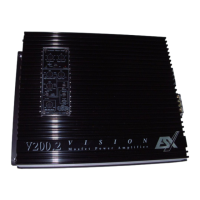
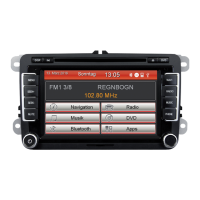
DEVICES TYPE 3
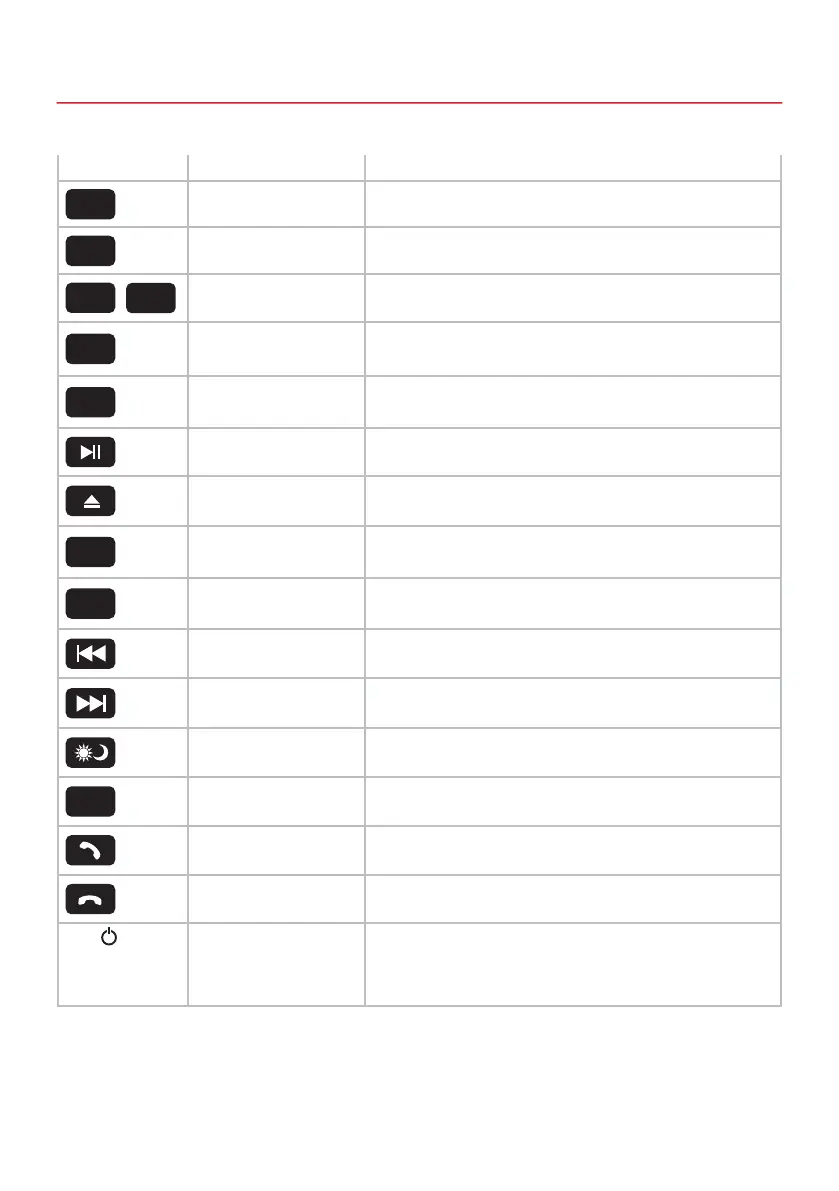
Icon Function Description
Radio Band Press here to change the radio band
Audio Settings Press here to open the audio setting and zone menu
Radio Channels Press here to select a radio station preset
Main menu Press here to enter into main menu
Navigation Press here to open the navigation menu
Play / Pause Press here to play or pause a track
Disc In / Out Press here to slide the disc in and out
DVD button Press here to start the disc playback or to open the DVD menu
Automatic Radio Station
Search
Press here to start the automatic radio station search
Previous Track Press here to play the previous track
Next Track Press here to play the next track
Display Brightness Press here to adjust the brightness of the display
Mode
Press here to choose quickly between Radio, Navi, Music, Video, Phone,
AUX and Disc
Accept a call Press here to accept a call or open the Bluetooth
®
menu
Hang up call Press here to hang up a call or open the Bluetooth
®
menu
VOL / Power / Volume 1. If the device is turned off, press this knob short and the system turns on
2. If the device is turned on, press this knob short and the system mutes
3. If the device is turned on, press this knob longer and the system turns off
4. Turn this knob clockwise to increase the volume
5. Turn this knob counterclockwise to decrease the volume
BAND
EQ
1 6
MENU
NAVI
DVD
MODE
AMS
-



 To Next Page