18
To enable wireless phone calls, audio streaming or data exchange, you need to connect the device with an other
Bluetooth
®
mobile device.
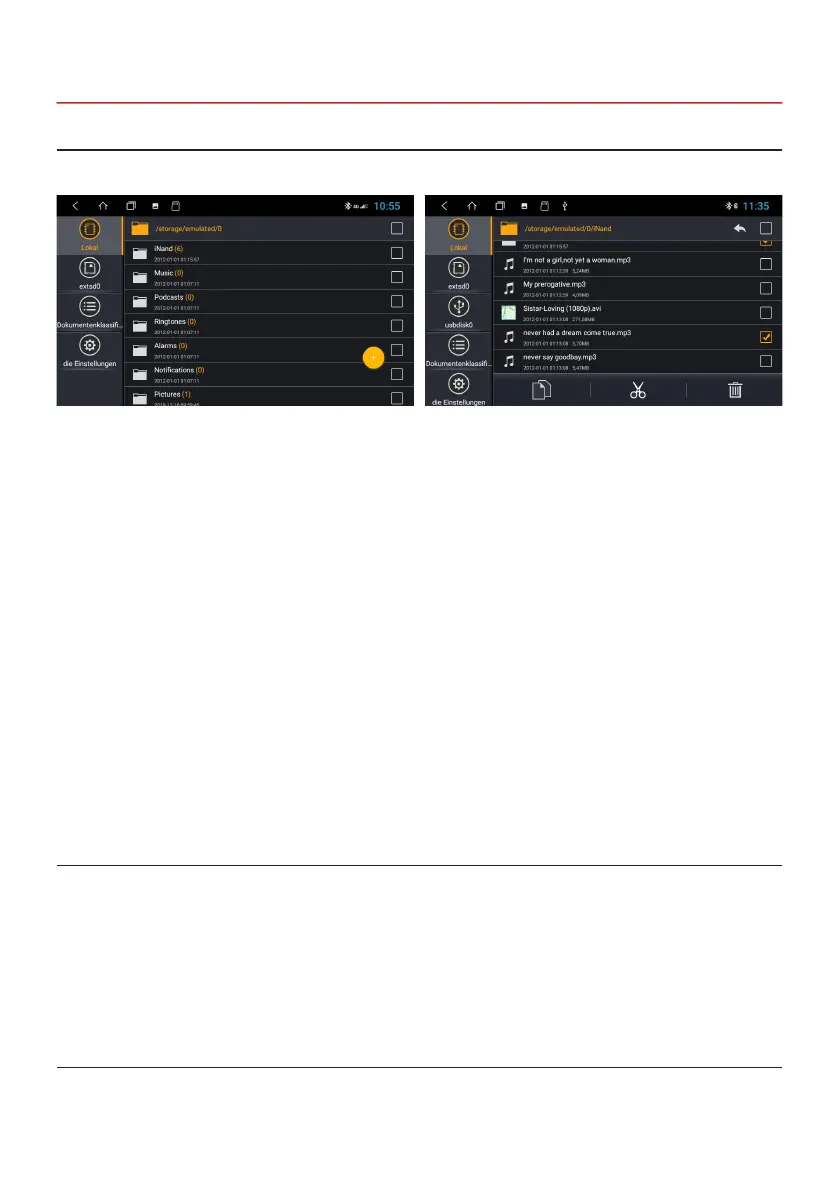
Click on File manager in the Apps Menu.
Note:
1. There may be restrictions for Bluetooth
®
devices while driving, please abide by local laws.
2. In order to ensure Bluetooth
®
security, you should be in a safe and non-public place while connecting a
Bluetooth
®
device.
If the device is in default setting, the Bluetooth® function is always available.
2.9 BLUETOOTH
®
2.8 FILE MANAGER
2.9.1 STARTUP
Here you can see which les have been saved in which
location.
In the le manager, les can then be copied, moved or
deleted as required on another storage medium.



 To Next Page