14
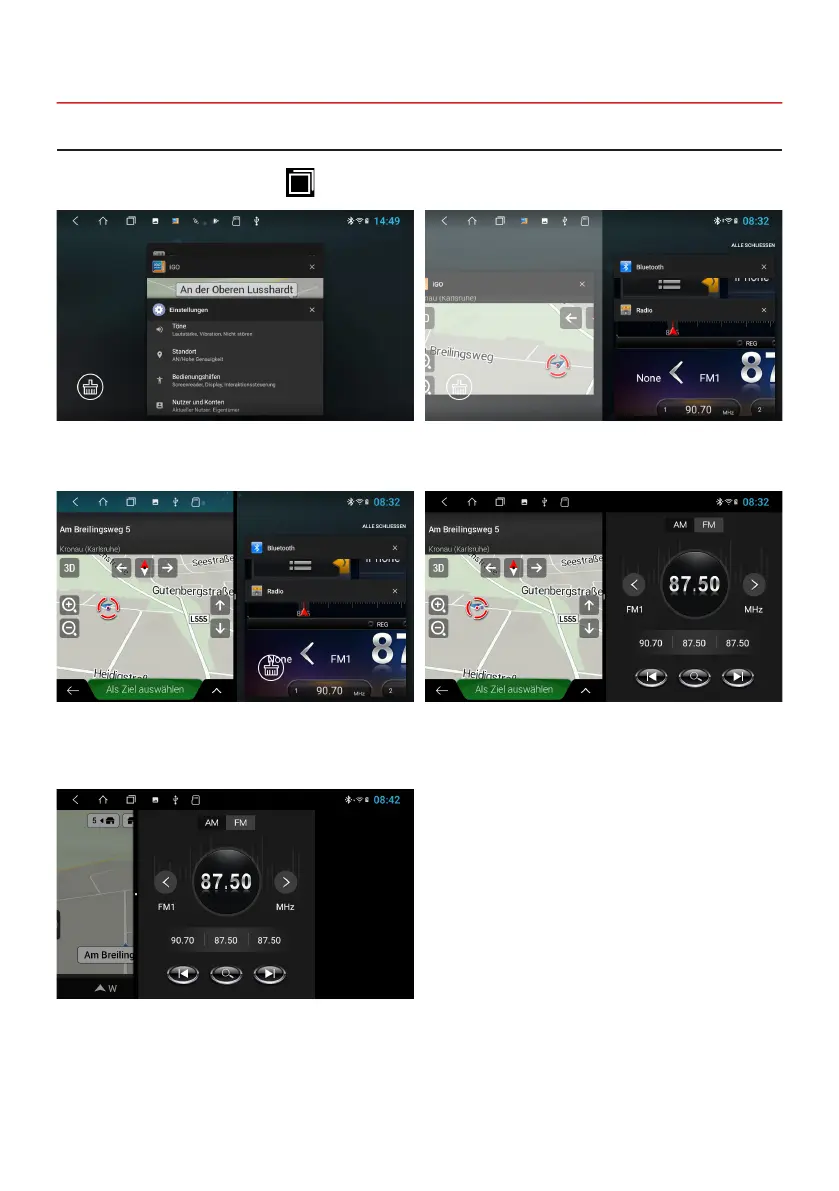
Click at the top of the symbol bar on
All apps currently in use or recently used can then be
seen.
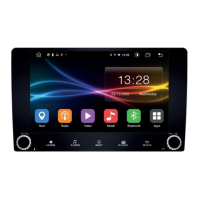
From now on, the primary app will always be shown on
the left. Now choose an app for the right side (e.g. radio).
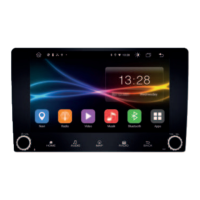
To cancel the split screen, drag the black frame in the
center of the picture to the left or right.
Select the desired app and slide the app window all the
way to the left until it clicks into place.
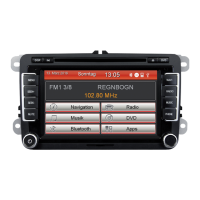
The secondary app on the right can be switched by
starting another app in the main menu.
2.3 SPLIT SCREEN
Note: Some apps are not suitable for displaying in split screen mode.


 To Next Page