9
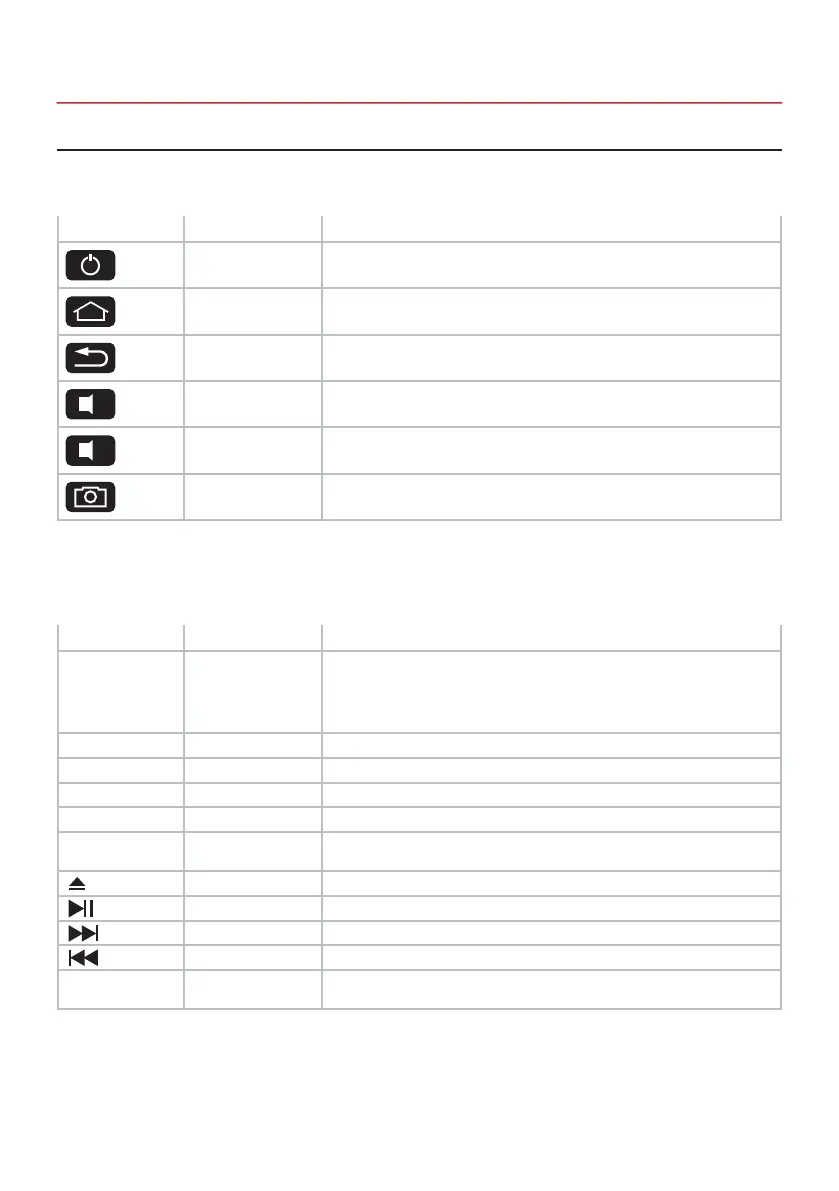
1.3 FUNCTION KEYS
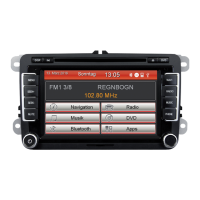
DEVICES TYPE 1
DEVICES TYPE 2
Icon Function Description
PWR / VOL Power / Volume
1. If the device is turned off, press this knob short and the system turns on
2. If the device is turned on, press this knob short and the system mutes
3. If the device is turned on, press this knob longer and the system turns off
4. Turn this knob clockwise to increase the volume
5. Turn this knob counterclockwise to decrease the volume
CALL Telephone Press here to open the Bluetooth
®
menu
MENU Main Menu Press here to enter into main menu
BAND Radio Band Press here to change the radio band
NAVI Navigation Press here to open the navigation menu
GPS Micro SD Card Slot for
Navigation Software
Slightly open the button to access the Micro SD Card Slot
Disc In / Out Press here to slide the disc in and out
Play / Pause Press here to play or pause a track
Next Track Press here to play the next track
Previous Track Press here to play the previous track
SD Micro SD Card Slot for
Media Content
Slightly open the button to access the Micro SD Card Slot
Icon Function Description
Power ON / OFF Turn device ON or OFF
Main Menu Press to enter the main menu
Back Press to enter the previous menu
+ Volume Press to increase the volume
- Volume Press to decrease the volume
Camera (optional) Press here to display the image signal of a connected camera
+
-



 To Next Page