11
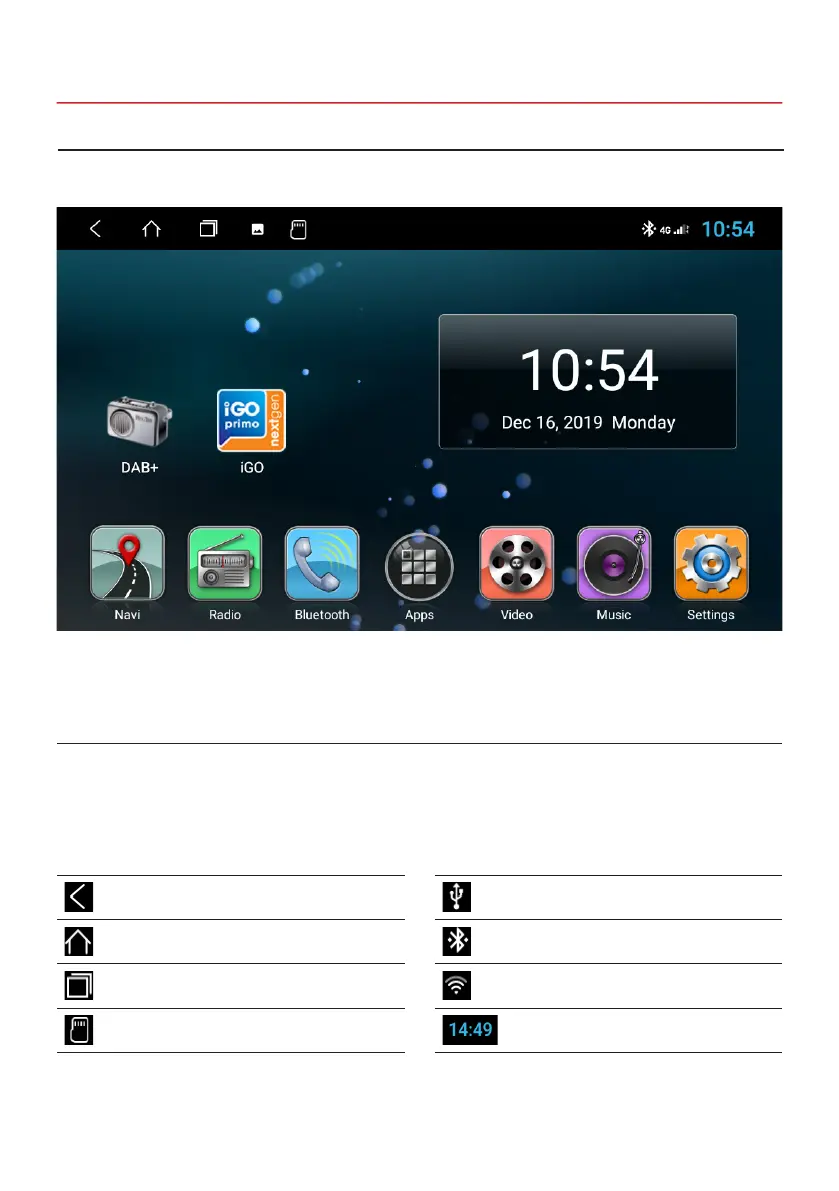
Note: Depending on the currently used OS, the status indicator as shown here may vary!
The three symbols on the left side of the status bar are used for menu navigation or indicate the previous used apps or
notications and events. If there is a new message, it will be shown in the status bar. Slowly drag your nger from the
status bar to view all messages. Then you could click on the message and see the content. The icons on the right side
of the status bar are the device status indicators.
1.5 STATUS BAR
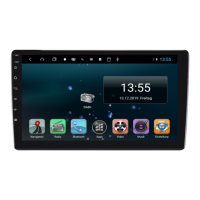
This device has a total of ve main menus that can be accessed by swiping right or left to the edge of the screen. You
can start any app or widget by clicking its icon.
Symbol Function Description
Back Go back to the previous menu
Main Menu Go to the Main Menu
Split Screen Screen split of 2 apps
SD Card SD card recognized
Symbol Function Description
USB USB recognized
Bluetooth
®
Bluetooth
®
connected
WiFi WiFi connected
Time Current time display
1.4 MAIN MENU / HOME SCREEN


 To Next Page