27
If you have connected an external audio or video source at the AUX IN inputs of the device, click on AUX in the app
menu. Then you need to start the playback on the external audio or video source.
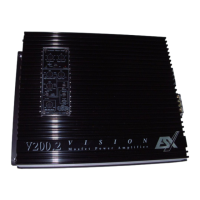
If you have connected an rear view camera at the inputs of the device, the rear view mirror image automatically is
displayed when you engage the reverse gear.
Note: If no camera is connected, the display shows “No Video Signal”
2.14 AUX IN
2.15 CAMERA (OPTIONAL)
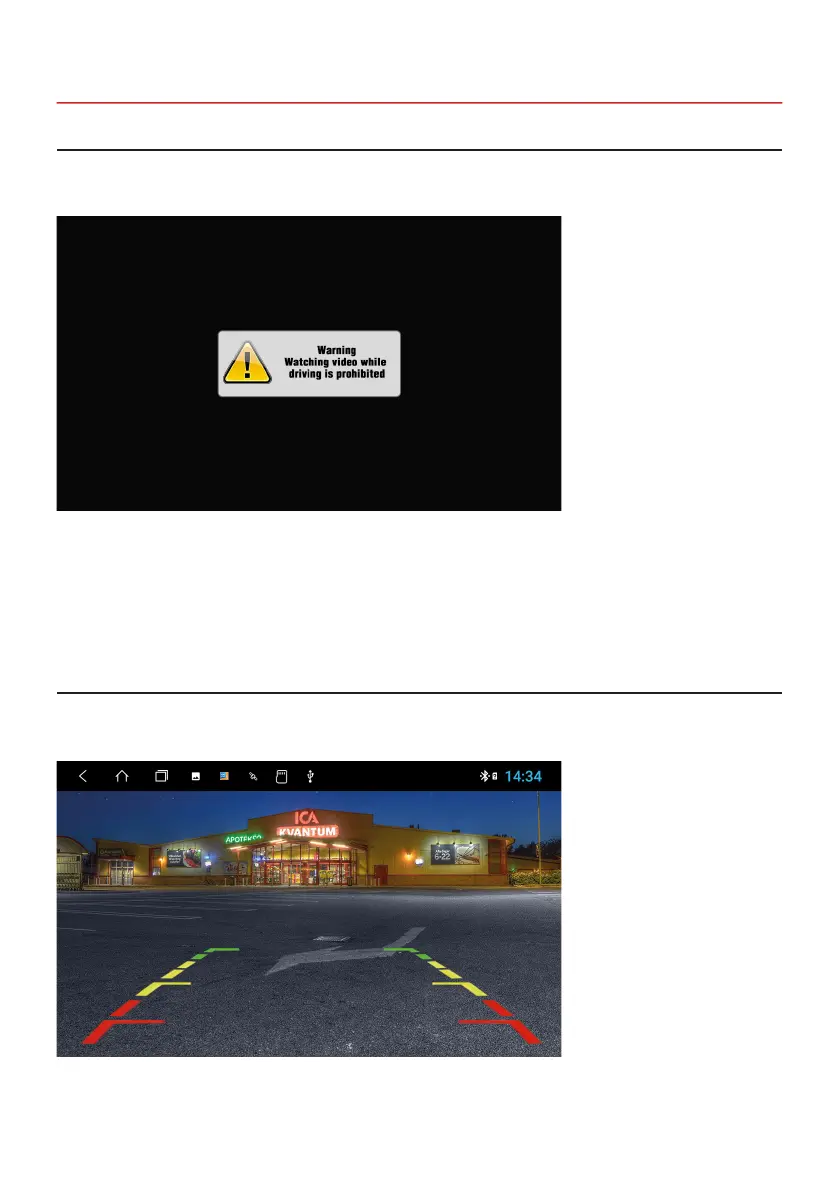
Note: For your own and your passengers safety the picture display in DVD/Video/TV/AV applications is limited.



 To Next Page