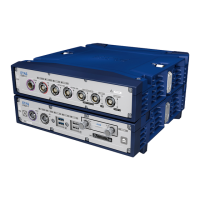
ETAS 5 Instruments
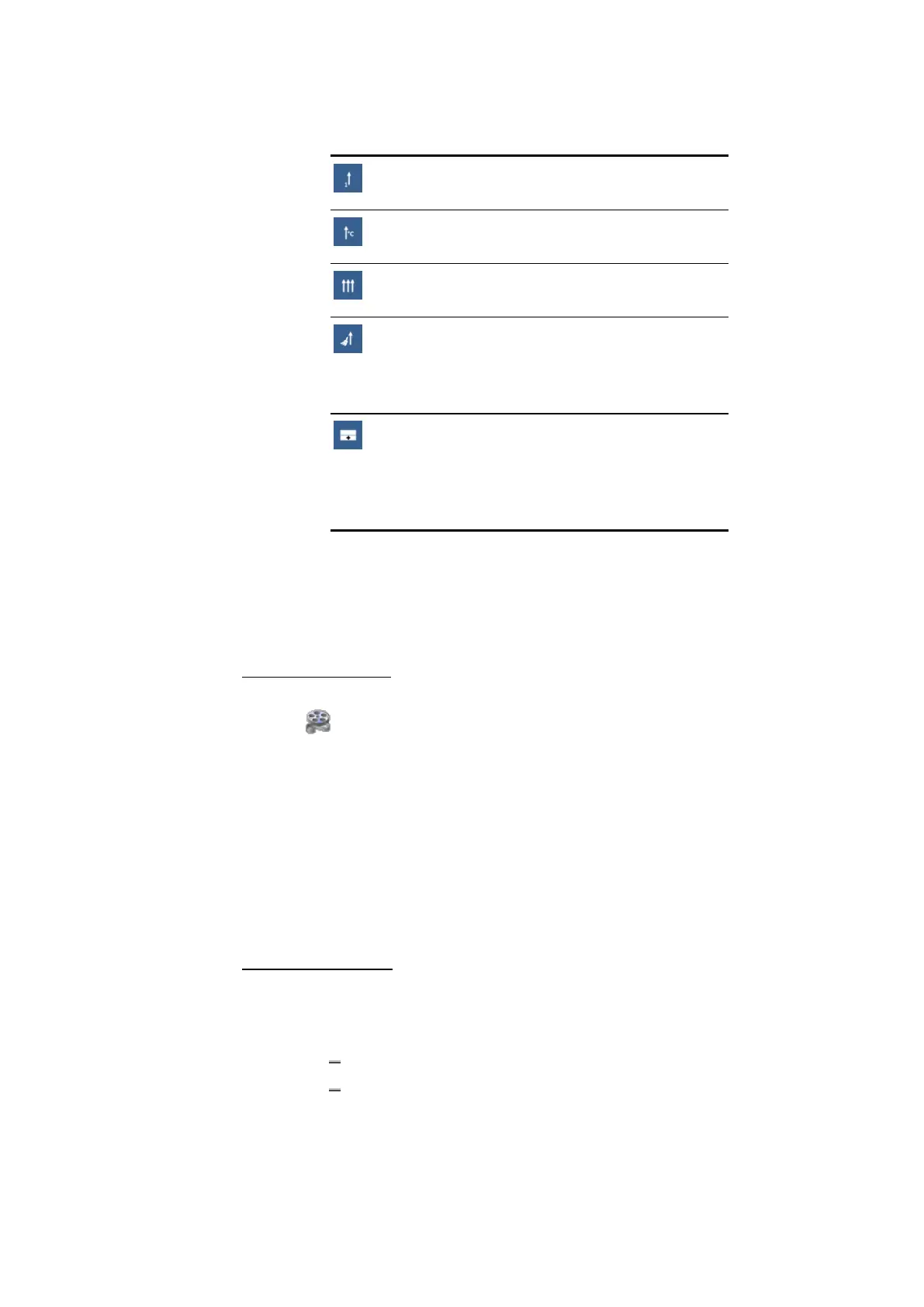
One common axis for all signals:
Assign all signals to one axis.
Shared axis per unit:
Assign signals to an axis having the same unit.
Individual axes per signal:
Assign each signal to an individual axis.
Take-over axis assignment:
Take over axis assignment of source oscilloscope.
(Option is only provided if the signals derive from an
existing oscilloscope.)
New strip:
Create a new strip below the current strip.
The selection wheel expands to the above described
options, and the signals will be assigned to a new
strip using the chosen option.
Note that an axis can be shared only for matching data types and
the same data representation. "No-Match" signals get an own axis,
as the original unit is not known.
Boolean and Event signals will be assigned to the corresponding
strips independently from the drop position.
To use common axes
To see how you can modify in an oscilloscope signal and axes settings, watch
our video Instruments - Oscilloscope Axes.
As long as the data type of signals fits, several signals can share the same value
axis. To use common axes:
1. While pressing the CTRL or SHIFT key, select your desired signals in
the signal list.
2. Right-click your selection and click Use common axes.
Alternatively, drag and drop the desired signals on one axis. Note
that the signal is only added to this axis if it has same data rep-
resentation.
To use individual axes
If several signals share the same axis, the signals can be assigned to individual
axes again.
1. Do one of the following:
Right-click the shared axis.
Right-click the desired signal(s) in the signal list.
2. Click Use Individual Axes.
MDA V8.5 - User Guide 85


 To Next Page