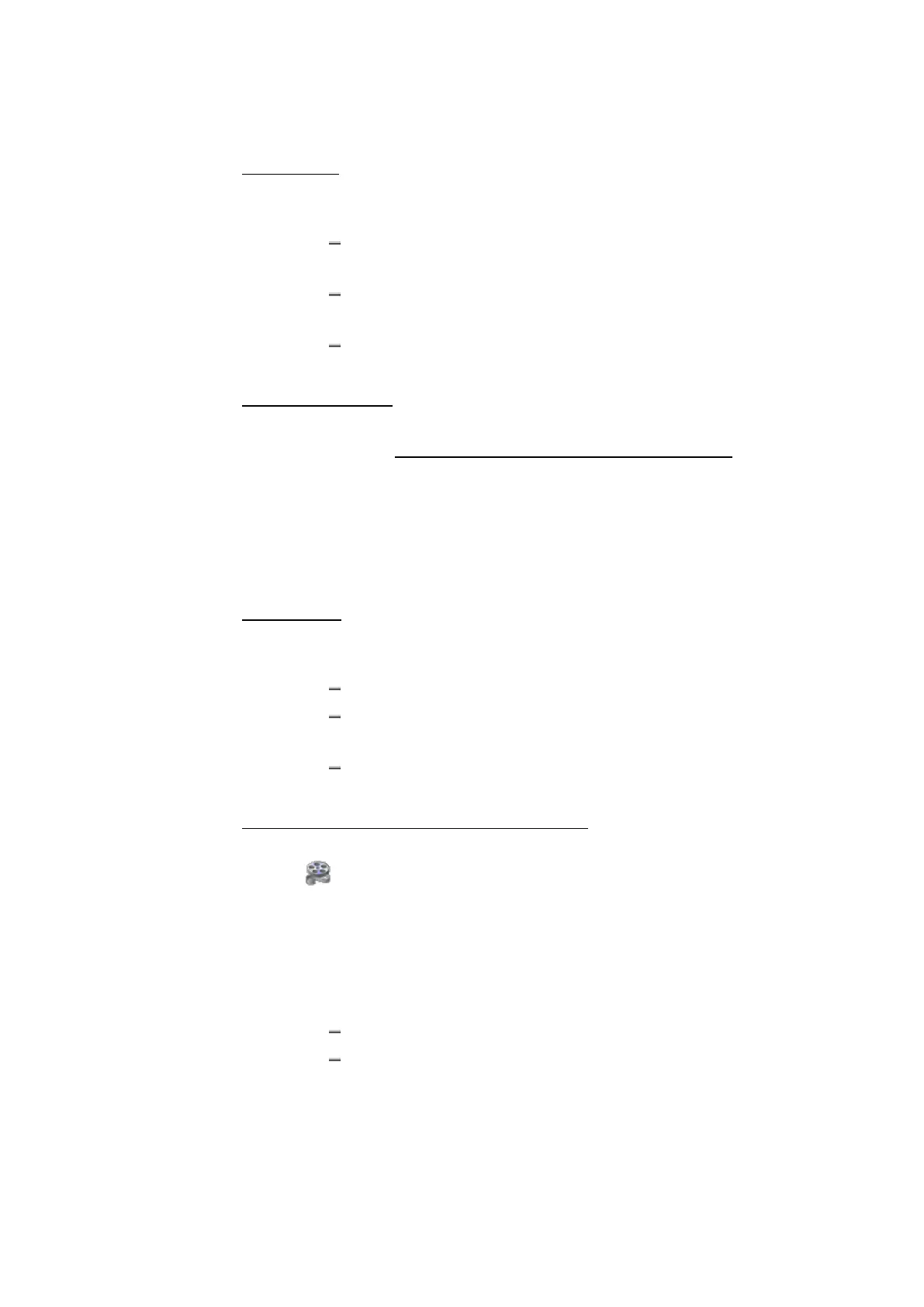
ETAS 5 Instruments
To scroll axes
1. Bring the focus to the axis that you want to scroll.
2. Do one of the following:
Use the mouse wheel or the left mouse button to scroll the
measurement scale up and down.
Alternatively, click the strip and drag the measurement scale of
all axes up and down.
Use the keyboard and press ARROW UP or ARROW DOWN to scroll
the measurement scale up and down.
To scroll the time axis
To quickly navigate to a specific timestamp, you can use the time slider. For
more information, see "Time Navigation and Synchronization" on page111.
Alternatively, you can scroll by using the keyboard:
1. To move left, press the PAGE UP key.
2. To move right, press the PAGE DOWN key.
3. To navigate to the start of the time range, press the HOME key.
4. To navigate to the end of the time range, press the END key.
To zoom axes
1. Hover the cursor over the axis that you want to zoom.
2. Do one of the following:
Press CTRL and use the mouse wheel to zoom out or in.
Press CTRL and the left mouse button. To zoom out or in, move
the cursor up or down.
Use the keyboard and press CTRL+ARROW UP or CTRL+ARROW
DOWN to zoom in or out.
To adjust the axis range or set a favorite axis range
To see how you can modify in an oscilloscope signal and axes settings, watch
our video Instruments - Oscilloscope Axes.
In analog strips, you can define the value range. In Boolean strips, the value
range of the axes is fixed (from 0 - 1) and cannot be changed.
1. Click the tab Axes in the Properties window.
2. To define the minimum and the maximum value of an axis, do one
of the following:
For analog signals, enter the desired values in the input fields.
For discrete signals, select the values from the drop-down
menu.
MDA V8.5 - User Guide 86


 To Next Page