Manual Control 231
Encoder Buttons
Note:
The encoder buttons are used with the encoders for shutter control. These
buttons do not work with the shutter graphic control.
The following buttons are available for shutter control:
Angle Home - sets the angle of all of the shutters to their home position.
Thrust Home - sets the thrust (how far in or out of the beam the shutter travels) of all of
the shutters to their home position.
Pair AC - pairs the A and C shutters together so they move together.
Pair BD - pairs the B and D shutters together so they move together.
Pair All - pairs all of the shutters so they move together.
InverseAC - pairs the A and C shutters so they move in the opposite directions from
each other.
Exceed Limits - ignores the limits angle and thrust place on each other, prioritizing
whichever parameter is adjusted, regardless of the impact on the other.
Inverse BD - pairs the B and D shutters so they move in the opposite directions from each
other.
A>D - sets the encoders to use the custom encoder pages for the shutters. Thrust for all
of the shutters is on one page, Angle for all is on another page.
Color Control
Depending upon the specific device, color can be established manually with the encoders
using:
CMY color-mixing
Hue and saturation color mixing
RGB color-mixing
Selection from a color wheel or scroller
CIEcolor picker tool
You may also specify color by using the full color picker on [Tab] [2] [7]. See
Using the Color
Picker (on the next page)
for more information.
It is also possible to set non-intensity parameter data with direct entry using the control
keypad and using the parameters on the CIA.
[1] [At] [4] <0> {Cyan} [5] [5] [Enter]
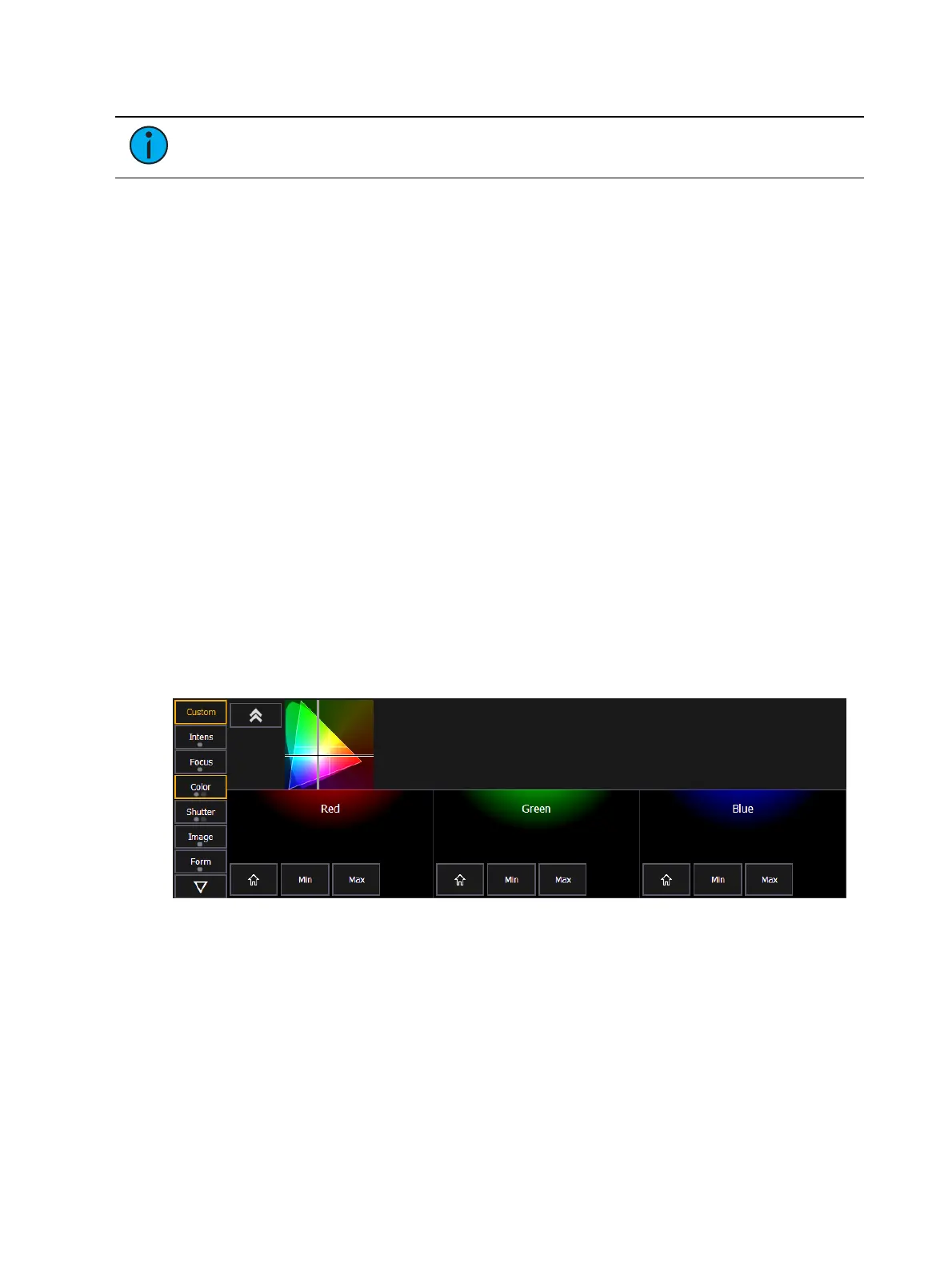
The first page of the color encoder will provide some scroller control, such as frame selection,
on the top encoder. The next three encoders will control HS, CMY, or RGB color mixing. There
will be buttons on the first page for switching between HS, CMY, and RGB. The HS controls
will include buttons for {Home}, {Min}, and {Max}. The CMY and RGB controls include buttons
for {Home} and {Max} for each of the parameters. No {Min} button will be displayed.



 To Next Page