Source 4WRD Installation and User Manual 13
Configure the fixture
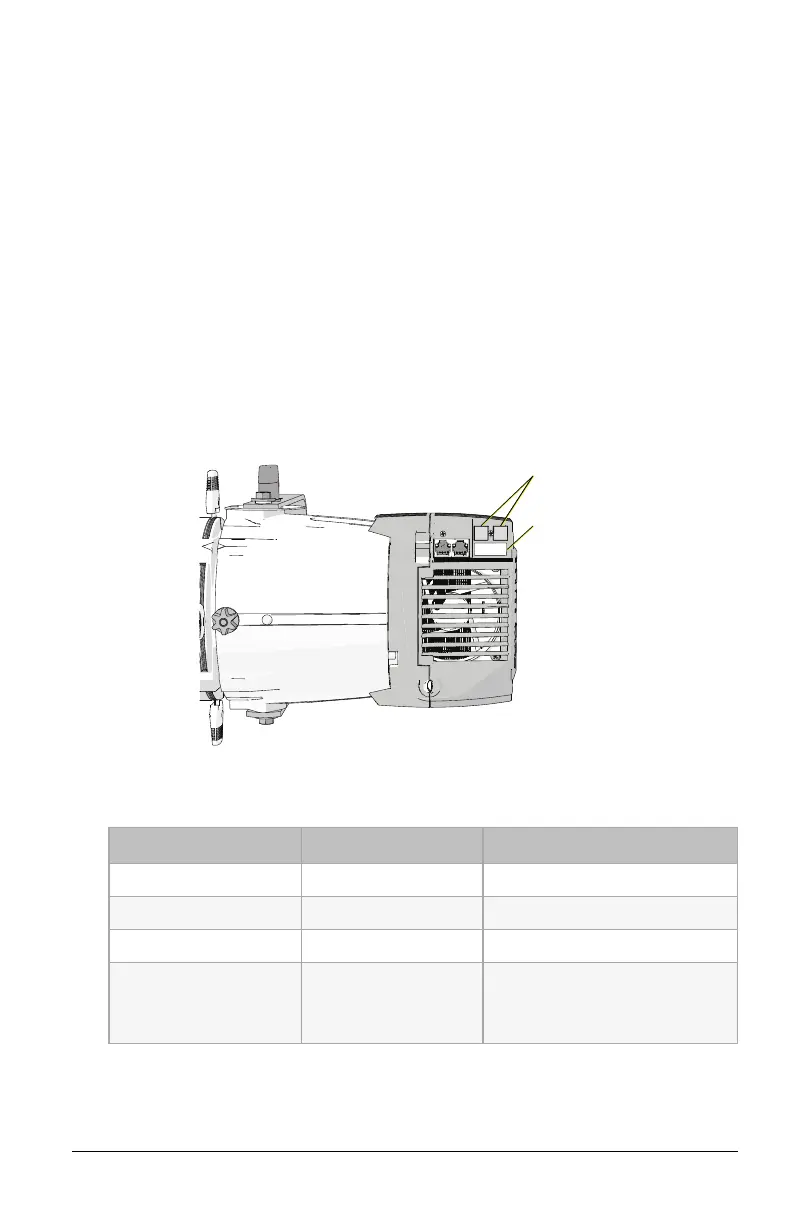
The two-button, seven-segment display shows the DMXaddress,
ACmode, or the manually-set level. Use the up and down navigation
buttons to configure the fixture.
Set a DMX address: Use the up and down arrows to navigate to
the desired DMX address number (1–512).
Set the fixture to use line-dimming (ACmode): Use the down
arrow to navigate one number below DMX address 1. The
display will read AC.
Manually set a level: Use the down arrow to navigate one
number below A C . The display will read L.FL (Level = Full).
Usethe down arrow to decrease the level to a percentage of full
(L . 9 9 = 99%, L . 9 8 = 98%, etc.). You can set levels from 0%–
100% (full).
Up and down
navigation buttons
User interface
RDMvalues
Parameter RDMPID Value
Manufacturer ID 0x6574 Electronic Theatre Controls
Model ID 0x0800 ETC Source 4WRD (120V)
DMX Start Address 0x00F0 Range = 1–512
Personality ID 0x00E0
1 = DMX
2 = ACDimming
3 = Local Control













 To Next Page