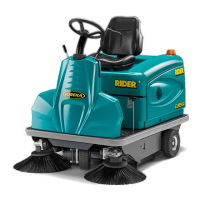
MAIN FUNCTIONS AND CONTROLS
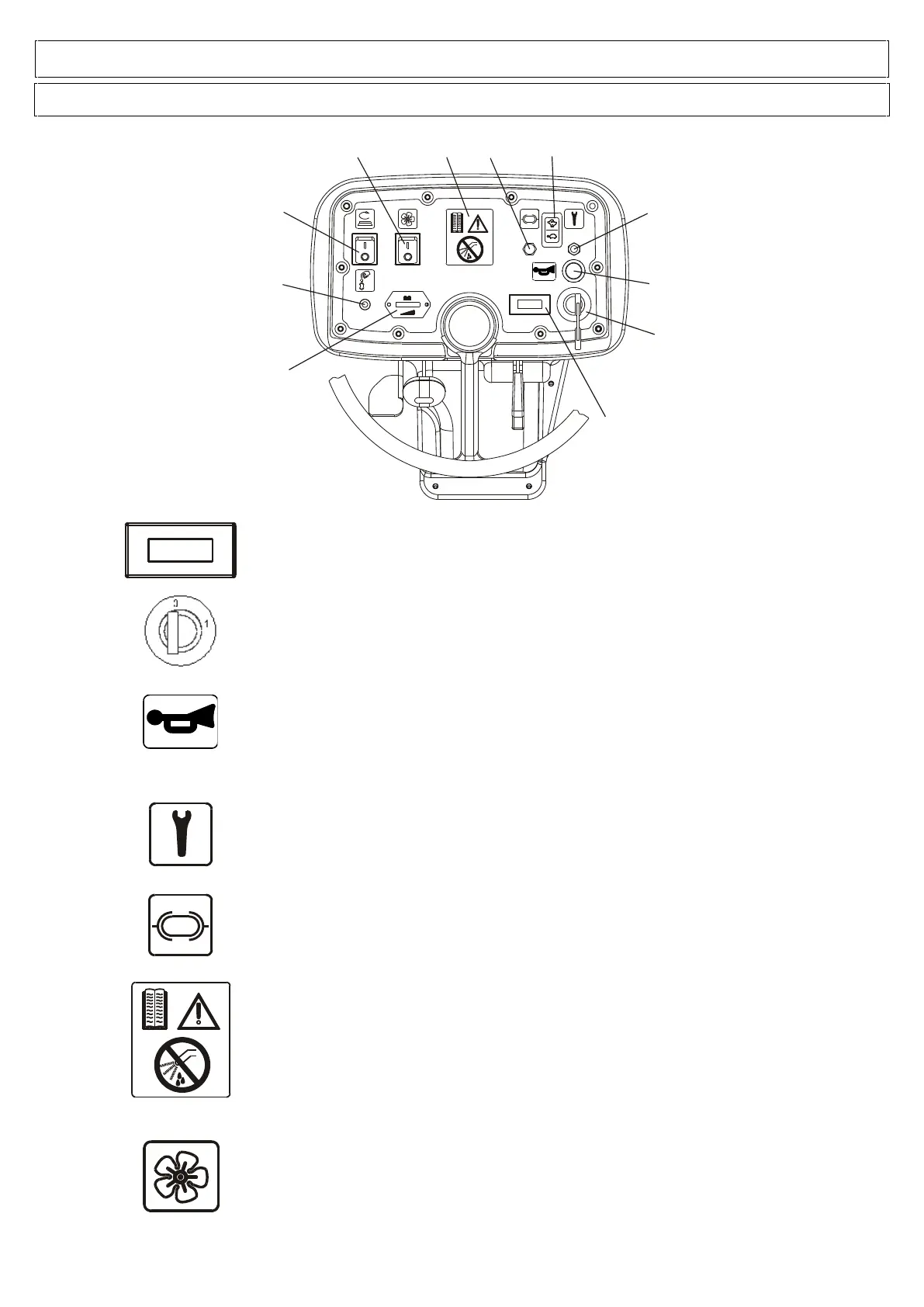
KEY-OPERATED SWITCH
Turn it clockwise (position 1) to turn on the machine.
WARNING: After turning off the machine by the key, wait until 3 -4 seconds
before starting it again
HORN SWITCH
Press this button to emit the sound.
RED LIGHT: DRIVE ALARM
Indicates any faults in the drive board of the drive motor.
The red indicator light is off during normal operation. The light will start flashing to
indicate a fault in the drive system.
The number of flashes indicates the type of fault (consult the troubleshooting table).
CONTROL PANEL INSTRUMENT PROTECTION FUSE
5A glass fuse used to protect the instruments mounted on the control panel.
WARNING SYMBOLS
The symbol on the left always recommends using the instruction manual to find any
information on the machine, whereas the symbol on the lower part of the machine
warns the operator not to get the control panels wet as the electrical parts could get
damaged.
VACUUM BUTTON
Push the switch to position 1 to turn on the vacuum.
Push the switch to position 0 to turn off the vacuum.
The vacuum function could deactivate automatically if the solution tank is too full. The
machine is equipped with a float that turns off the vacuum when the tank reaches its
maximum level.



 To Next Page