APOLLO user manual
Issue G
32
Connector Function See …
J18 USB ports 3 to 4. Page 45
.
J19 IEEE1394 port 1. Page 45.
J20 CompactFlash
®
socket. Page 46.
J21 184-pin DDR SDRAM DIMM Socket. N/A
J22A, J22B Serial ports 3 to 4. Page 47
.
J23 Primary IDE. Page 48
.
J24 Front panel interface. Page 49
.
J25 RS485/RS422 port Page 49
.
J26 IrDA connector. Page 50
.
J27 Slimline floppy drive interface. Page 50
.
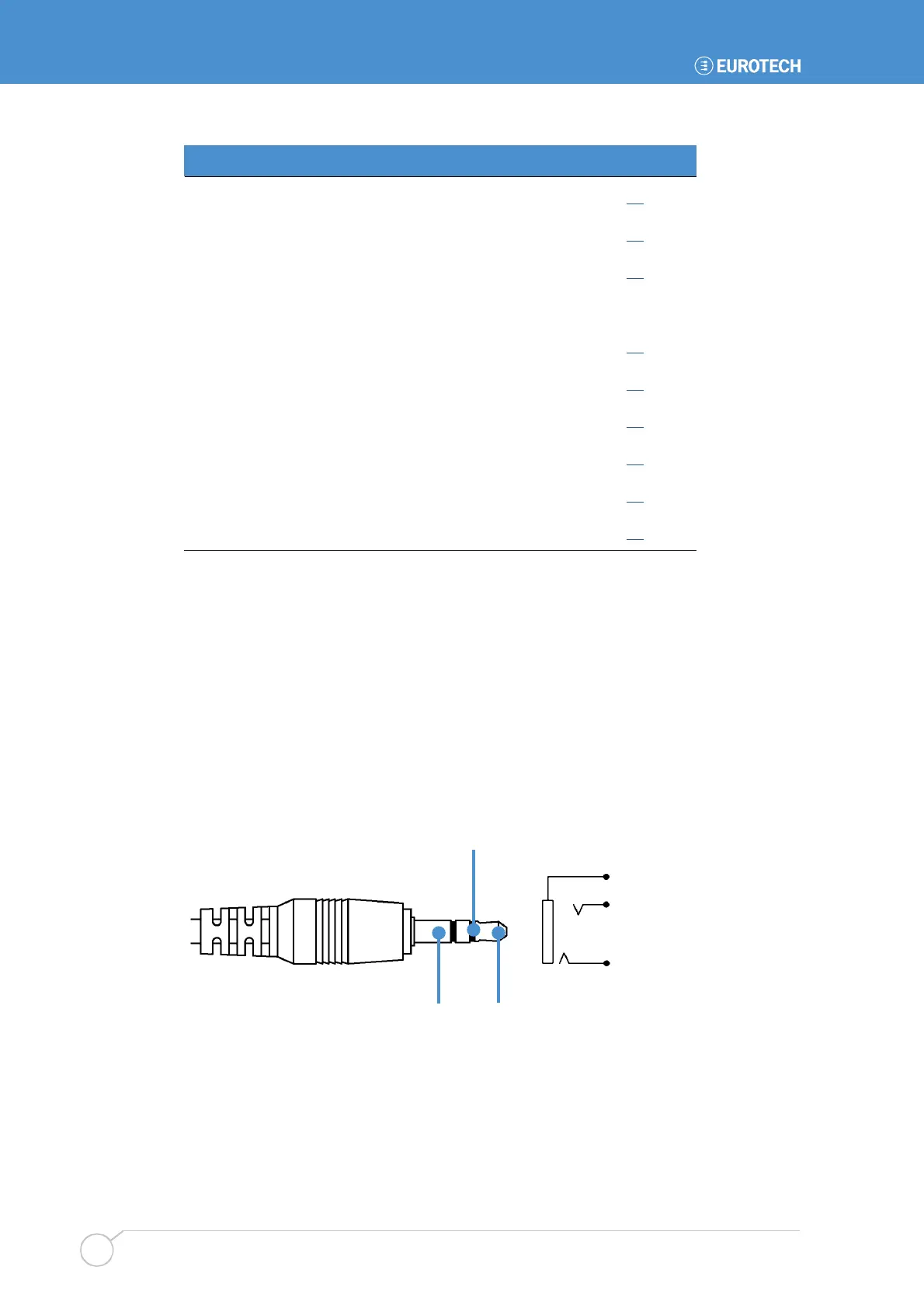
J1, J2, J3 – Audio connectors
3.5mm stereo audio jacks are used for audio connection. The audio codec can operate in
either of the following modes:
• 2.0 mode, which allows for microphone in, line in and line out operation.
• 5.1 mode, which provides six-channel surround sound output. The microphone input
and line in are not available during six channel mode.
Selection of 2.0 or 5.1 mode is made using software.
The audio connectors are illustrated in the following diagram:
Ring
Sleeve Tip
The pin settings for each connector are described in the following tables:
Tip
Ring
Sleeve



 To Next Page