EasyManua.ls Logo

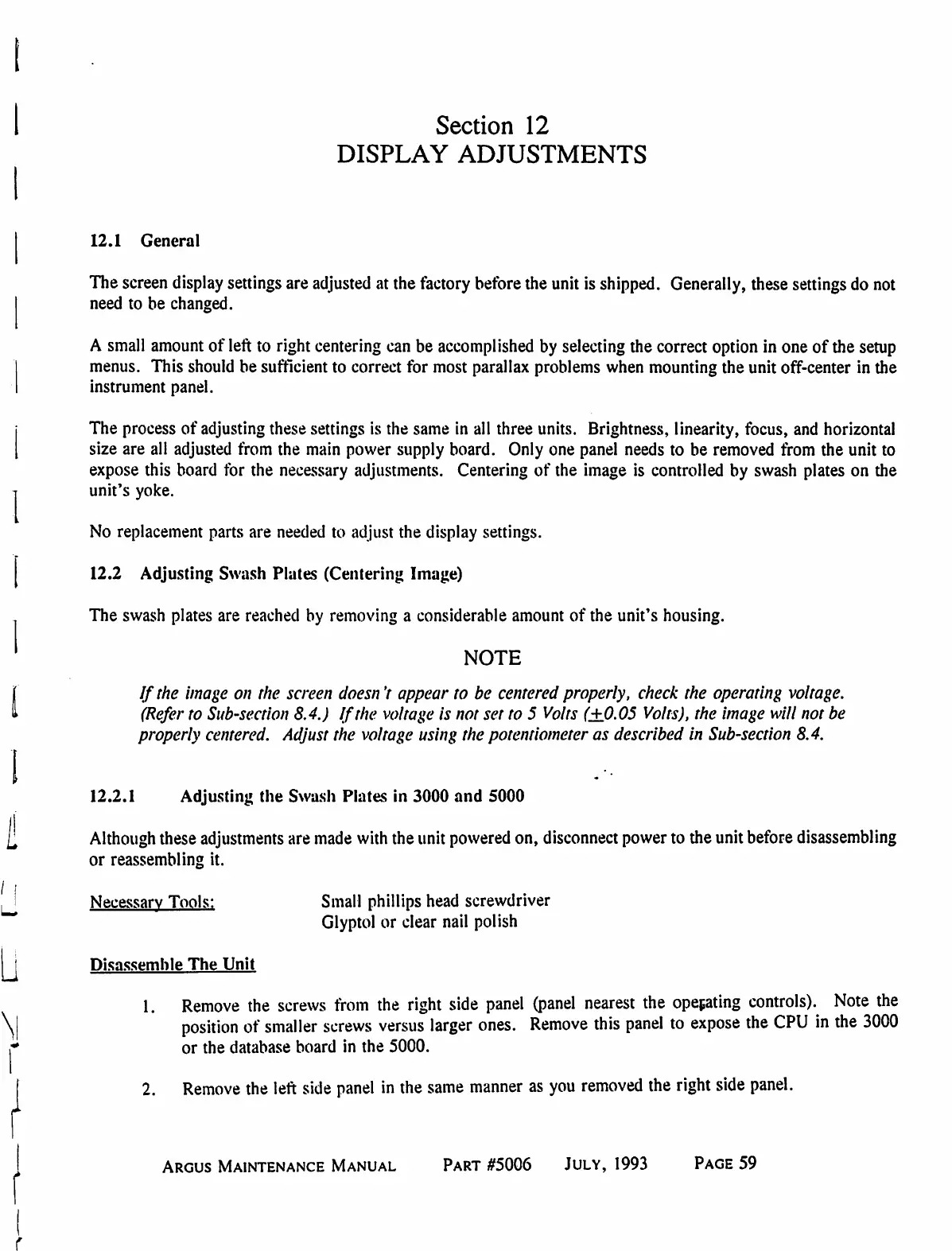
Eventide ARGUS 3000 - Section 12 DISPLAY ADJUSTMENTS; General; Adjusting the Swash Plates (Centering Image); Adjusting the Swash Plates in 3000 and 5000

Eventide ARGUS 3000
68 pages
Print Icon
To Next Page IconTo Next Page
To Previous Page IconTo Previous Page
Loading...
Section
12
DISPLAY
ADJUSTMENTS
12.1
General
The
screen
display
settings
are
adjusted
at
the
factory
before
the
unit
is
shipped.
Generally,
these
settings
do
not
need
to
be
changed.
A
small
amount
of
left
to
right
centering
can
be
accomplished
by
selecting
the
correct
option
in
one
of
the
setup
menus.
This
should
be
sufficient
to
correct
for
most
parallax
problems
when
mounting
the
unit
off-center
in
the
instrument
panel.
The
process
of
adjusting
these
settings
is
the
same
in
all
three
units.
Brightness,
linearity,
focus,
and
horizontal
size
are
all
adjusted
from
the
main
power
supply
board.
Only
one
panel
needs
to
be
removed
from
the
unit
to
expose
this
board
for
the
necessary
adjustments.
Centering
of
the
image
is
controlled
by
swash
plates
on
the
unit's
yoke.
No
replacement
parts
are
needed
to
adjust
the
display
settings.
12.2
Adjusting
Swash
Plates
(Centering
Image)
The
swash
plates
are
reached
by
removing
a
considerable
amount
of
the
unit's
housing.
NOTE
If
the
image
on
the
screen
doesn't
appear
to
be
centered
properly,
check
the
operating
voltage.
(Refer
to
Sub-section
8.4.)
If
the
voltage
is
not
set
to
5
Volts
(±0.05
Volts),
the
image
will
not
be
properly
centered.
Adjust
the
voltage
using
the
potentiometer
as
described
in
Sub-section
8.4.
12.2.1
Adjusting
the
Swash
Plates
in
3000
and
5000
Although
these
adjustments
are
made
with
the
unit
powered
on,
disconnect
power
to
the
unit
before
disassembling
or
reassembling
it.
•o
Necessary
Tools:
Small
phillips
head
screwdriver
Glyptol
or
clear
nail
polish
Disassemble
The
Unit
1.
Remove
the
screws
from
the
right
side
panel
(panel
nearest
the
operating
controls).
Note
the
position
of
smaller
screws
versus
larger
ones.
Remove
this
panel
to
expose
the
CPU
in
the
3000
or
the
database
board
in
the
5000.
2.
Remove
the
left
side
panel
in
the
same
manner
as
you
removed
the
right
side
panel.
Argus
Maintenance
Manual
Part
#5006
July,
1993
Page
59

Table of Contents

Related product manuals