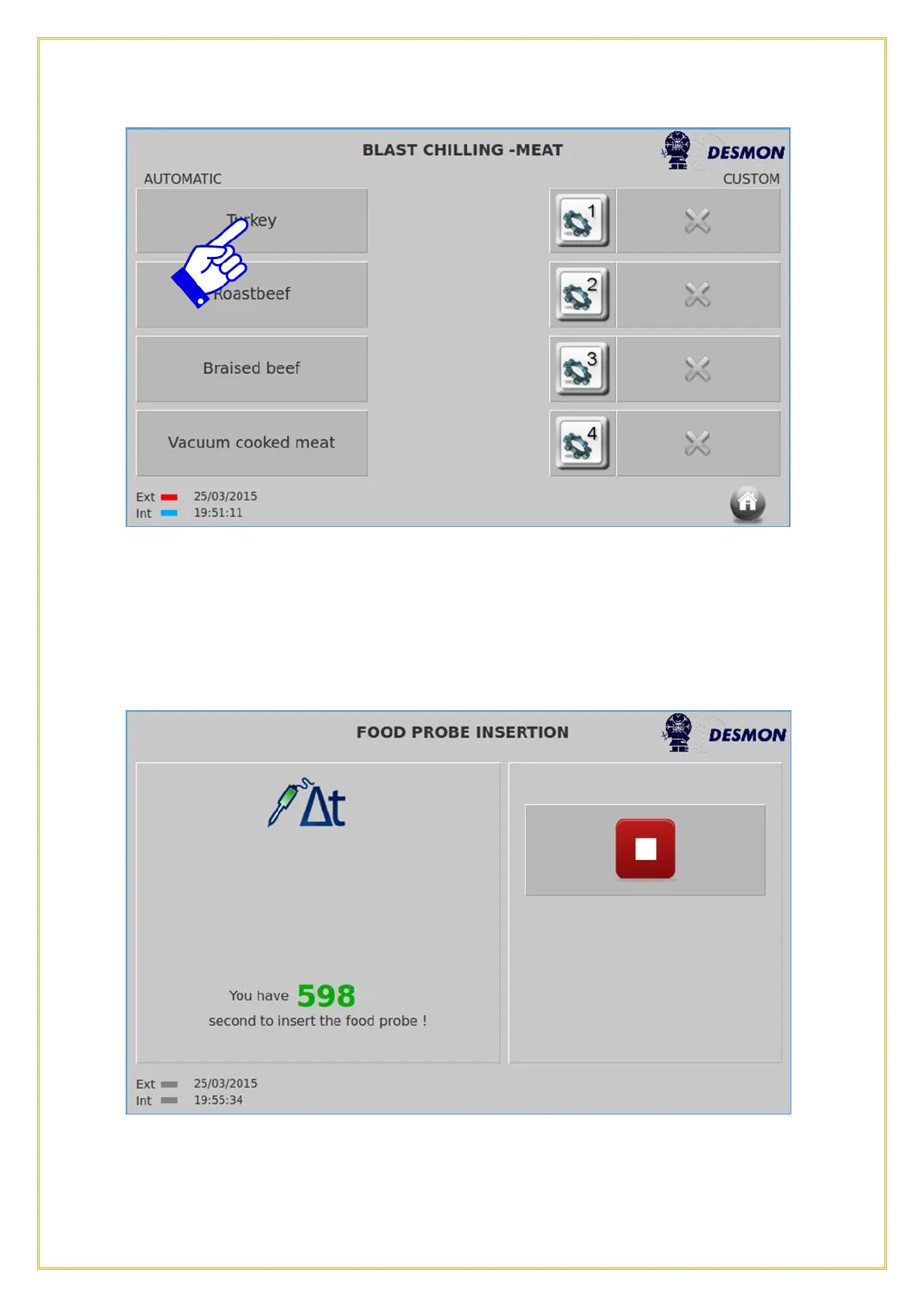
Each recipe has 4 different categories to suit different types of proteins. These pre-
programmed categories are set up for different proteins, such as fatty, lean, roast or thin
cut. Once a product is selected the cycle will start immediately after pressing the specific
category (left side of the screen, one out of the 4 tabs). Once the tab is pressed, the
following screen will appear.
NOTE: When selecting an automatic recipe, the use of the Product Probe is mandatory.
A timer will count down (600 seconds/10 minutes) until the Product Probe is



 To Next Page