ThermalRite Blast Chiller Easy Touch Screen Manual
Once a tab is pressed, it will turn Blue, allowing you to make a change in the value. If
you enter a value outside of the range, the tab will turn Red. The values for each tab are
listed and the user must select a value in that range. Once all recipe values are set, Time,
Temperature or Product Probe, Fan Speed, Hold Temperature, then press the
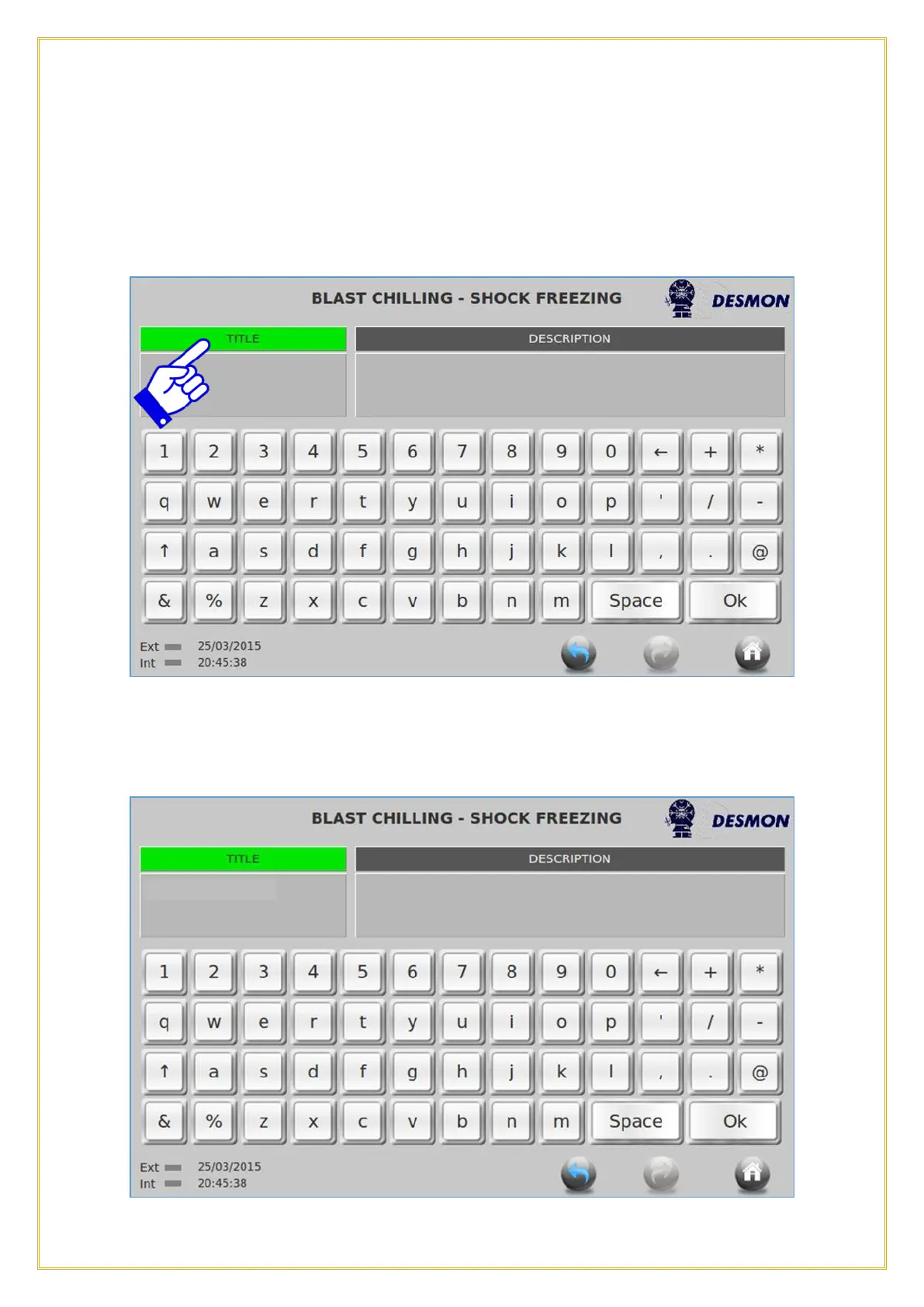
PROGRAM TITLE tab to name the custom recipe.
Once the Title tab is pressed, it will turn Green, allowing you to type in the name of your
custom recipe in the title block.



 To Next Page