HD2014, HD2012, HD2011 Video Passport
TM
1RU Multi-Path Video Converter, Frame Synchronizer and Decoder
Page 5-10 Revision 0.1 FRONT PANEL OPERATION
5.1.2.5. Enabling Closed Captions
The CC Enable control allows the user to enable and disable caption insertion on the converter
outputs. When the Captions control is enabled, any closed captioning will be mapped to line 21 if the
output video is SD, or to the designated HD write line if the output video is HD. When the Captions
control is disabled, no closed captioning is encoded in the output video generated by the converter.
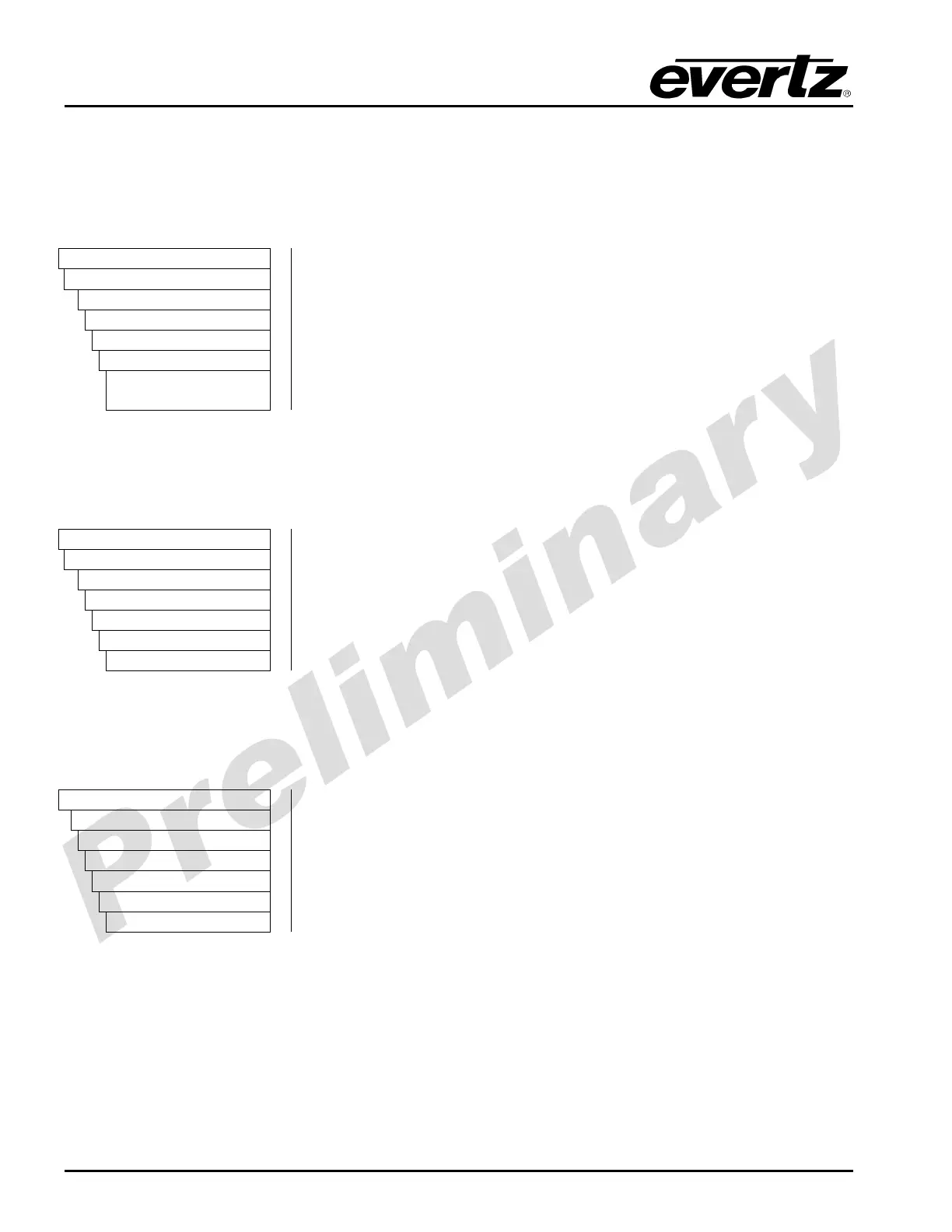
VIDEO
Processing
Converter
Path 1
Caption
ccEnable
Enable
Disable
The CC Enable control allows the user to enable and disable caption
insertion on the converter outputs. When the Captions control is
enabled, any closed captioning will be mapped to line 21 if the output
video is SD, or to the designated HD write line if the output video is HD.
When the Captions control is disabled, no closed captioning is
encoded in the output video generated by the converter. make
5.1.2.6. Setting the HD Write Line
The HD Write Line control will set the HD line where the HD VANC captions are inserted on the output
HD video as per SMPTE 334M.
VIDEO
Processing
Converter
Path 1
Caption
hdWriteLine
7 to 24
To set the HD Write Line control, enter a value between 7 and 24 into
the HD write line field.
5.1.2.7. Setting the CC Timeout
The CC Timeout control sets the duration used to determine whether captions are present in the input
video signal.
VIDEO
Processing
Converter
Path 1 to 4
Caption
ccTimeout
0 to 600
The CC Timeout control sets the duration used to determine whether
captions are present in the input video signal. Units are frames.



 To Next Page