HD2014, HD2012, HD2011 Video Passport
TM
1RU Multi-Path Video Converter, Frame Synchronizer and Decoder
Page 5-18 Revision 0.1 FRONT PANEL OPERATION
5.1.2.26. Setting the Saturation Gain Level
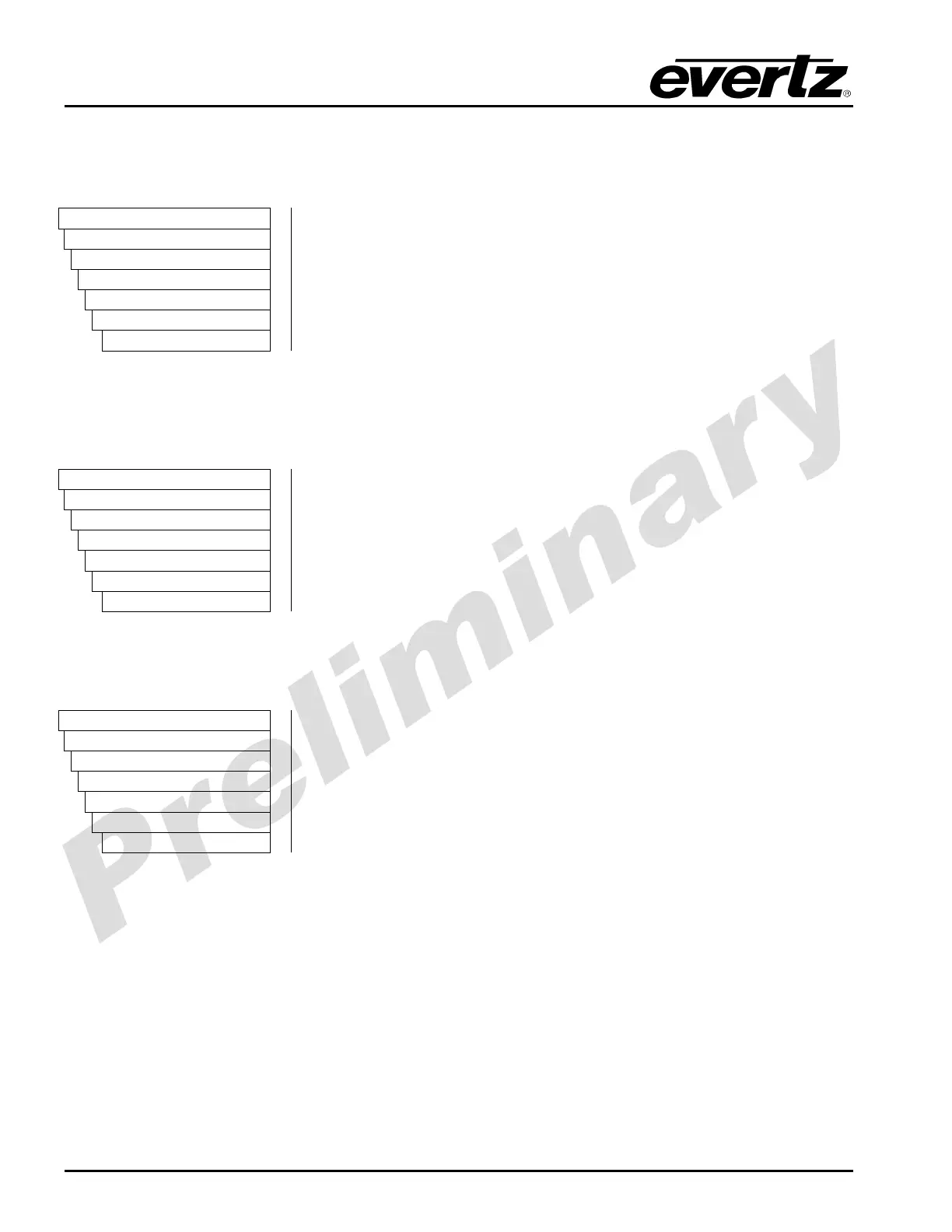
With the Saturation Gain control, the user can adjust the saturation of the video signal passing through
the conversion engine with a range of -50% to 100%.
VIDEO
Processing
Converter
Path 1 to 4
Proc
saturationGain
%
With the SATURATION control, the user can adjust the saturation of
the video with a -50% to 100% range in 0.1 degree increments. To set
the saturation, enter a value -50% to 100%. On the HD201x front
panel the selected value is shown in both percentage (range -50% to
100%) and a numerical value (-500 to +1000)
5.1.2.27. Setting the Video Gain Level
With the Video Gain control, the user can adjust the video gain of the video signal passing through the
conversion path.
VIDEO
Processing
Converter
Path 1 to 4
Proc
videoGain
-10% to 10%
With the VIDEO GAIN control, the user can adjust the overall gain of
the video with a -50% to 100% range in 0.1 degree increments. To set
the video gain, enter a value -50% to 100%. On the HD201x front
panel the selected value is show in both percentage (range -50% to
100%) and a numerical value (-500 to +1000)
5.1.2.28. Resetting the Video Processing Parameters
The Video Proc Reset control allows the user to rest the video proc controls to their nominal settings.
VIDEO
Processing
Converter
Path 1
Proc
videoProcReset
Force
When force is selected, the video proc parameters will be reset to their
nominal settings.



 To Next Page